In this lesson i will show you how to configure AWS command line, and how to start working with your AWS account thru command line with very simple and basic steps :-




- First of i will assume that you don’t have any user or group in your AWS console
- from the AWS Console :-
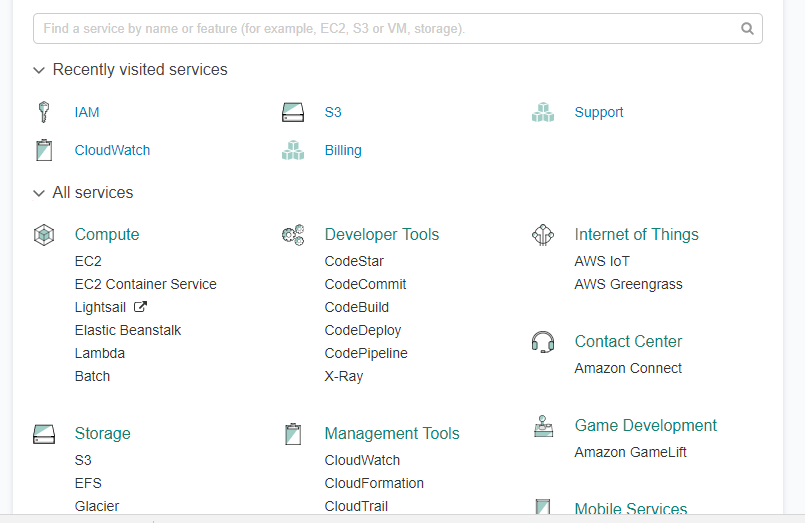
- From IAM ( Identity access management ) Choose Group Create Group with permission Administrator access and then hit create.

- create user and add that user to the group in my case the group name shown above, save the secret key and access ID as CSV.

- Now from this link here, Download AWS Command Line Interface depend on your operating system and open cmd , terminal … etc.
- Now from Dos enter AWS configure and fill the information like the below:-

- Open the command line and test if it’s connected to AWS now.

You can learn more about the command line from AWS documentation , if you recive the following error
“Could not connect to the endpoint URL: “https://s3.london.amazonaws.com/”
Then make sure you are on the right Region.
Thanks
Osama


Leave a comment