Uploading Agent to windows/Linux needs ssh Port to be open and enabled, ssh not enabled on windows by default and do it Cygwin should be installed.
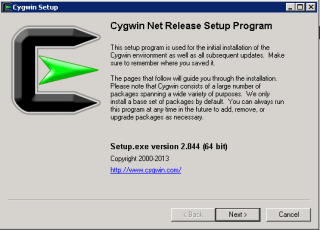
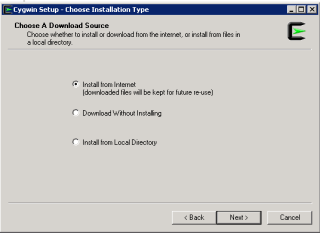
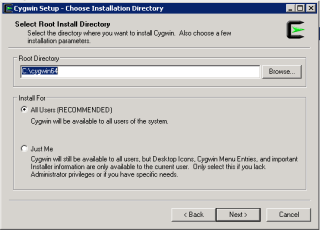
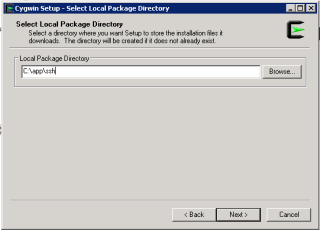
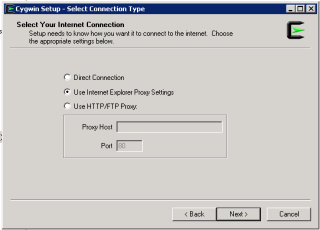
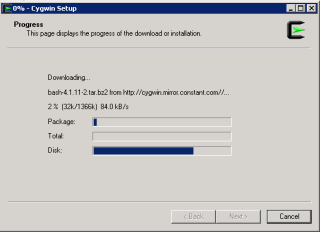
Configure Cygwin so simple, follow the below steps :-
Download Cygwin from Here, Upload File to the windows Server and Run the setup.
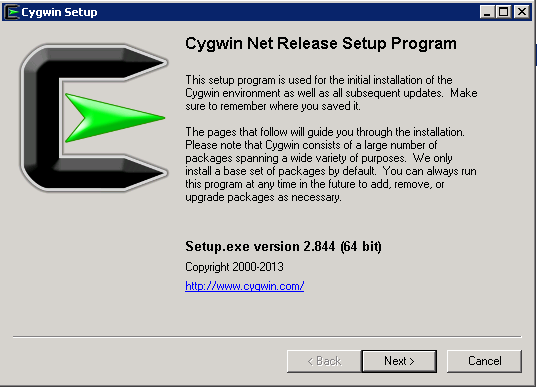
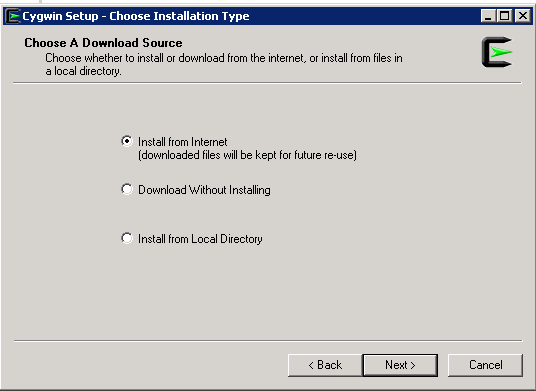
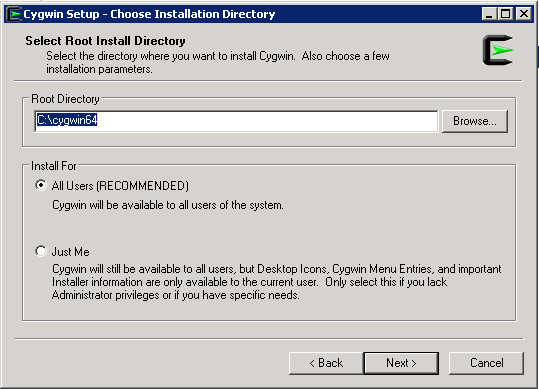
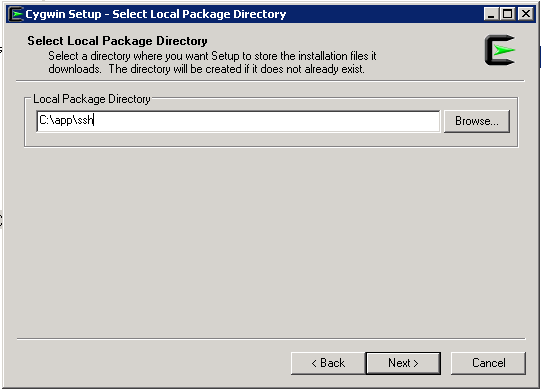
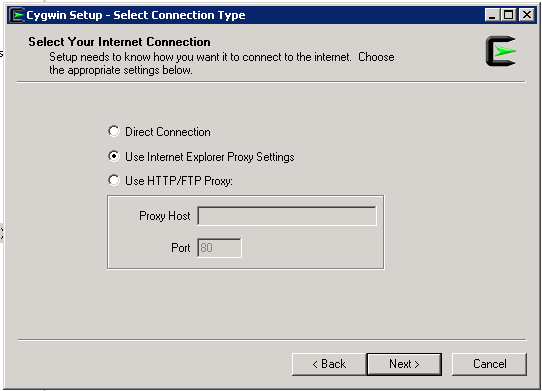
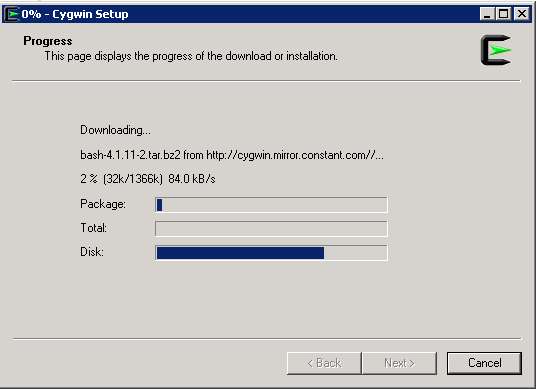
SSH Package should be chosen while installation.
After Installation Run cygwin terminal as Administration ( Right click on the icon and Choose the option )
Now Enable ssh should be done by run below command :-
/usr/bin/ssh-host-config
Should privilege separation be used? (yes/no) yes
new local account ‘sshd’? (yes/no) yes
Do you want to install sshd as a server? Yes
Enter the value of CYGWIN for the daemon: [] (DON’T ENTER ANYTHING, PRESS ENTER)
Do you want to use a different name? (yes/no) no
Create new privileged user account ‘cyg_server’? (yes/no) yes
Please enter the password: ENTER YOUR PASSWORD HERE
Reenter: RE-ENTER YOUR PASSWORD
Using Command Prompt ( cmd )
Start ssh by –> net start sshd
Stop ssh by –> net stop sshd
Another way posted by my friend Maaz you can check it here.
Thank you
Osama Mustafa
 Technology Geek