CRS-5013 RAC 12c

When starting Oracle RAC 12c the following error appears :-

[root@—— bin]# ./crsctl check cluster
CRS-4535: Cannot communicate with Cluster Ready Services
CRS-4530: Communications failure contacting Cluster Synchronization Services daemon
CRS-4534: Cannot communicate with Event Manager

CRS-5013: Agent “ORAROOTAGENT” failed to start process “/grid/app/12.1.0.2/bin/osysmond” for action “start”: details at “(:CLSN00008:)” in “/grid/app/oracle/diag/crs/……/crs/trace/ohasd_orarootagent_root.trc”

The cause :- DB Node was reboot.

To solve this issue :-

CRS-2672: Attempting to start ‘ora.crf’ on CRS-2674: Start of ‘ora.crf’ on failed CRS-2679: Attempting to clean ‘ora.crf’ on (Doc ID 1902447.1)

Thanks
Osama
oracle.security.jps.wls.listeners.JpsApplicationLifecycleListener’ Class not Found

Aug 24, 2016 2:23:57 PM weblogic.nodemanager.server.AbstractServerManager log
INFO: Server output log file is ‘/u01/Oracle/Middleware/domains/mserver/STAGEDQ/servers/EDQ_INS1_SIPEDQ1/logs/EDQ_INS1_SIPEDQ1.out’

java.io.IOException: Server failed to start up. See server output log for more details.
        at weblogic.nodemanager.server.AbstractServerManager.start(AbstractServerManager.java:196)
        at weblogic.nodemanager.server.ServerManager.start(ServerManager.java:23)
        at weblogic.nodemanager.server.Handler.handleStart(Handler.java:609)
        at weblogic.nodemanager.server.Handler.handleCommand(Handler.java:121)
        at weblogic.nodemanager.server.Handler.run(Handler.java:71)
        at java.lang.Thread.run(Thread.java:745)
Aug 24, 2016 2:26:00 PM weblogic.nodemanager.server.Handler handleStart
WARNING: Exception while starting server ‘EDQ_INS1_SIPEDQ1’
java.io.IOException: Server failed to start up. See server output log for more details.
        at weblogic.nodemanager.server.AbstractServerManager.start(AbstractServerManager.java:196)
        at weblogic.nodemanager.server.ServerManager.start(ServerManager.java:23)
        at weblogic.nodemanager.server.Handler.handleStart(Handler.java:609)
        at weblogic.nodemanager.server.Handler.handleCommand(Handler.java:121)
        at weblogic.nodemanager.server.Handler.run(Handler.java:71)
        at java.lang.Thread.run(Thread.java:745)

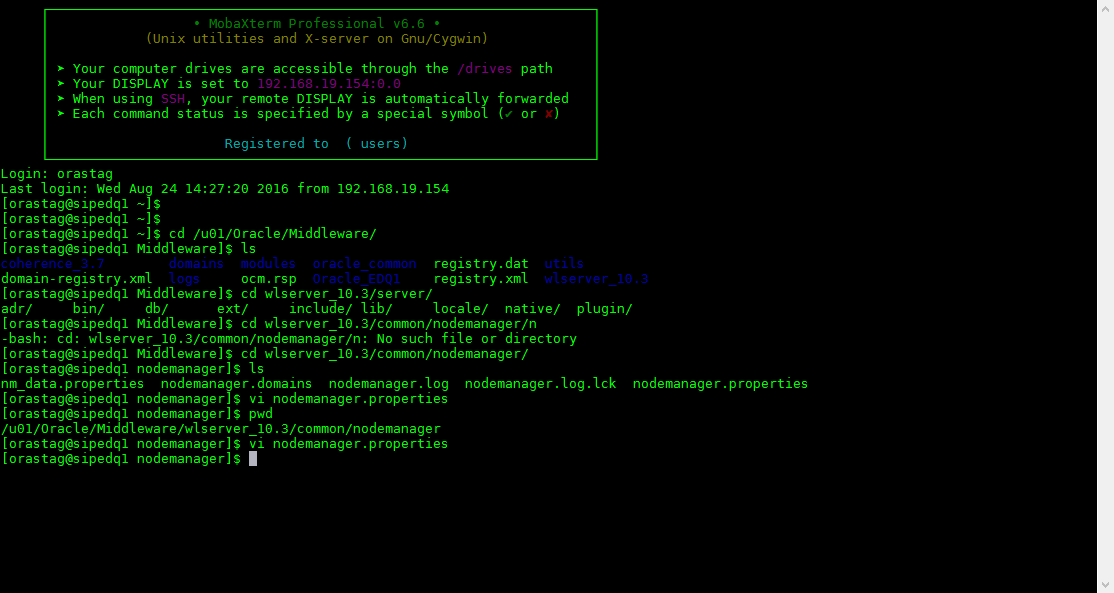
The above is EDQ Cluster Error, Fresh installation after searching inside the logs i found the following :-

‘oracle.security.jps.wls.listeners.JpsApplicationLifecycleListener’ Class not Found

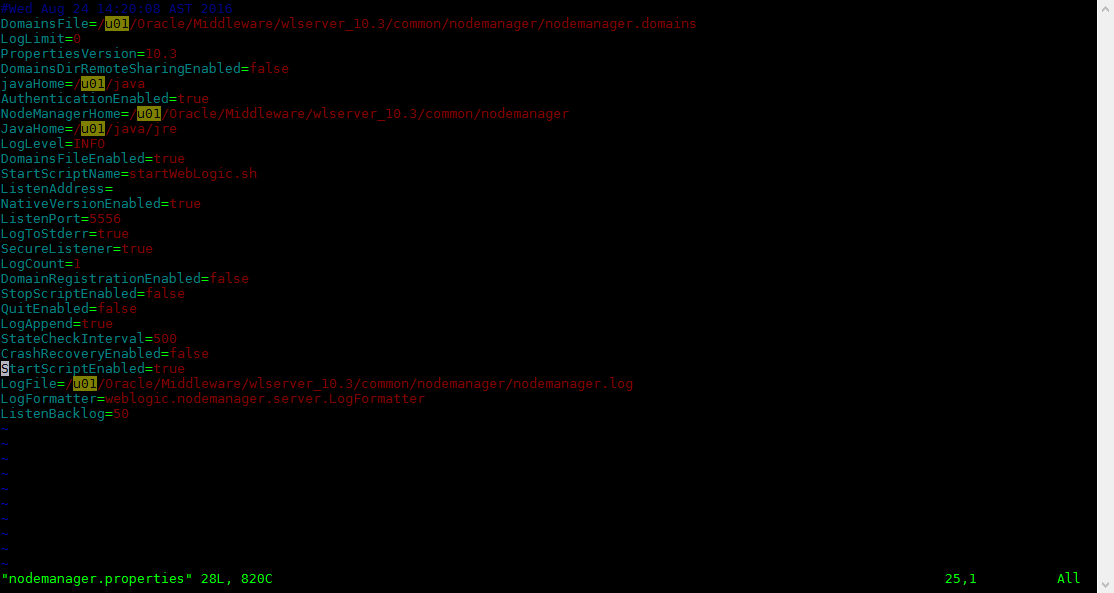
This is simply happened because StartScriptEnabled property in nodemanager.properties file was set to ‘false’. therefore must set to true

Apply Weblogic Patch Offline mode

  1. Shutdown all the services for weblogic.
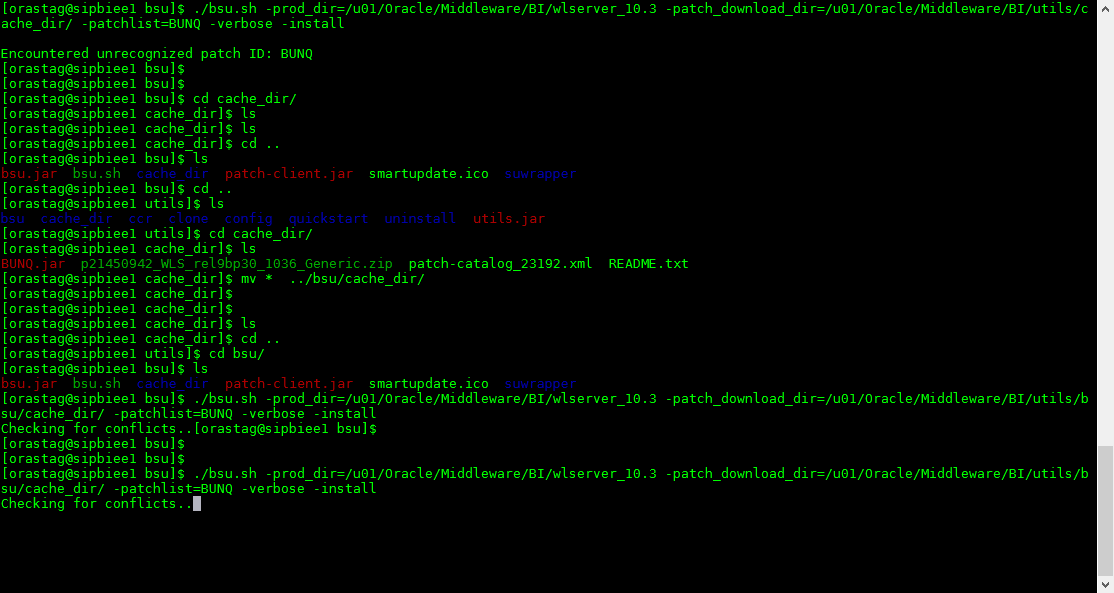
  2. unzip the patch under $MW_HOME/utils/bsu/cache_dir
  3. run the following command :-

./bsu.sh -prod_dir=$weblogic_home  -patch_download_dir=Patch_location -patchlist=patch_id -verbose -install

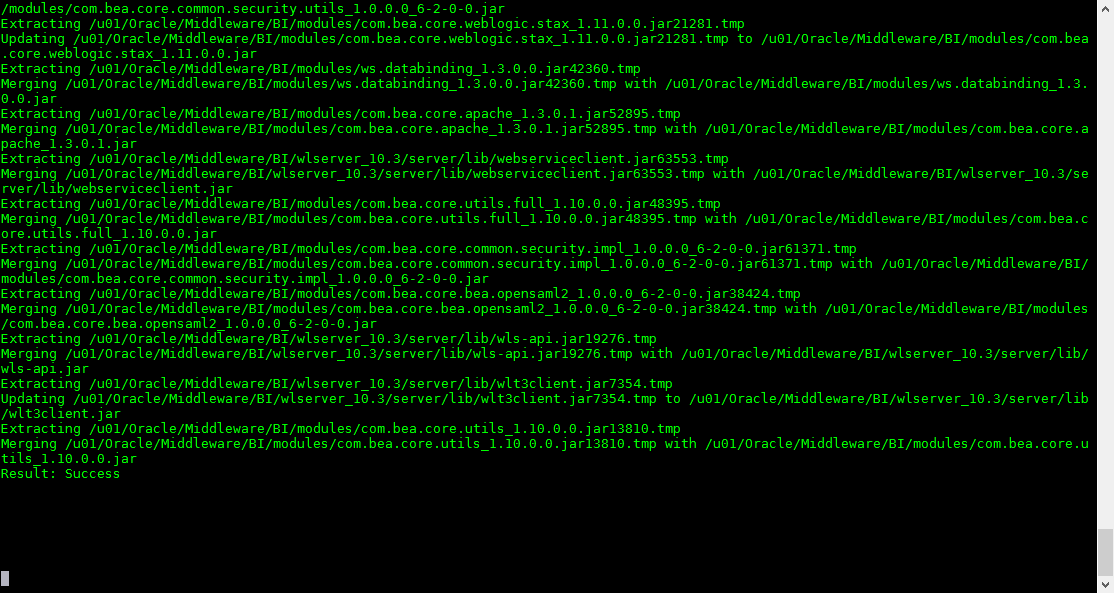
The final Result 

Or you can apply the weblogic patch using smart update

Thanks
Osama Mustafa

OTN TOUR : LATIN AMERICA 2016

Thank you for Oracle ACE Program  & OTN To join this Tour 2016 it’s was my pleasure  to be a part of it


This is was my first time visiting this side of the world & presenting in Latin America, the tour covered south and north Latin America with different countries starting from Brazil and ending with Colombia, my part was to visit the following country : Brazil , Uruguay , Argentina and finally Mexico city.

Well it was very hard to find flights from Jordan – Amman to Brazil and most of the flight fully booked so i put my name on waiting list like any other else i was expecting that i will cancel any time but Qatar Airlines called me at 9 pm before the flights with 5 hours informing me that there is seat if i want to take it, so my answer was YES.
Went home finish packing and heading to the airport,  3 hours to QATAR and after that 13 hours to Brazil and it’s was my first stop for OTN TOUR , the event started with amazing attendee, the keynote was in Portuguese  which i can’t understand 🙂 , i had two session about fusion middleware on in the morning and the other one afternoon, it’s was amazing meeting new people and the old friends during the event, after the conference we had Speaker dinner.

Next day i had to move to the airport next stop was Uruguay i reach the hotel at midnight tired because of this i slept immediately i woke up at 7 am for the conference, met Deiby and Carlos in the Lobby and we walk together to the university, i had two session as well after the conference we had perfect dinner with all our friends.

I spent one day in Uruguay and did some city tour i have to say it was cold and rainy but nice city, the last stop was Mexico which is very amazing city i love it the conference was amazing, the people everything.

It’s very short description about the tour but better than not mentioning anything.

Thank
Osama

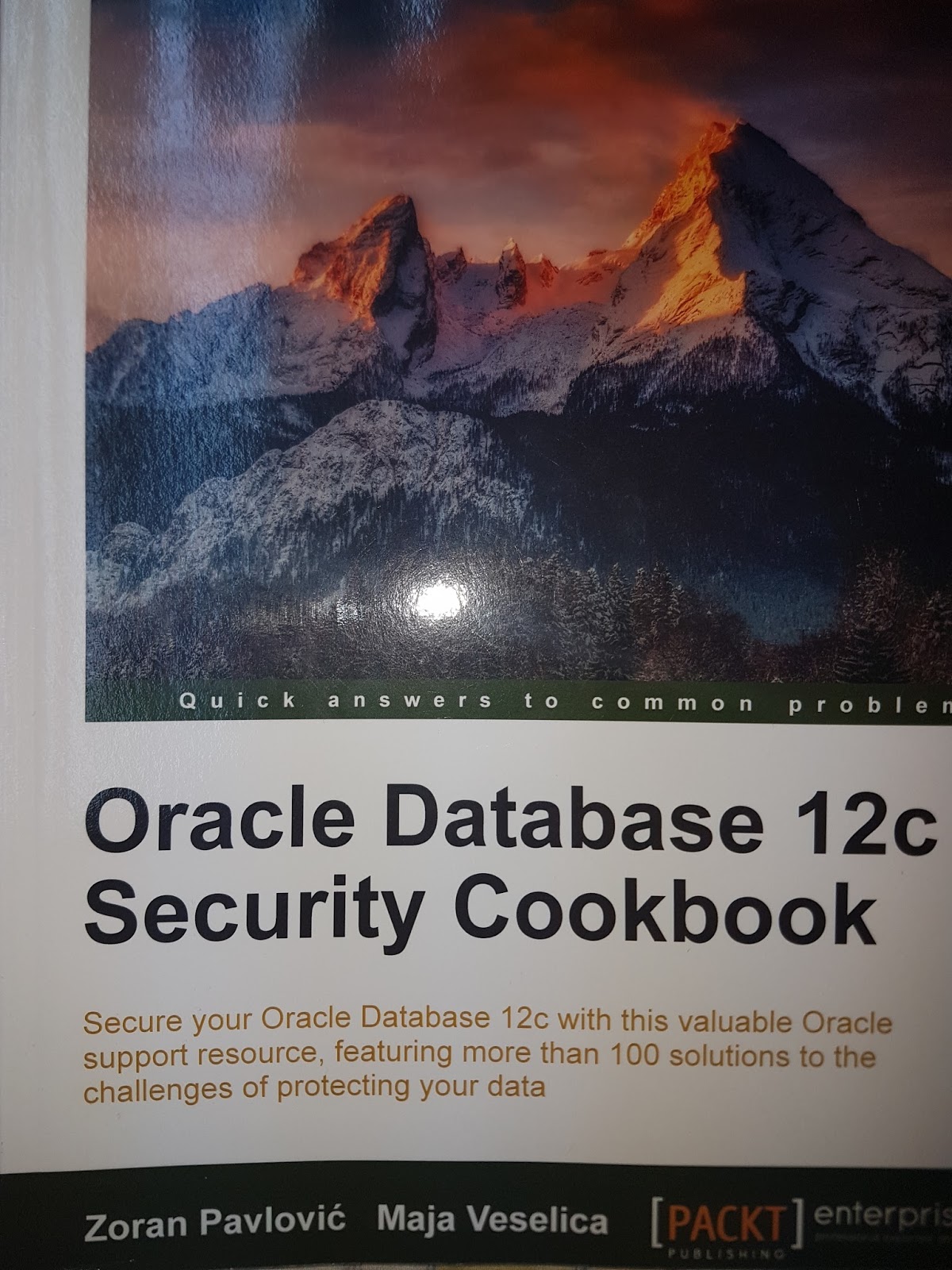
Oracle Database 12c Security Cookbook

If you want to learn about security as  beginners or professional it’s very nice to add this book to your Library.

I was one of the technical reviewer for this book and the topics and table of contents covered everything you will need as DBA or as someone who wants to learn something.

The Book is available online via publisher website, or via amazon 
Special Thanks for my friend Gokhan Atil.
Thanks 
Osama

adstpall.sh: Database connection could not be established. Either the database is down or the APPS credentials supplied are wrong.

trying to startup EBS R12.2. with the following error :-

adstpall.sh: Database connection could not be established. Either the database is down or the APPS credentials supplied are wrong.

to solve this do the following :-

[oracle@tiperp tsterp]$ cd $APPL_TOP
[oracle@tiperp appl]$ pwd
/u01/app/product/tsterp/fs1/EBSapps/appl

after souring the environment try to startup the EBS again. 
Thank you 
Osama

Latest Video Upload Part #1

Recently i was working on some installation and configuration for Fusion and as you see the video uploaded to my channel :-

1- ODI 11.1.1.9 Installation here
2- Oracle Enterprise manager 13c installation here
3- Oracle BI 11.1.1.9 Installation On Linux here
4- Install Oracle BI Apps 11.1.1.10.1 On Linux here

Thank
Osama

EBS R12.2. not able to clone due adlonk.sh

The EBS R12.2 failed due to the below error :-

Ouicli.pl INSTE8_APPLY 255
AutoConfig is exiting with status 1
RC-50013: Fatal: Instantiate driver did not complete successfully.

The Solution :-

The error happened to perl version while trying to execute this, if you check the following :-

which perl
/usr/bin/perl 

to solve this issue :-

export PATH=$ORACLE_HOME/perl/bin:$PATH

Now, run adcfgclone.pl again

Thanks
Osama mustafa