in this post i will show you how to share folder from windows to Linux , you can use smb but in this post i will use it in command line.

Option #1:
SMB
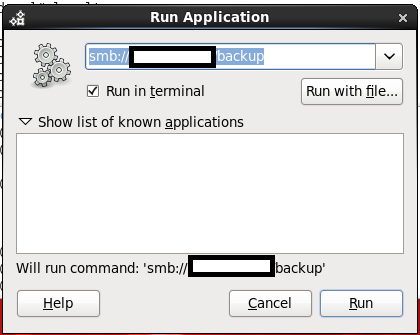
By Press ( ALT+F2 ) the new dialog will be opened just type in the box the below :
smb://windows-server-ip/shared folder
Option #2:
Using command line.
- mkdir /windows-backup
- as root user
- mount -t cifs //windowsip/sharefolder -o username=administrator,password=administratorpassword /windows-backup.
- run df -h to make sure the folder has been mounted.
Note :
If you are using RHEL 4 the above command will not work, check the below
mount -t smbfs -o username=administrator,password=administratorpassword //windowsip/backup /windwos-backup
Thank you
Osama mustafa
Reference :
1- cyberciti Here
 Technology Geek