Import hangs On index level.

Today some customer contact me complaining that they are trying to sync the development with UAT, when i check the issue everything was normal for the first time, but the alert logs indicate that database could complete the checkpoint.

so this what i did to make the import faster ( which i completed it as well ) :-

  • Change database to no archive mode.
  • increase sga_target temporary.
  • use parallel command depend on cpu core.
  • Use commit=N with import parameters.
  • you can exclude indexes by exclude=indexes but i don’t prefer this at all.
  • increase db_cache_size.
This simple steps that could help someone to make import little faster or solve hang issue.
let me know if you need anything 🙂
Cheers
Merry Christmas guys 
Osama

Error : Cannot export Display Linux

There are different tools to do X11 forwarding on Windows one of them Xming it’s small software and very easy to use no need to do any special configuration only run the installation file.

But sometimes you are using this application and try to run the GUI on your desktop or laptop it’s working like you excepted, one simple solution to solve it.

I am using as ssh client Putty, before put the server ip from putty left panel

  • Connection > SSH > X11
  • Check X11 forwarding: [x] Enable X11 forwarding
  • Add to the “X display location” field: localhost:0.0
Cheers
Osama

ORA-01502 index or partition of such index is in unusable state

The following error appeared on application side while trying to deploy the new SRF on the application, as you see from the above error it’s database error and to solve it follow the below steps :-

from database side :-

sqlplus /as sysdba

From the above picture check the index name and put it inside this query :-

select owner,index_name,table_name,status from dba_indexes where index_name=’index_name’;

OWNER    INDEX_NAME    TABLE_NAME    STATUS
—–    ———-    ———-    ——
owner    index_name     table_name    INVALID

alter index ndex_name rebuild;

Try again

Cheers
Osama 

ORA-00845: MEMORY_TARGET not supported on this system

SQL> alter system set memory_max_target=2GB scope=spfile;
System altered.
SQL> alter system set memory_target=2GB scope=spfile;
System altered.

 SQL> startup ;

ORA-00845: MEMORY_TARGET not supported on this system

Check the following Space :-

ECATSTDB oracle: :/home/oracle\>df -h
Filesystem            Size  Used Avail Use% Mounted on
/dev/mapper/Oracle-LogVol00
                       20G  3.3G   15G  18% /
/dev/mapper/Oracle-LogVol02
                       90G   45G   41G  53% /Oracle
/dev/sda1              99M   18M   77M  19% /boot
tmpfs                 3.0G     0  3.0G   0% /dev/shm

Increase the space

mount -t tmpfs shmfs -o size=6144m /dev/shm

now startup the database.

Cheers
Osama

Use "sudo" Command without password Prompt

Sometimes you need to run Linux command without password prompt using sudo command.

to learn more about this command read the link here.

For Example i need to run the following command without password prompt, However there are three sudo commands I want to run without entering password:

  • sudo reboot
  • sudo shutdown -r now
  • sudo shutdown -P now
to do this follow the below steps :-
  • edit the following /etc/sudoers file.
  • you find the following lines depend on the username and hostname for the server.

user host = (root) NOPASSWD: /sbin/shutdown
user host = (root) NOPASSWD: /sbin/reboot

This will allow the user user to run the desired commands on host without entering a password. All other sudoed commands will still require a password.

Notes:

  • Always use the command visudo to edit the sudoers file to make sure you do not lock yourself out of the system for example 

sudo visudo -f /etc/sudoers.d/shutdown

  • Using /etc/sudoers.d instead of modifying /etc/sudoers, you could add the two lines to a new file in /etc/sudoers.d for example  /etc/sudoers.d/shutdown.
  • If you did not use visudo to edit your files and then accidentally messed up /etc/sudoers or messed up a file in /etc/sudoers.d then you will be locked out of sudo.to fix it use command pkexec.
Cheers
Osama Mustafa

My Days As an Oracle ACED : BGOUG

12 – 14 June save the date because it’s Bulgarian Oracle User group Events, this is my first time in Bulgaria and my first time as an oracle ACE director in any events :).

My Trip Planned to be from Jordan to Bulgaria – Sofia  and as usual i need to stop in one of world airport to reach my destinations first which i really hate because it’s wasting of time and tiring me.
my stop was in Frankfurt airport and to be there i had to spent 5-6 hours in the plane to reach there and then wait another 5 hours in the airport and reach Sofia 3 hours in the plane. but lucky me the plane is delayed in Jordan and i waited for 2 hours only :).
I reach Sofia but i was really exhaust and tired from traveling because my trip started early morning and it’s took us 2 hours to reach the hotel from the airport but even with this i have to thanks one of the best organizer i ever seen Milena Gerova She organized everything very well the hotels, the taxi, the appreciation events & sessions.
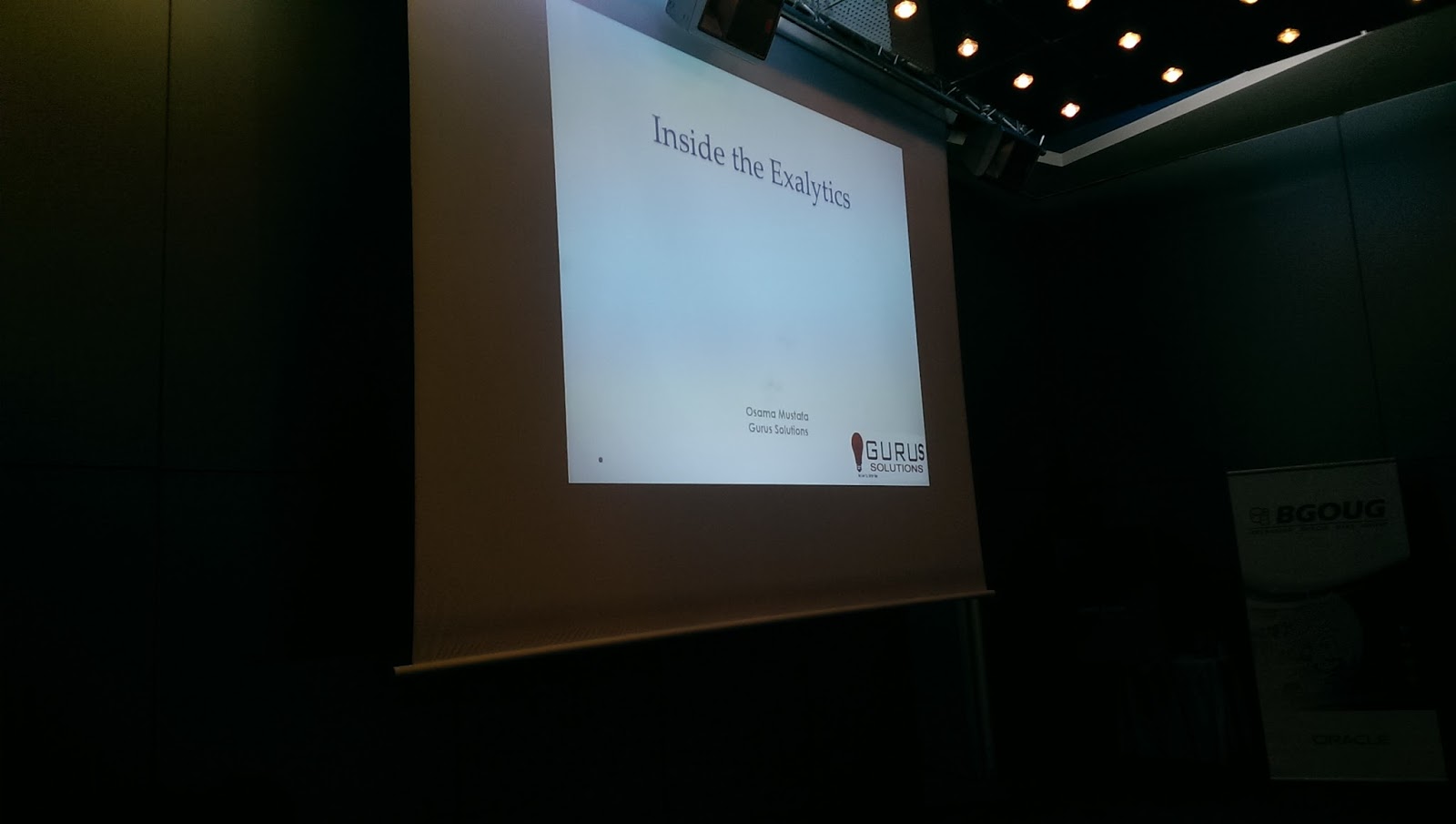
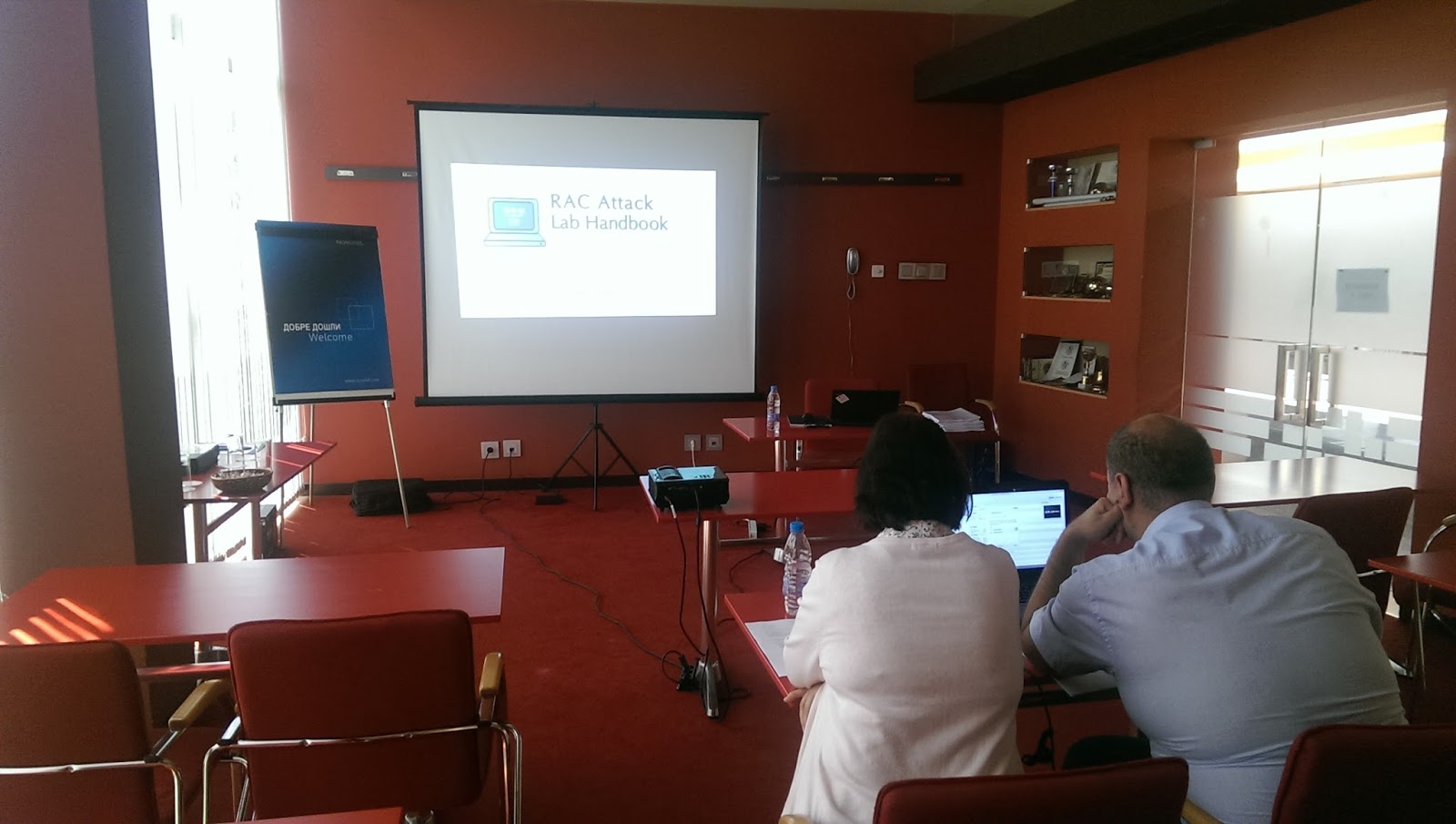
I had 2 presentation there about Fusion middleware and like usual i organized RAC ATTACK On Saturday, The audience was really amazing and asking very good questions. 
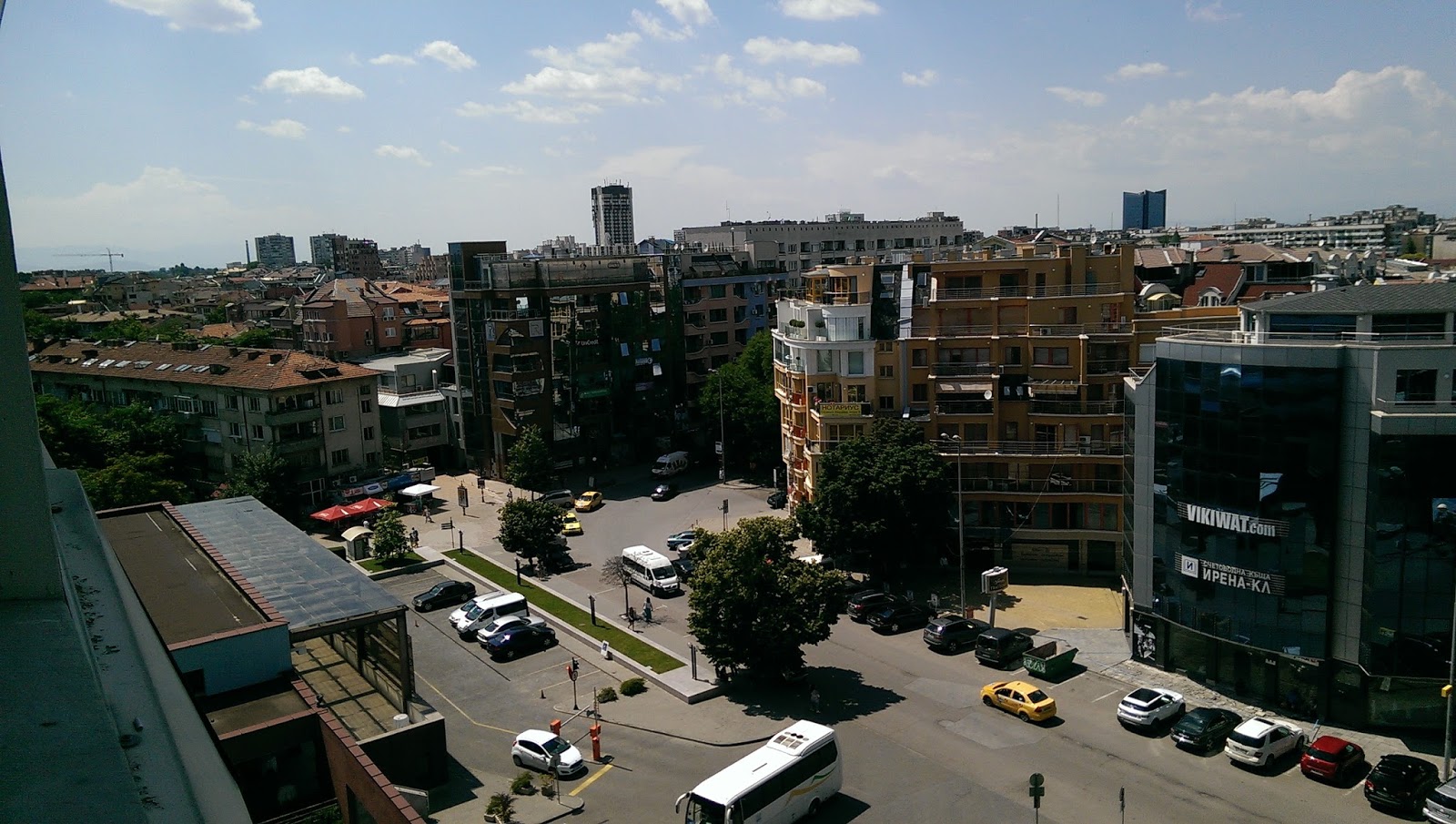
I had so much fun in Bulgaria and one of the best events i attended, simply it’s really Green every where you look it’s green, and I learned some Bulgarian dance  because i knew everyone in Bulgaria should dance 🙂 Even Tom Kyte was dancing,Svetoslav and Heli as well so why not ? 
It’s really nice to meet old friends and meeting new one  🙂 

Cheers
Osama Mustafa 

Jordan Amman Oracle User Group First Event

as most of you know that i created new oracle group in Jordan to allow people involve in oracle community and teach them more about oracle, this step was huge for me and the group established in 2014

Now it’s Officially, the first event will be organized 09/April/2015 as introduction to this group, the volunteers working so hard, the second event will be surprise since it will be the biggest one in Jordan i will be announce about it soon. we still working on the logo but this is the initial one.

Thank you 
Osama Mustafa