Fusion Middleware Attack

New Idea, New Concept It’s always nice to learn something new in next event, this time i create new attack called Oracle Fusion middleware attack or Short name “OFM ATTACK” that allow people to interact and learn more about oracle fusion middleware.

if you are interseted in this attack please contact me by leaving comment ” Your name and Email Address” and i will contact you back to volunteer in this attack,

Thank You

osama mustafa

Linux : Cannot Access …. Input/output error

/bin/ls: reading directory .: Input/output error
total 0

The above error indicate that i cannot access to the specific file on Linux, Delete not working. with root user as well.
so the error is not a problem to delete files, it’s a problem about the file system itself and/or an hardware problem, but before announce that it’s hardware issue 🙂 try the below solution :-

 Option #1:-

use command dmesg.

(display message or driver message) is a command on most Linux- and Unix-based operating systems that prints the message buffer of the kernel. Read about that command here

Option #2 ( worked for me)

Use Fsck command to detect filesystem error and fix it.

How !!!

  1.  First Umount File system ( that file located ). Using Umount command if it’s not able to un mount the file system use lsof command or fuser to check which user using this filesystem.
  2. run the fsck -y /dev/…………….. 
  3. mount file system again.
Fsck Command here
Cheers
Osama …

Attempt to connect to a data store that has been manually unloaded from R AM

Timesten in-memory Database :-

ttisql DSN_NAME

ttIsql (c) 1996-2005, TimesTen, Inc. All rights reserved.
Type ? or “help” for help, type “exit” to quit ttIsql.
All commands must end with a semicolon character.
connect “DSN=DSN_NAME”;
707: Attempt to connect to a data store that has been manually unloaded from R
AM

The command failed.

This should be easy to resolve. A TimesTen datastore (physical database), which is what a DSN points at, has a property called its ‘ramPolicy’ The default value for this is inUse which means that TimesTen will load the datastore into memory whenever it is being used.

Solution :

ttAdmin -ramload DSN_NAME

Reference :-
1- Oracle OTN Forum here

Cheers

Osama ….

OWB GUI Is Slow

Sometimes the default setting is not enough , therefore you need to apply some changes depend on your requirement and the work load. Today while working on OWB I faced huge slowness while open , mapping or even press any button.

to solve this issue all you have to do increasing JVM, to do this follow the below steps :-

  • Depend on OS, Open the following File :- 
    • Windows :- C:\oracle\product\owb11_1\owb\bin\win32\owbclient.bat

Or

    • Linux : $ORACLE_HOME/owb11_1\owb\bin\win32\owbclient.bat.

This file will indicate to setownenv.sh or setowbenv.bat usually in the same path. Open it with any editor.

be careful while adding this file  If you notice or read this file there is more than one line looking the same, these lines only depend on OS for example in my case i am working on LINUX then i have to add Line that indicate for Linux only.

Next to the line -d64 add new parameter -Xmx=1024M or depend on your work.

Restart OWB now.

Cheers.

Osama Mustafa
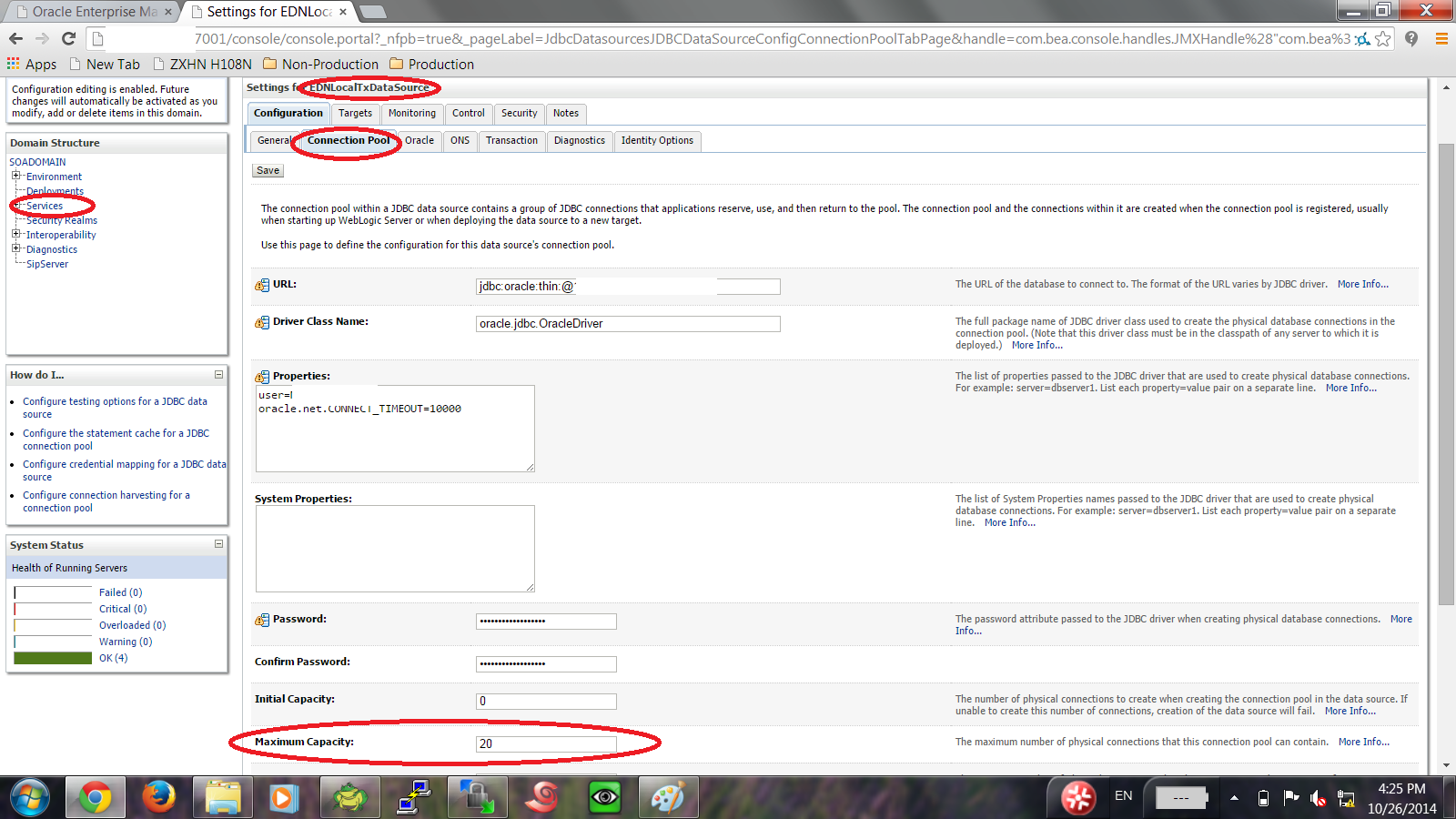
Pool EDNLocalTxDataSource is Suspended, cannot allocate resources to applications..

Connection test failed with the following exception: weblogic.common.resourcepool.ResourceDisabledException: Pool EDNLocalTxDataSource is Suspended, cannot allocate resources to applications..

This Error Appeared on Weblogic Depend on Managed Server, Tuning Connection Pool By Increasing Maximum Capacity parameter in Datasource.

My Case Datasource EDNLOCALTXDatasource as the above error.

Solution :-

Increase depend on your application.
Thank you 
Osama Mustafa


Oracle SOA Tablespace Is full

When Creating Domain for Oracle SOA it’s Mandatory to Run Oracle RCU before to create SOA Repository, This will create tables configuration and information about Oracle SOA.

But What happened the this tablespace was getting full, increase it 20GB is not enough which mean it’s strange case and not acceptable.

after investigation Table Called “REFERENCE_INSTANCE” include information about Running Composite in SOA ans instances. the size for this table 18GB.

Select * from Reference_instance; 

Check the data in the above query, just in case you can use export data-bump utility for this table, however after this Truncate the table and from full tablespace toonly 2% usage.

Thank you
Osama Mustafa

Dublin TECH SIG Day Impression

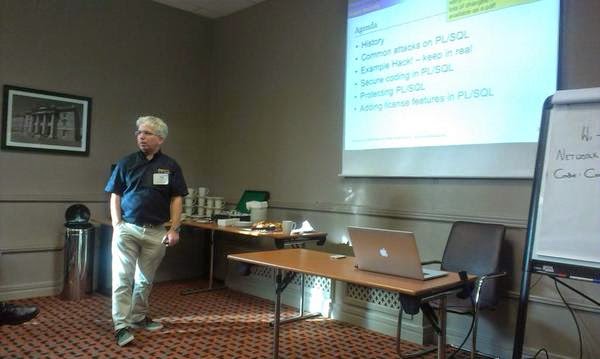
Third time in Dublin, and i still love this country i arrived to Dublin on 23-Sept to present about Oracle Security Features and how to protect Oracle Database it was exciting trip regarding to my reservation i supposed to be in Dublin at 2:00 PM But What i didn’t notice that my flight delayed Therefore i missed my flight and arrived to Dublin at 8:00 PM.

However TECH SIG was really amazing day meeting the people chatting with them, and presenting about Oracle Security with Full Room of people.

After the event me and Pete start chatting about Oracle Security and Talking about other stuff, my next Stop to SF Oracle Open World 2014.

Looking forward to meet everyone there.

Good time with Good People.

Thank you
Osama Mustafa

the version of the data that you are trying to import is not compatible with current dac version

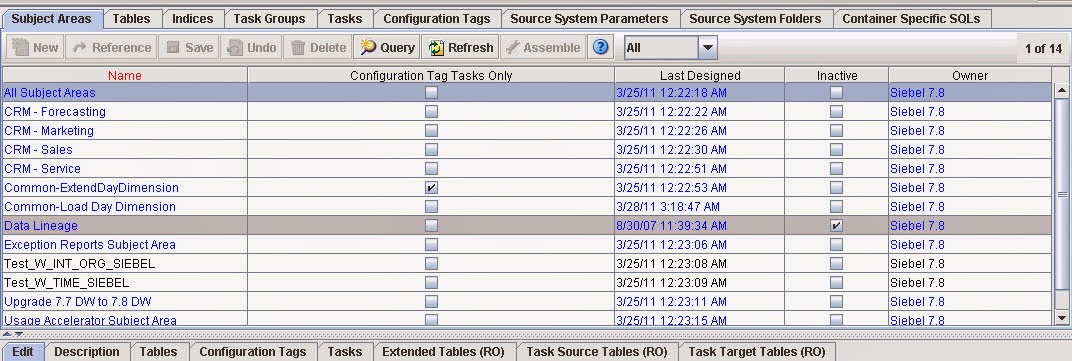
This Error Appear On DAC Server when trying to Import Data  from the following :

Tools –> DAC Repository Management –> import

This error appears :-

the version of the data that you are trying to import is not compatible with current dac version

After trying to many Solution with no luck , i discover new Solution for this error and it’s simple :-

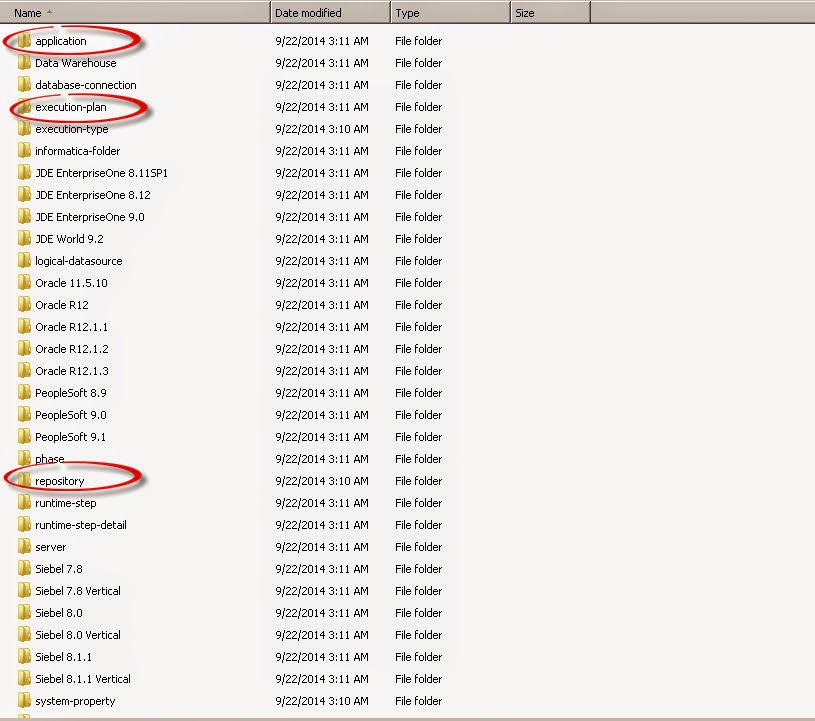
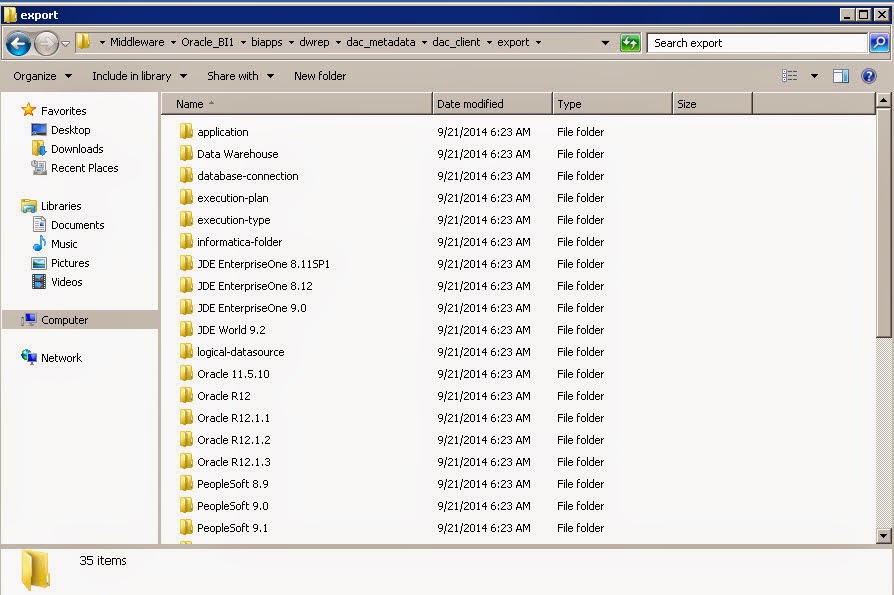
export from tools ( Empty files ) will generate 3 folder in DAC Folder Leave this folder without any copy or replace.

Now in my case i installed BIAPPS Copy the folder without Replace the old one.

after start copying the windows will ask dont replace these three folders DON’T REPLACE IT.


Start Import successfully.
Now The Import is done,
Thank you 
Osama Mustafa