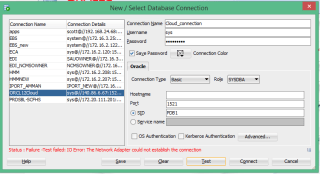
In the last post i mentioned how to create Dbaas, In this post i want to use the SQL Developer to manage my Dbaas and connect on the cloud but each time the following error appeared :-
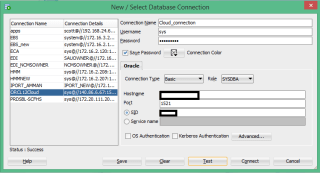

Remember this is not local database , these steps only for the Oracle Cloud.
- Access to your account from https://cloud.oracle.com then Dbaas –> my services
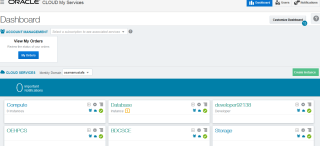
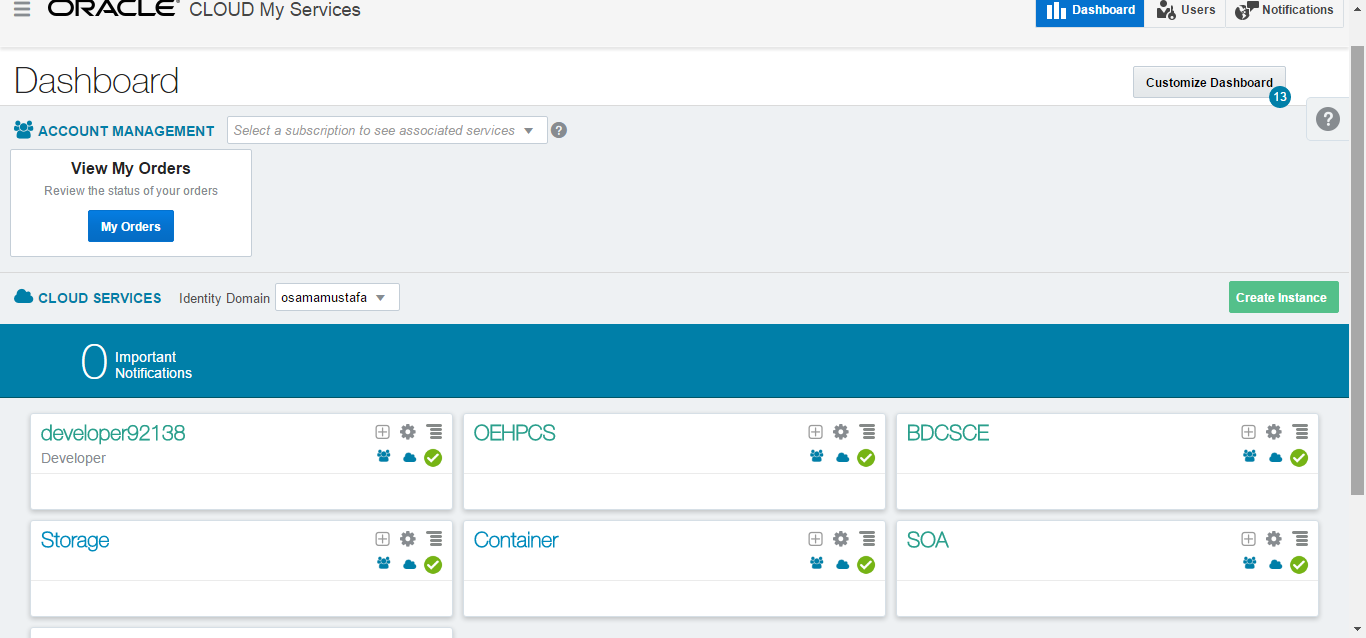
- The Dashboard will be look like the following :-
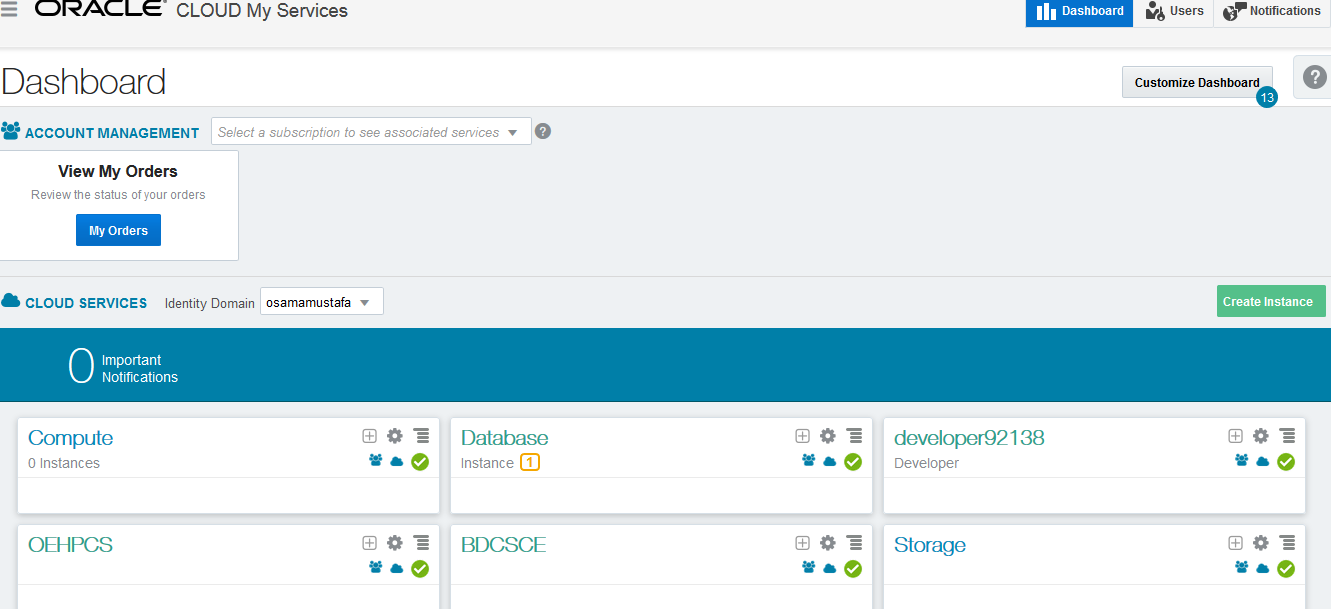
- Press on the upper left panel –> Compute
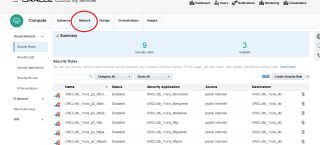
- New Screen will be opened , From the upper tabs press on network
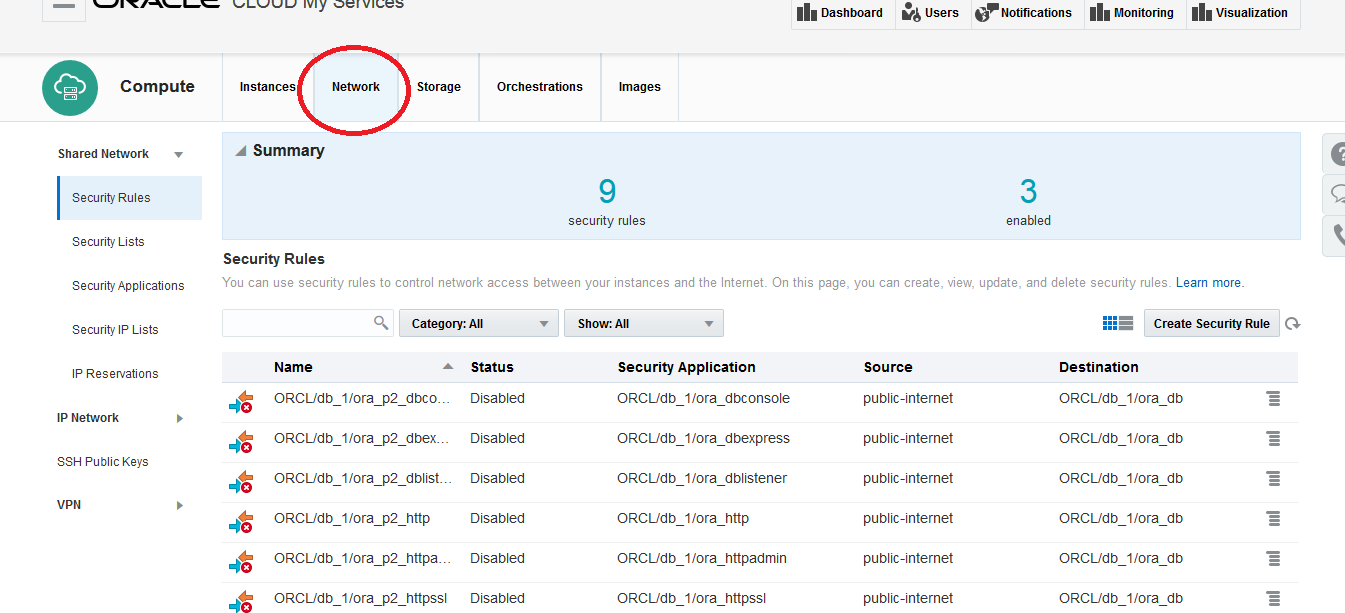
- In the same page Search under security application you will find Ora-DBListener and the status is Disabled
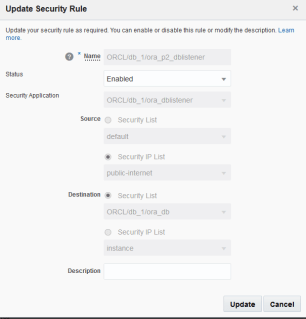
- By Pressing the Right Panel From the list choose Update.
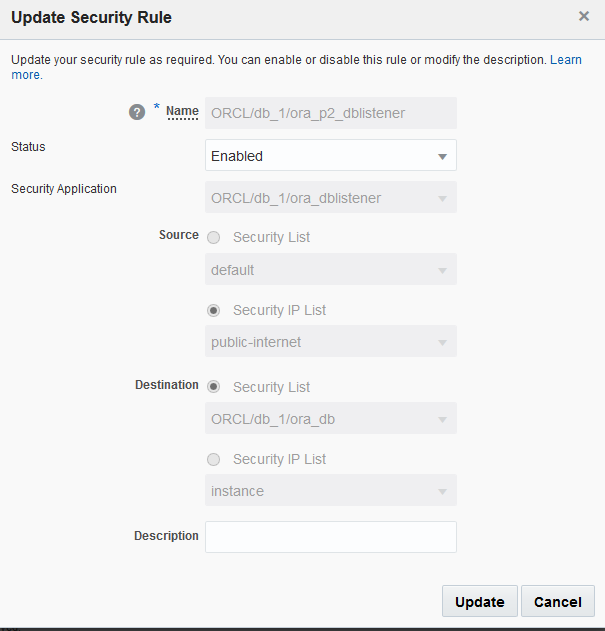
- New Screen will be opened like the following, Change the status to enabled and press update :-
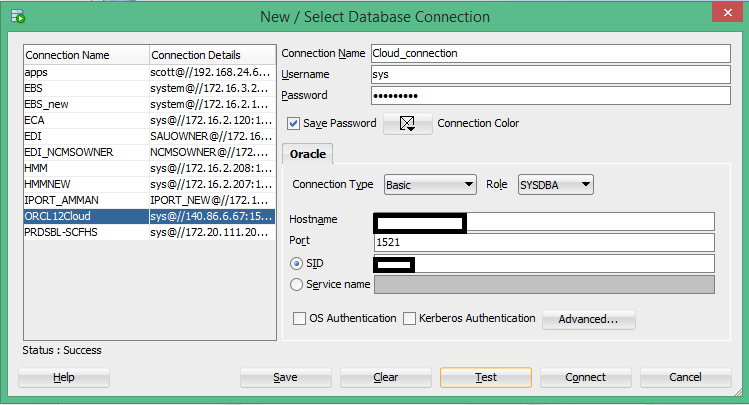
- Now Try again in the SQL Developer :-
Enjoy the Cloud !!!
Thank you
Osama Mustafa





 Technology Geek