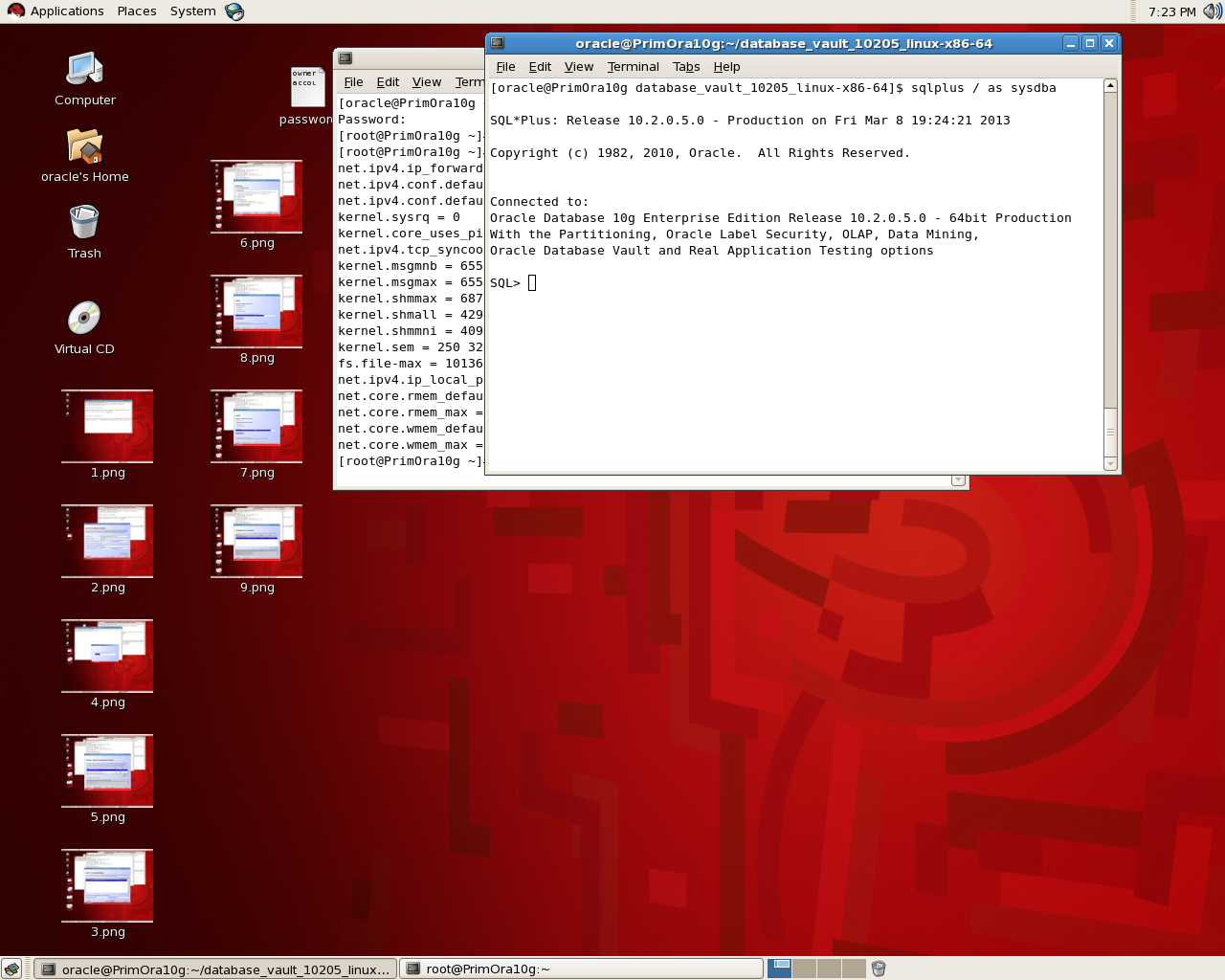
Check total Size for Ram/memory For Oracle

Check total size of Ram/Memory For Each Database :

select decode( grouping(nm), 1, ‘total’, nm ) nm, round(sum(val/1024/1024)) mb
    from
  (
  select ‘sga’ nm, sum(value) val
     from v$sga
   union all
   select ‘pga’, sum(value)
    from v$sysstat
   where name = ‘session pga memory’
  )
   group by rollup(nm)

The Orginial Post from Tom Kyte.

Thank you
Osama Mustafa

Database Link Secuirty Issue

“Use the CREATE DATABASE LINK statement to create a database link. A database link is a schema object in one database that enables you to access objects on another database. The other database need not be an Oracle Database system. However, to access non-Oracle systems you must use Oracle Heterogeneous Services.”

But did you ask your self before about the impact of using Oracle Database link ? and how to secure my database link ?

One Of Common Issue that you need to be aware of is Privileges , When you create database link most of users use DBA Role which mean user will able to do anything he want in database,which mean
who gains access to a database link can execute queries with the privileges of the DBLINK account  to avoid this try to create user with less Privileges he needs.

Another issue in 10g When you create database link check the below :

CREATE DATABASE LINK “TEST_LINK” CONNECT TO “Test” IDENTIFIED BY Test ;

Database link created. 

After that check the below table :

SQL> select name, userid, passwordx from sys.link$ where name=’TEST_LINK.REGRESS.RDBMS.DEV.US.ORACLE.COM’;

NAME     USERID  PASSWORDX
——————————————————————————–
TEST_LINK.REGRESS.RDBMS.DEV.US.ORACLE.COM OSAMA   05CB53401E442441B428B900A97DE31A10

as you see the password is saved as hash, and can be decrypt .

But what if :

SQL> SELECT DBMS_METADATA.GET_DDL(‘DB_LINK’,’TEST_LINK.REGRESS.RDBMS.DEV.US.ORACLE.COM’) from dual ;

Check the output below :

CREATE DATABASE LINK “TEST_LINK”
CONNECT TO “Osama” IDENTIFIED BY VALUES ‘05CB53401E442441B428B900A97DE31A10

another security Issue of using Database link.

Imagine what could be happened next.

Thank you
Osama Mustafa

How to Become Oracle DBA

How to become Oracle DBA ?

This question asked on lot of blogs for Guru People , Before start thinking about that question you need to ask yourself some question.

Do you love to work with pressure, Do you Love working for long hours ?  Do you use your free time to devour the latest in technology from internet and reports? Do you love to work during weekend ? Last question is Are you able to deal with Sensitive & critical data with no mistake ? If all you answer is Yes,then welcome to Oracle DBA World where the human becoming theory.

Oracle is not easy world and it’s not that hard but you need to know it’s Complex, Just as note Don’t expect to be rich also make your rule is “love what you do and do what you love”.

 Recently i saw Threads On OTN Forum where the poster was asking for information about starting his Career as Oracle DBA, I will advice about that and hope it will be useful, if you have any programming language skills it will make your job easier it’s very useful to understand what you see as DBA you work with Development team and negotiate them about performance and their requirement and understand them is the best, On the other hand if you don’t have any Experience you can’t stop here and saying to yourself i can’t become Oracle DBA Start learning and it’s not bad idea to take courses such as SQL-Fundemtals I & II.

Don’t forget another thing start working on your Oracle training and education Reading is not enough it’s only give you concept and the idea behind that thing, Learning operating system administration skills, and what i mean by Operating system not just windows you need to learn about Linux, Unix …. Etc and how to manage them and using command line, learn batch & Shell Scripting is very useful, Don’t forget to take look at Oracle Documentation everytime you can is the first and the best reference all the time, You need to learn about something read from the source don’t start with others articles, and don’t understand me wrong with that everyone has his point but stat with source and see other point to create yours.

There’s also oracle magazine latest technology and Some tips/trick to do something you can subscribe with it,Maybe you don’t understand something so you need someone to explain it to you Oracle OTN Forum is available to you for free, experts and guru will answer you, Books will increase your knowledge and proof your point.

Create your own Vmware and test don’t make something passed without testing, Practical way will proof and increase your knowledge, then let’s make all the above as point :

  • Attend training courses
  • Read Books
  • Read Magazine.
  • Visit Oracle Documentation site and blogs.
  • Check OTN Forum
  • Talk with DBA

Bookmark this website,
Very Useful & Good Starting Point to become Oracle DBA.

long topic to discuss and need of you lot of working, If you want to be a DBA, find one or two methods of acquiring knowledge that you are comfortable with. Take training courses, read books, whatever. and i will update this topic also to become Comprehensive.

Thank you
Osama Mustafa
Step By Step Install Database Vault 11g

I talked before about how to install Oracle Database Vault 10g But now i will talk about 11g and how to install it ?

in database 11g database vault installation become more easier, all you have to do is check the box to install that option and even if you forgot that you can install it later by run script

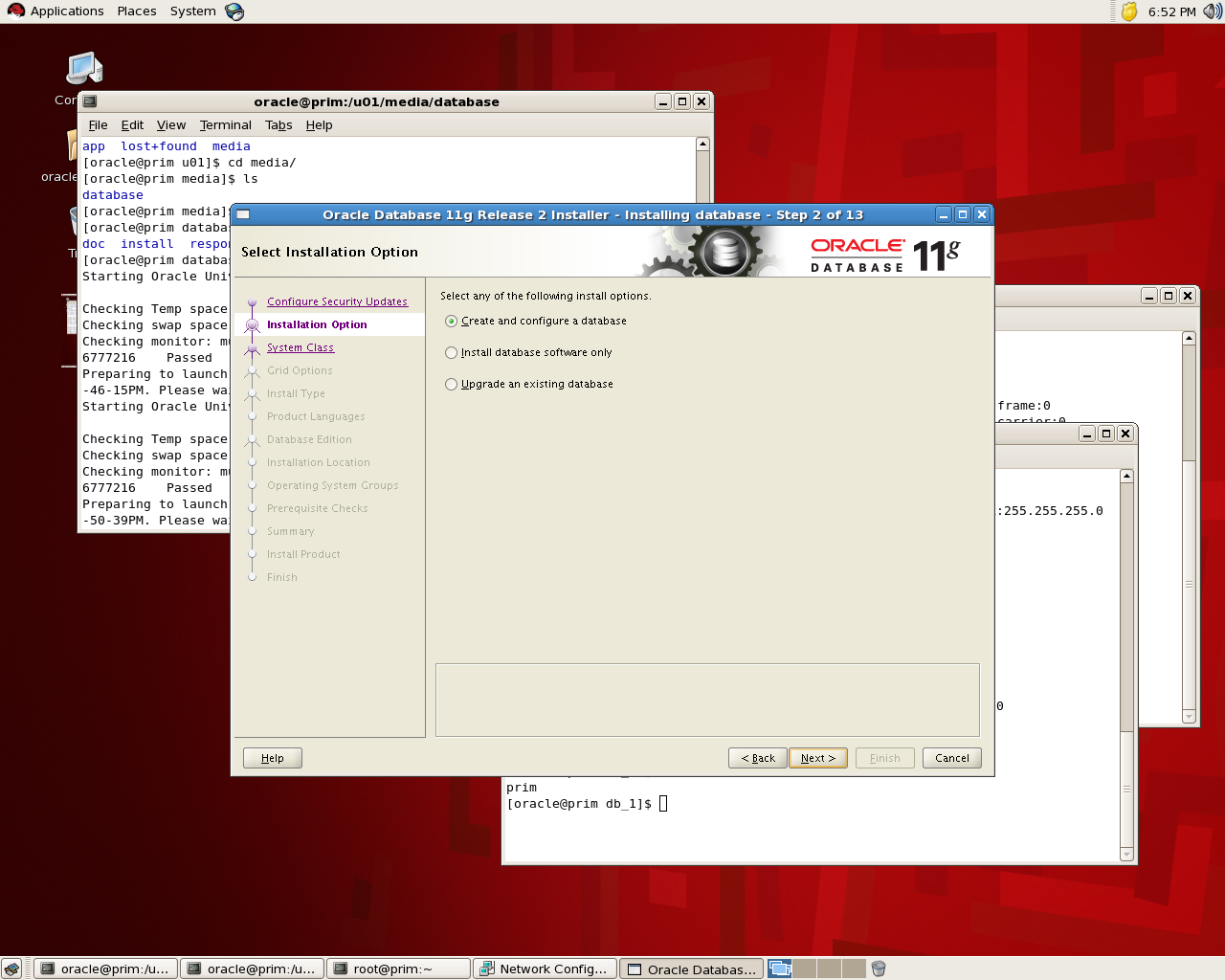
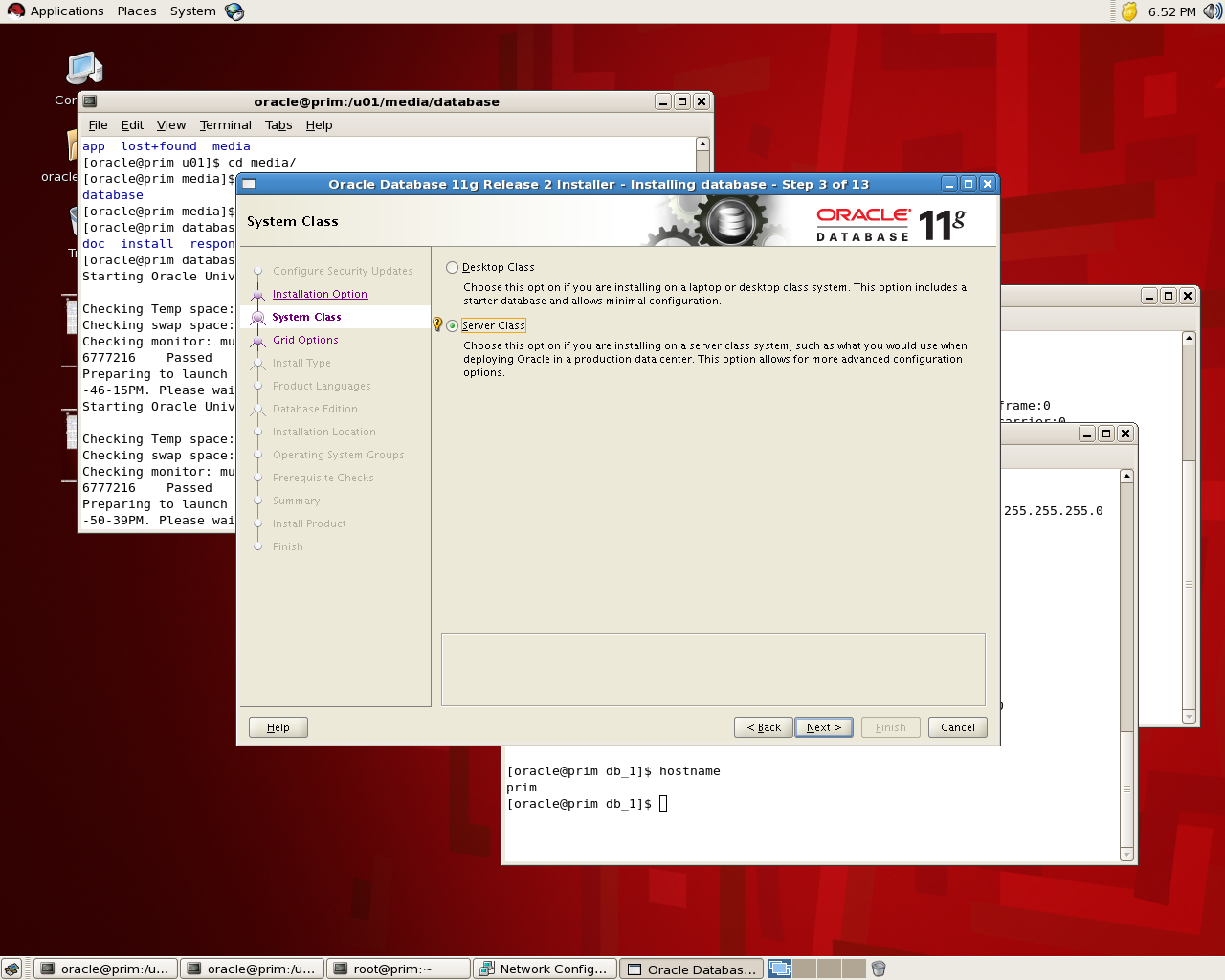
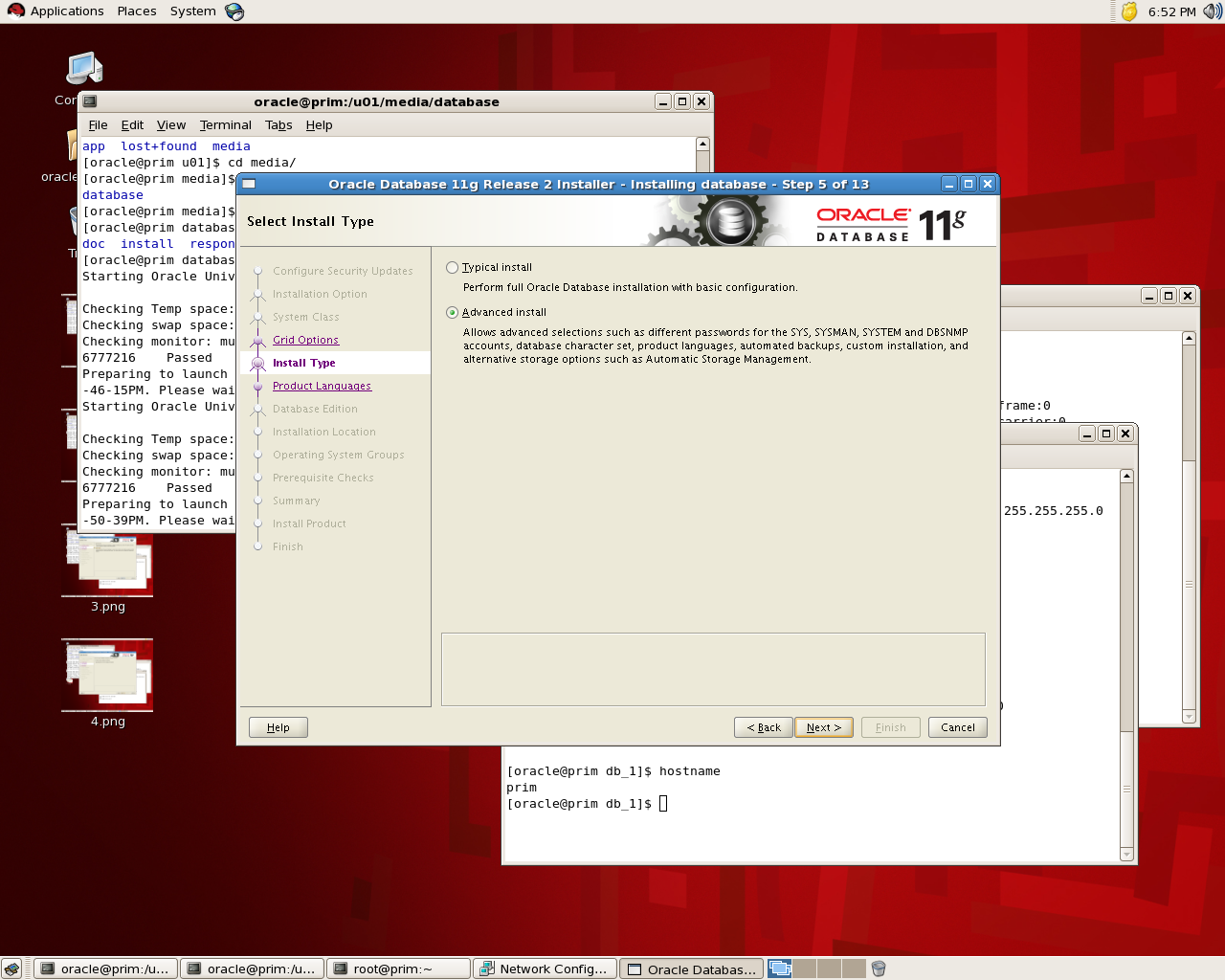
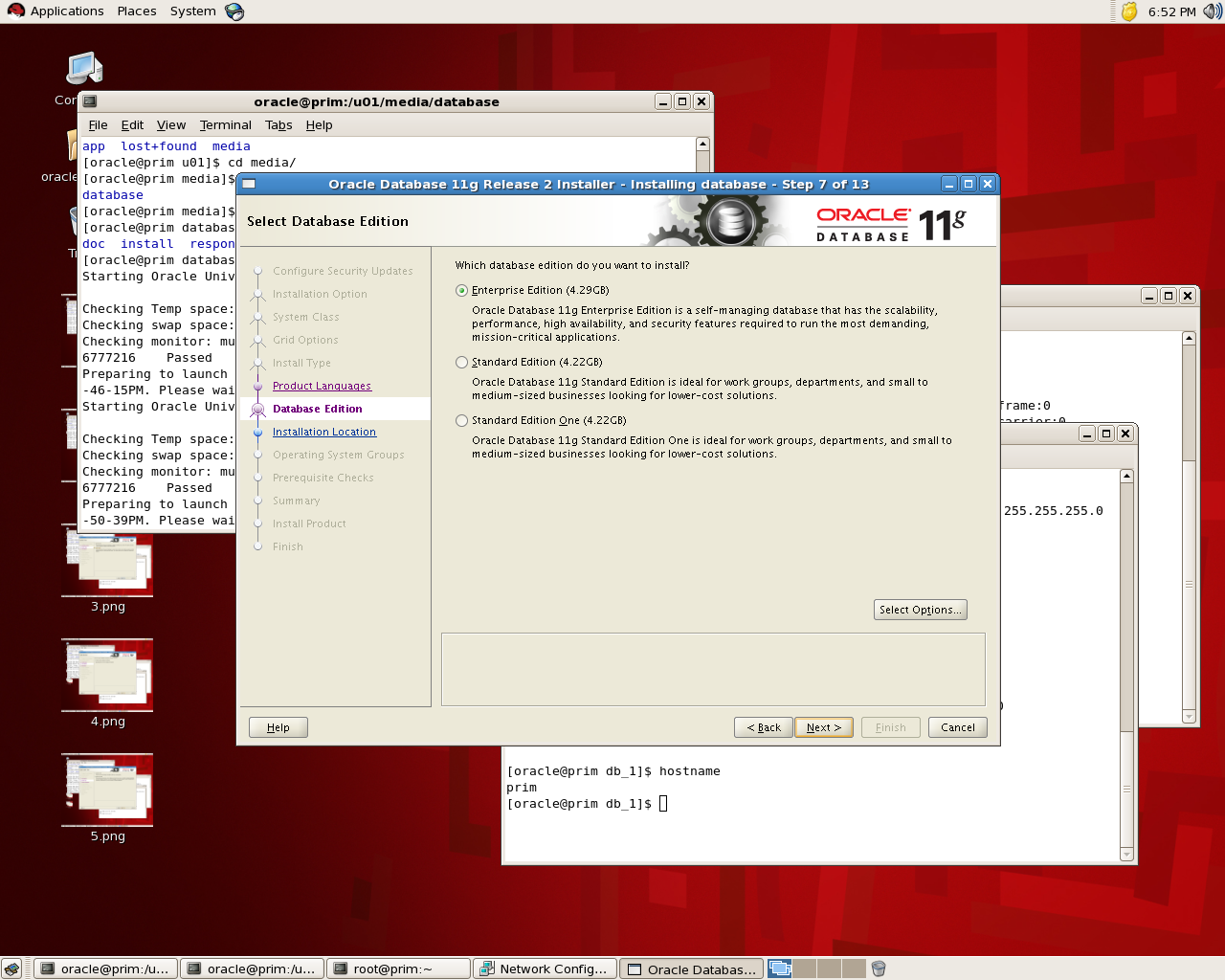
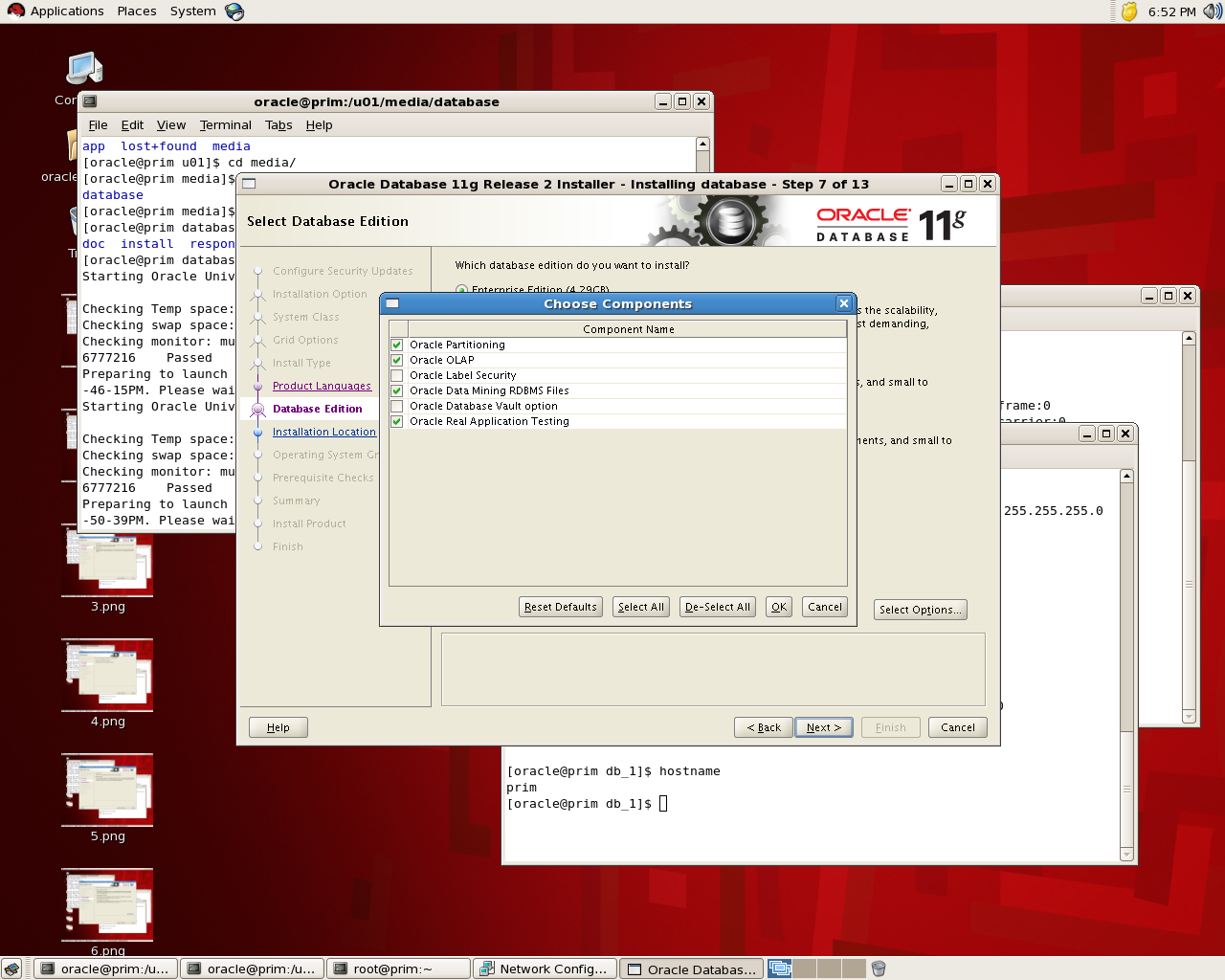
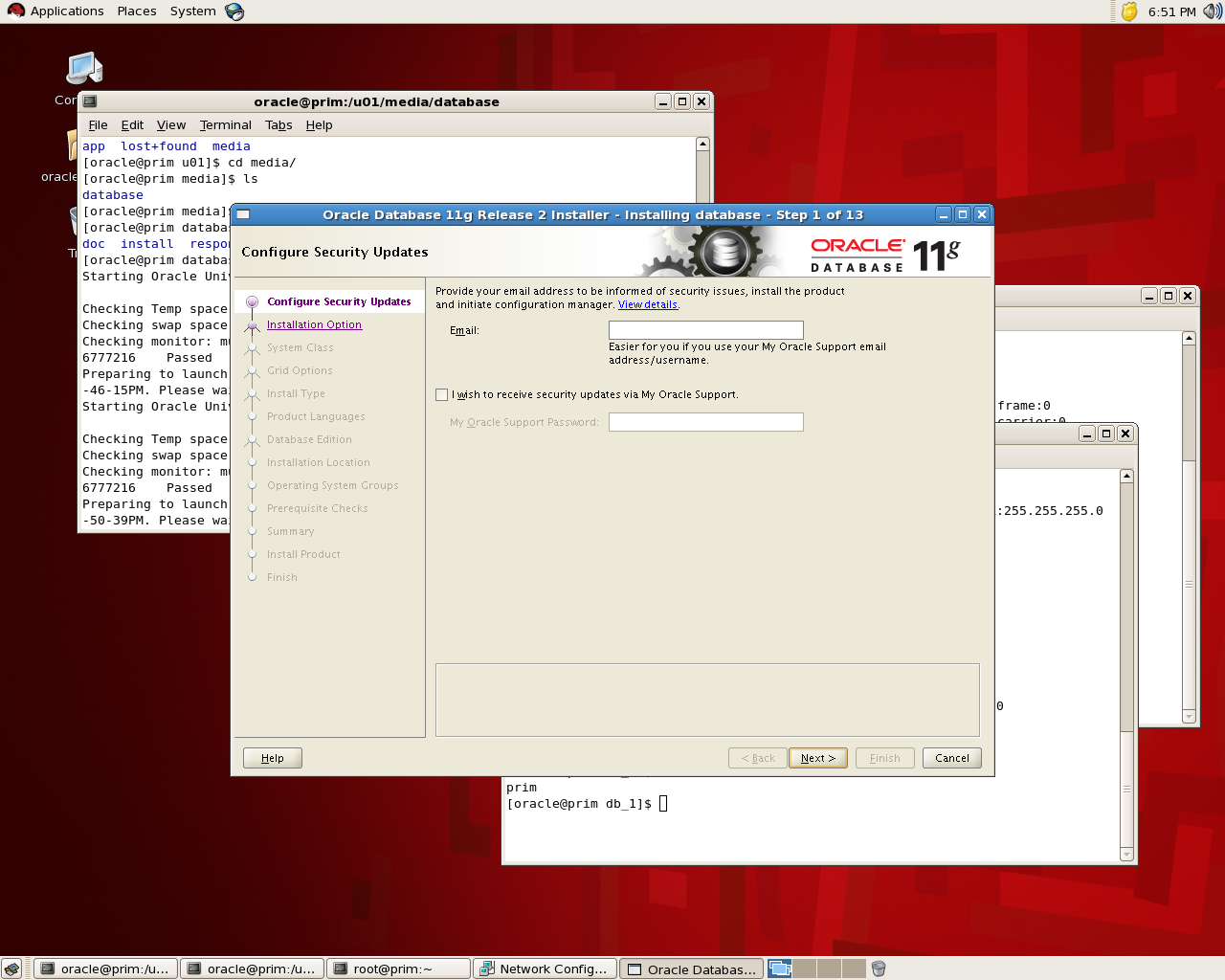
the below is screen shot for the installation for database 11g , the idea is to see where to choose Database Vault features:

If you check the below screen you see that in “Select Option” you can choose Database Vault and while installation is running it will be installed :

the installation will remain in normal procedure , If you want to check it’s installed or not you can go with v$option : 

SQL> select * from v$option where parameter =’Oracle Database Vault’;
PARAMETER                                                        VALUE
——————————- ——————————–
Oracle Database Vault                                            FALSE

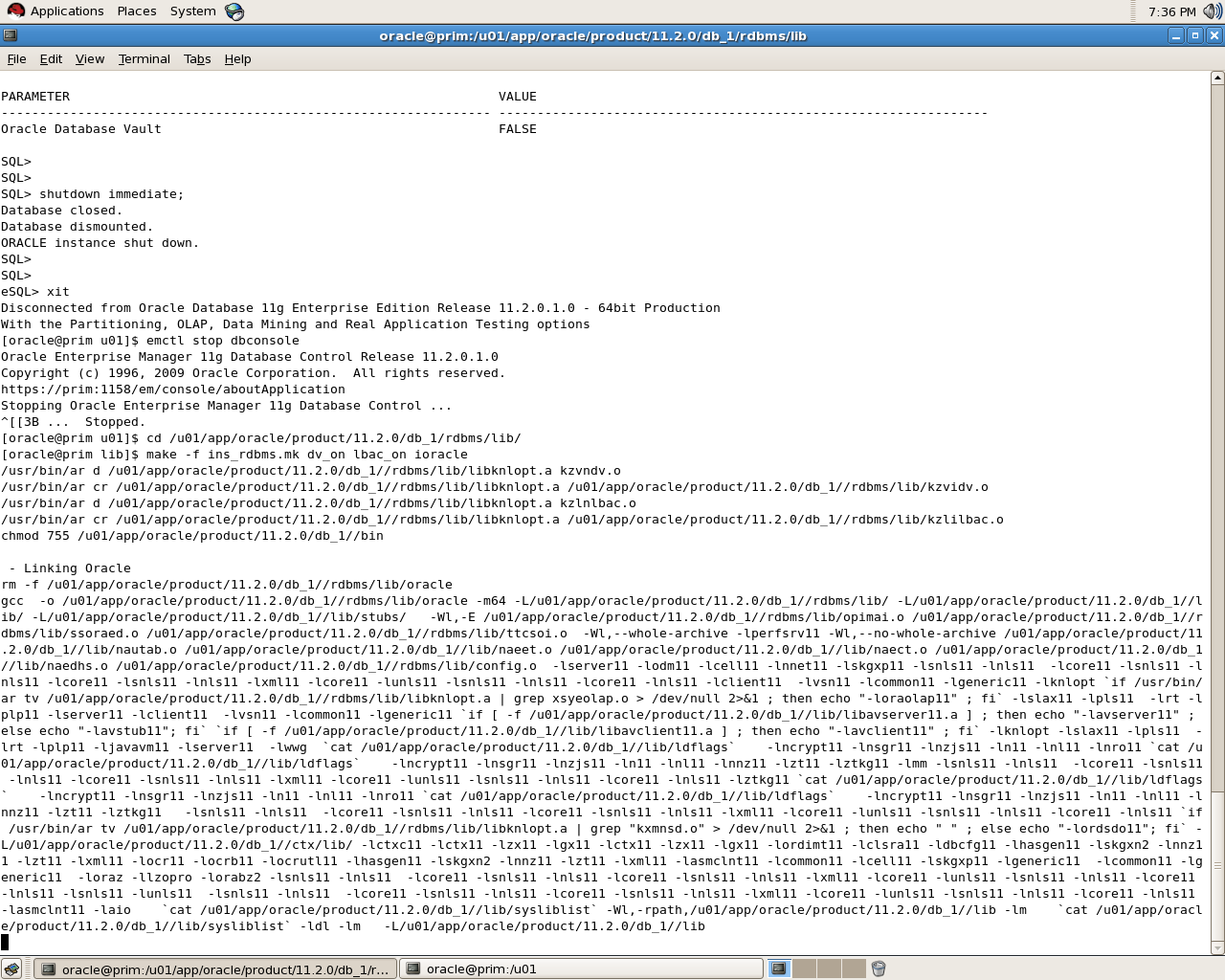
to enable database vault make sure database , dbconsole and listener are shutdown:

[oracle@prim u01]$ cd /u01/app/oracle/product/11.2.0/db_1/rdbms/lib/
[oracle@prim lib]$ make -f ins_rdbms.mk dv_on lbac_on ioracle

SQL> select * from v$option where parameter =’Oracle Database Vault’;
PARAMETER                                                        VALUE
—————————————————————-
Oracle Database Vault                                            TRUE

Please notice that i use Redhat in windows you need to rename some files read Oracle Documentation.
To disable Database Vault the same thing but :

cd $ORACLE_HOME/rdbms/lib
make -f ins_rdbms.mk dv_off
cd $ORACLE_HOME/bin
relink all

thank you 
Osama mustafa 

Step By Step Install Database Vault On 10g

Oracle Database Vault restricts access to specific areas in an Oracle database from any user, including users who have administrative access. For example, you can restrict administrative access to employee salaries, customer medical records, or other sensitive information.
You configure Oracle Database Vault to manage the security of an individual Oracle Database instance. You can install Oracle Database Vault on standalone Oracle Database installations, in multiple Oracle homes, and in Oracle Real Application Clusters (Oracle RAC) environments.
Today i will provide step by step how to install Database Vault on Oracle Database 10g, Notice to install it you should upgrade your database at least to 10.2.0.3 to avoid any errors.
Database Vault is very useful to protect your data from users such as DBA who has access to all tables , But the questions is who is control database vault ?
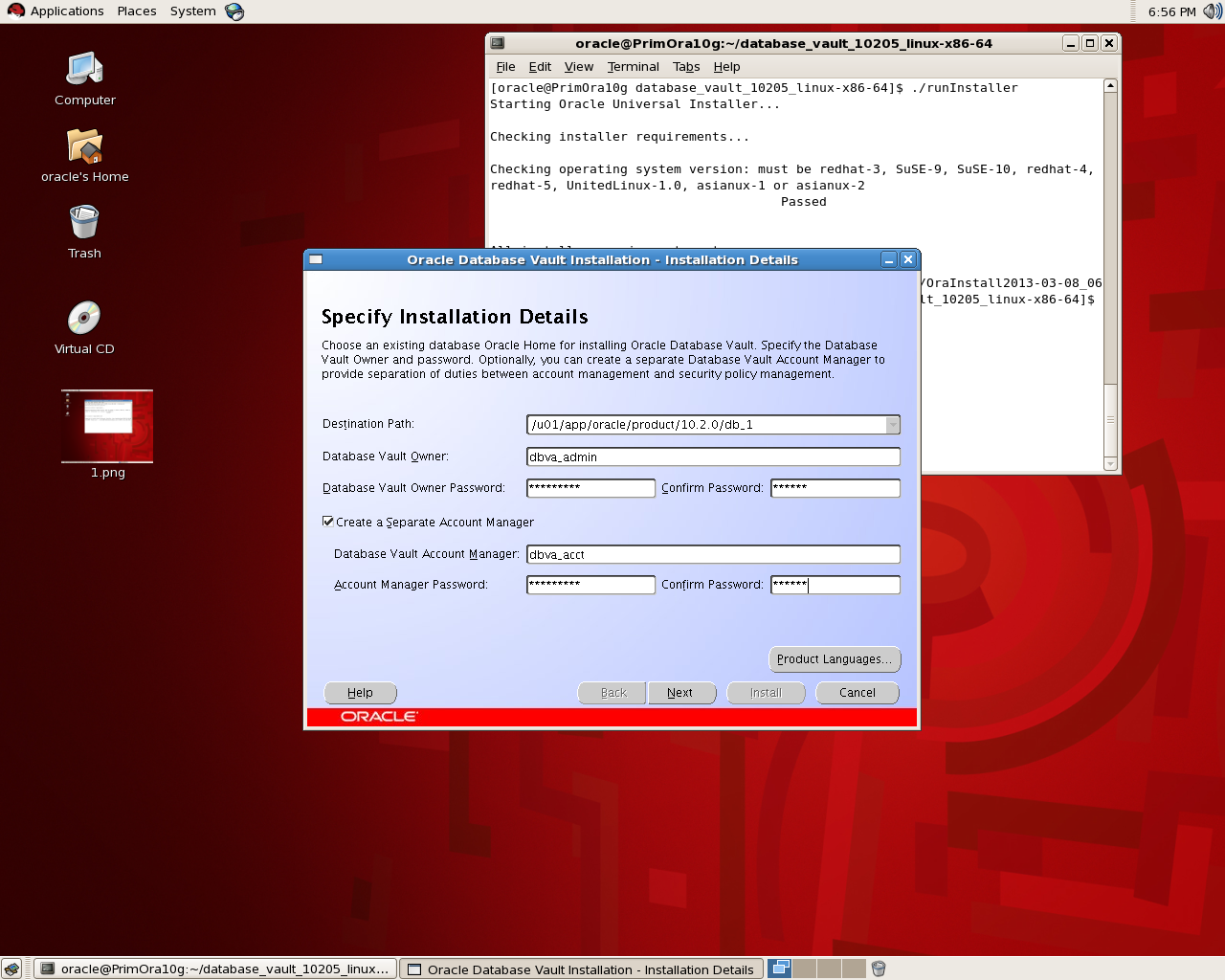
Usually there are two users to control it , Database vault owner this user is granted the DV_Owner role and can manage database role and configurations, the username must be minimum 2 and maximum 30 character , the password for this user should be complex.
another user called : Database Vault manager which is granted DV_ACCTMGR role, and used to manage database user account , this user is created to facilitate separation duties which mean while you install you can only create one user do all this jobs , the username should be minimum 2/maximum 30 character and the password is complex .
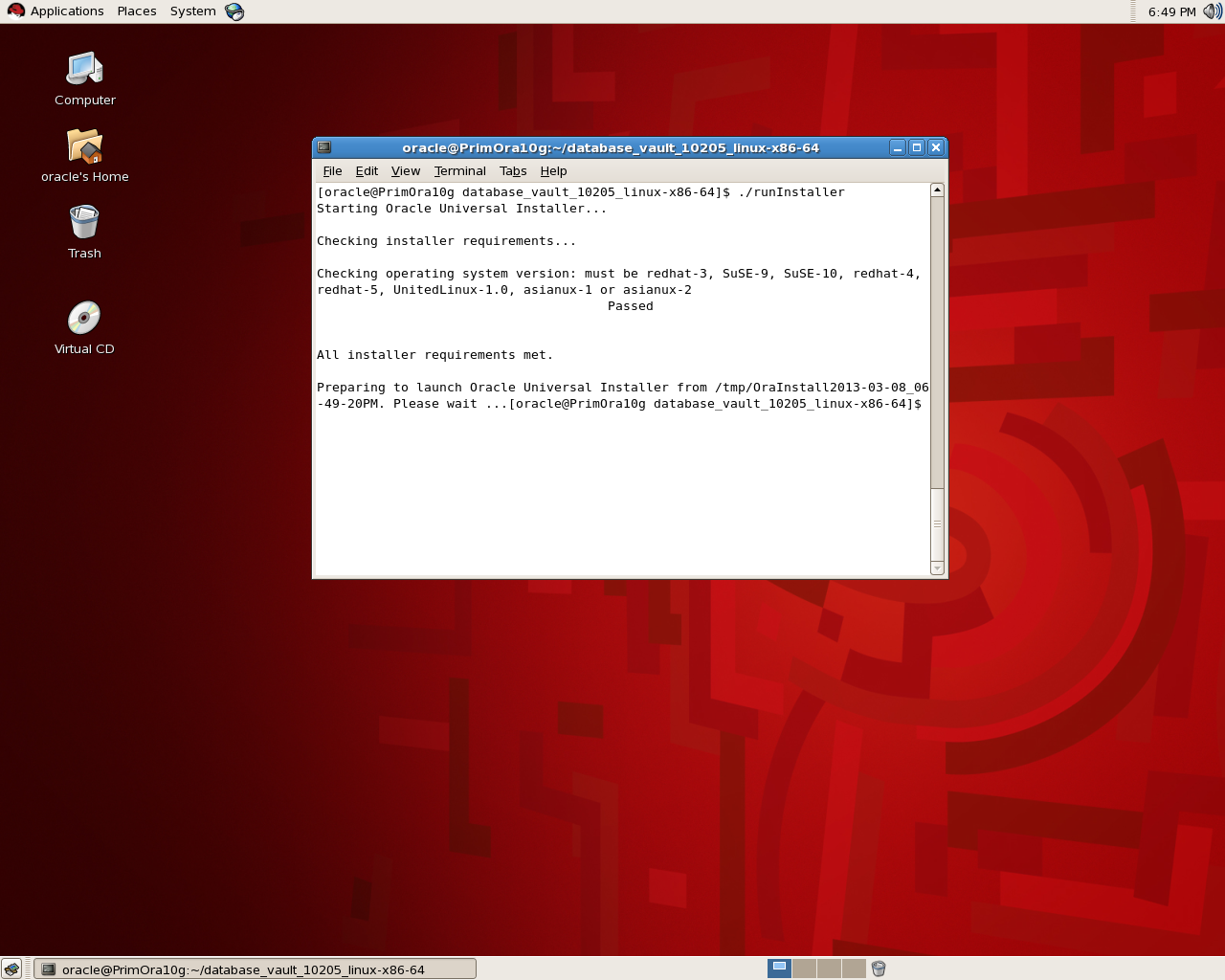
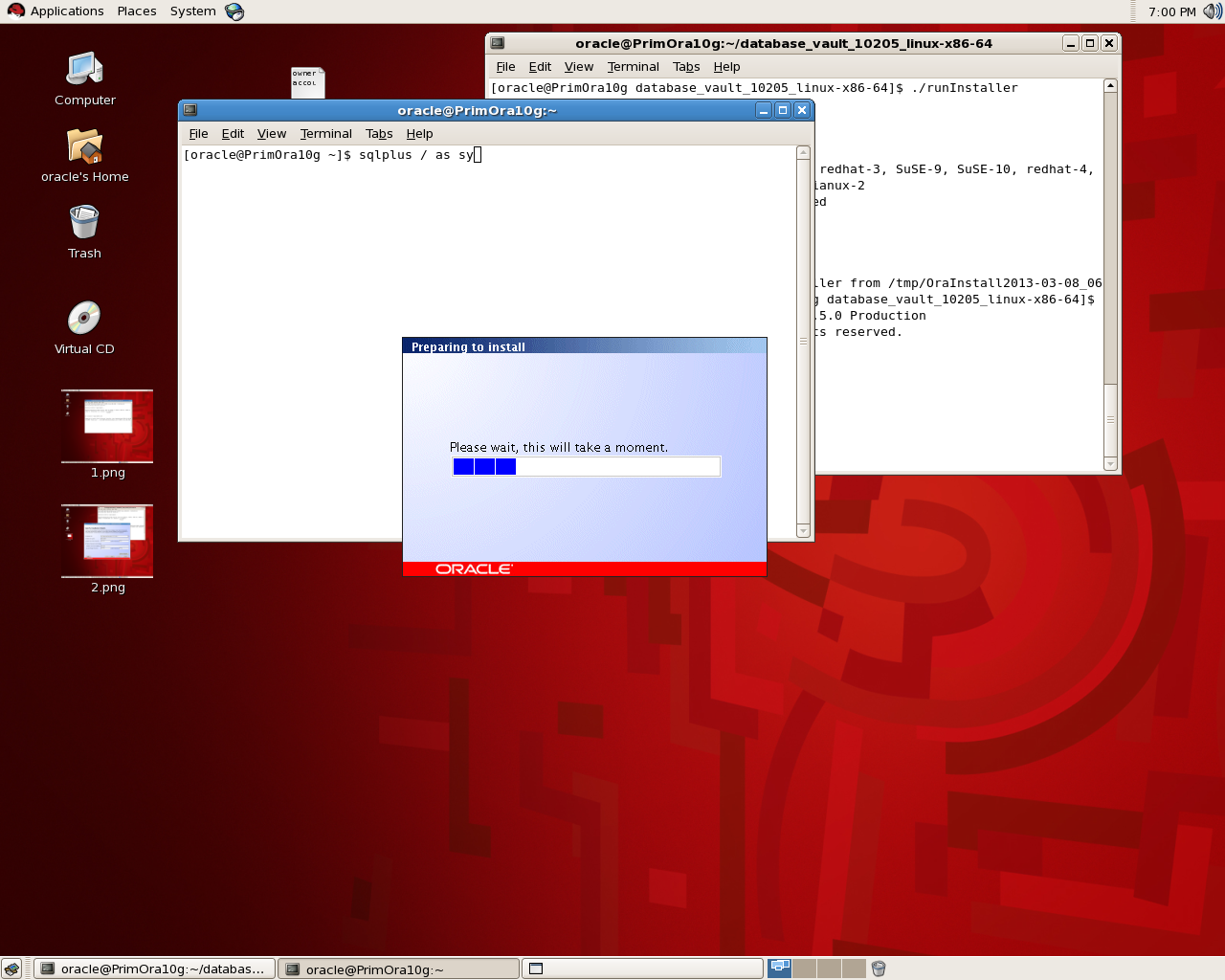
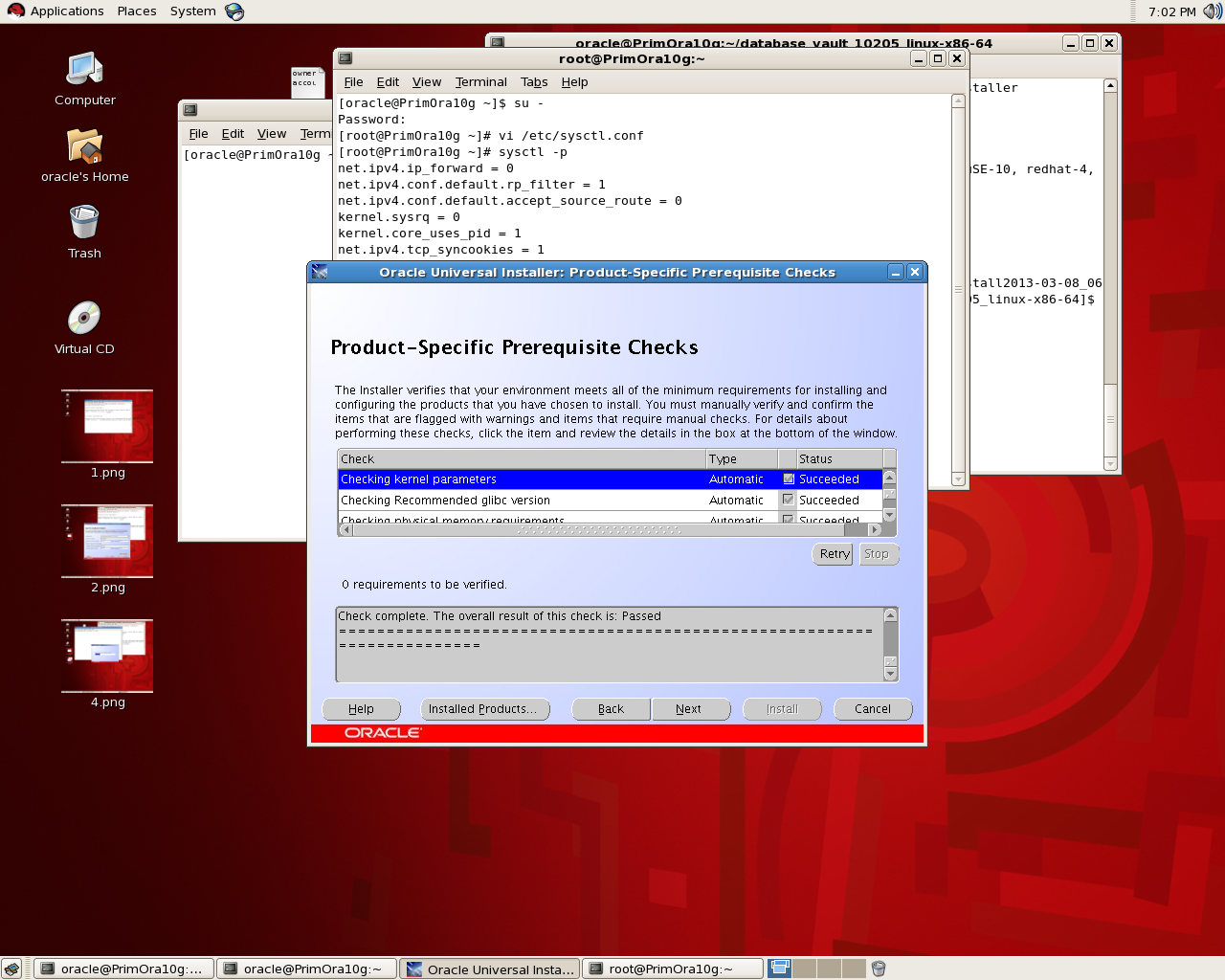
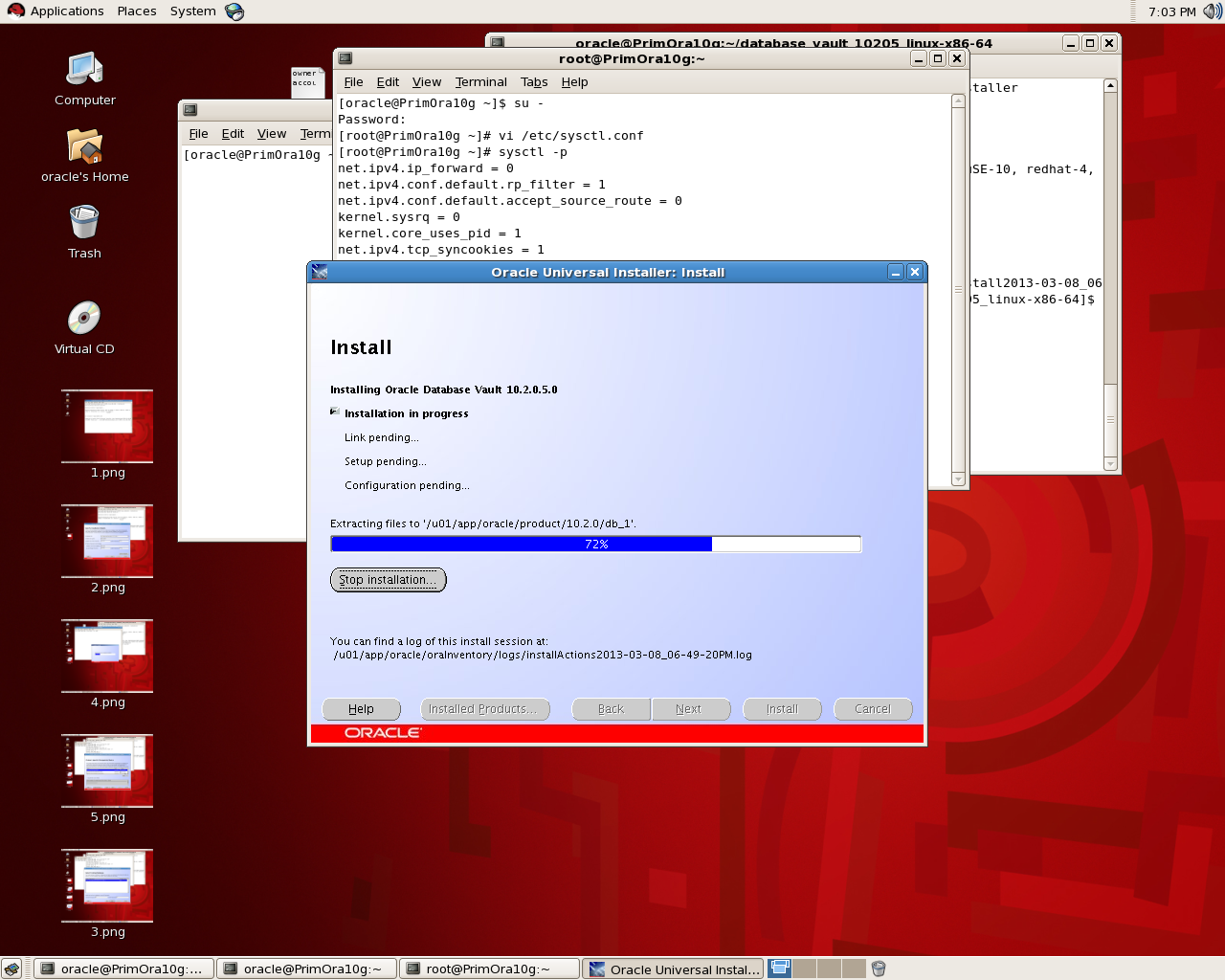
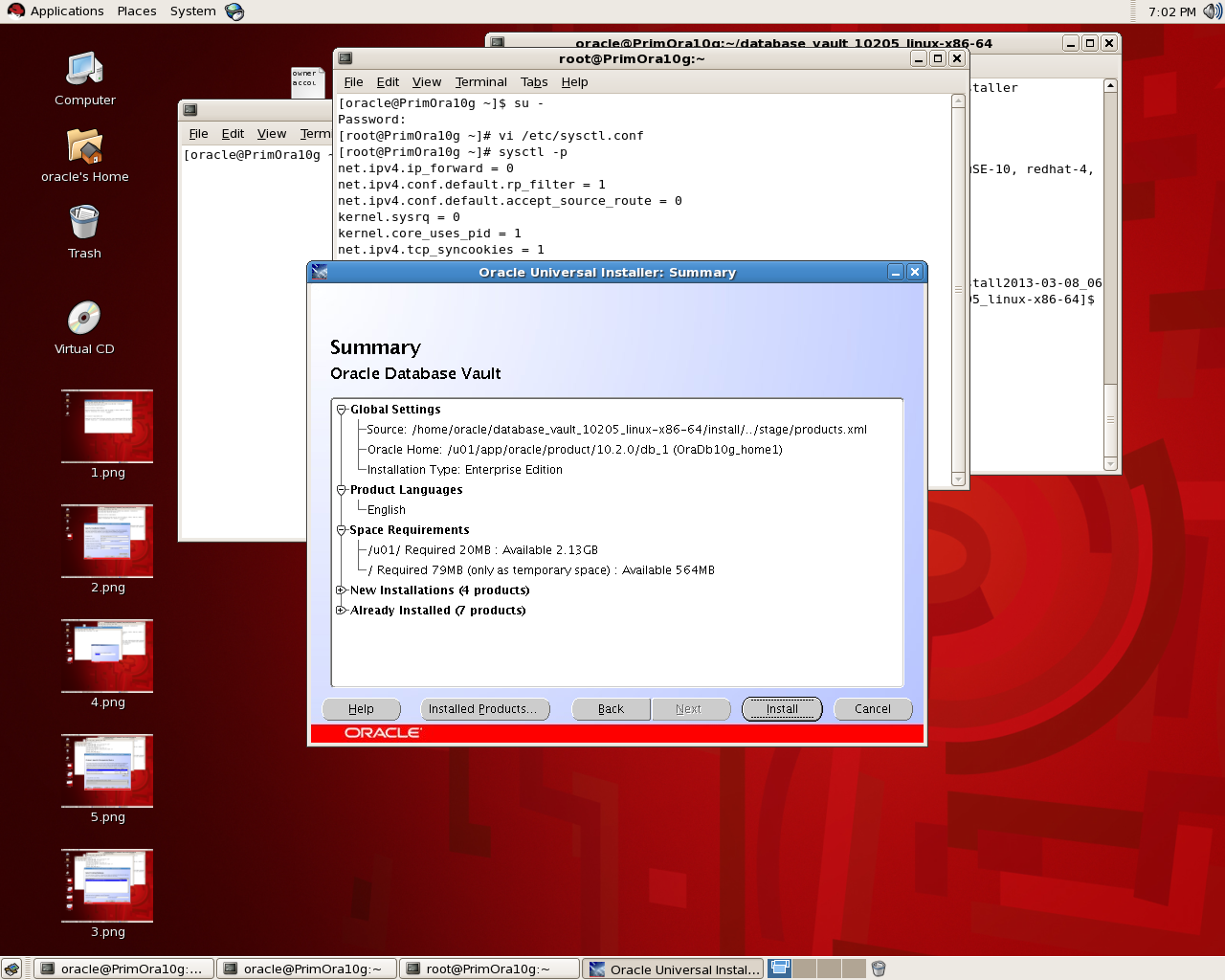
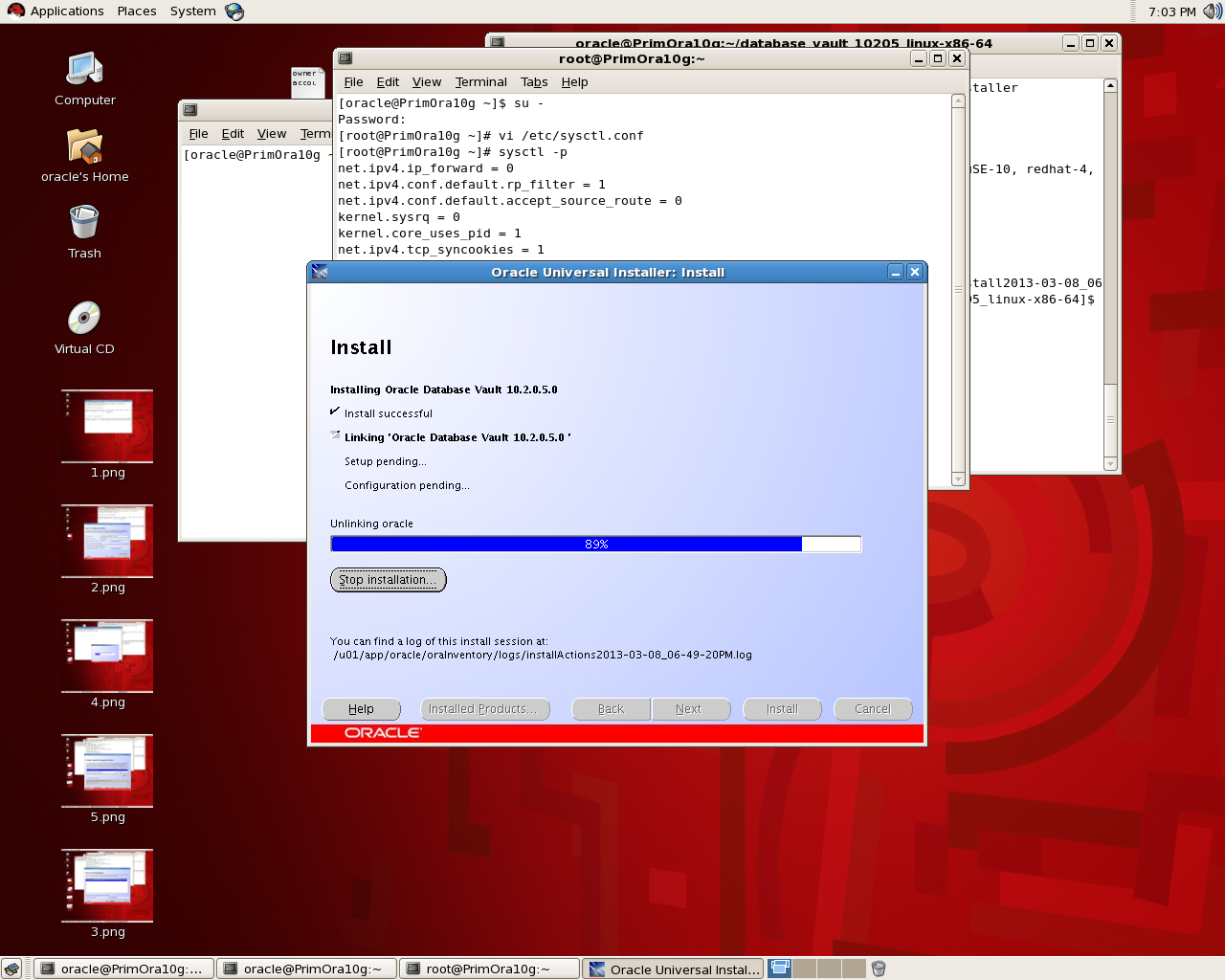
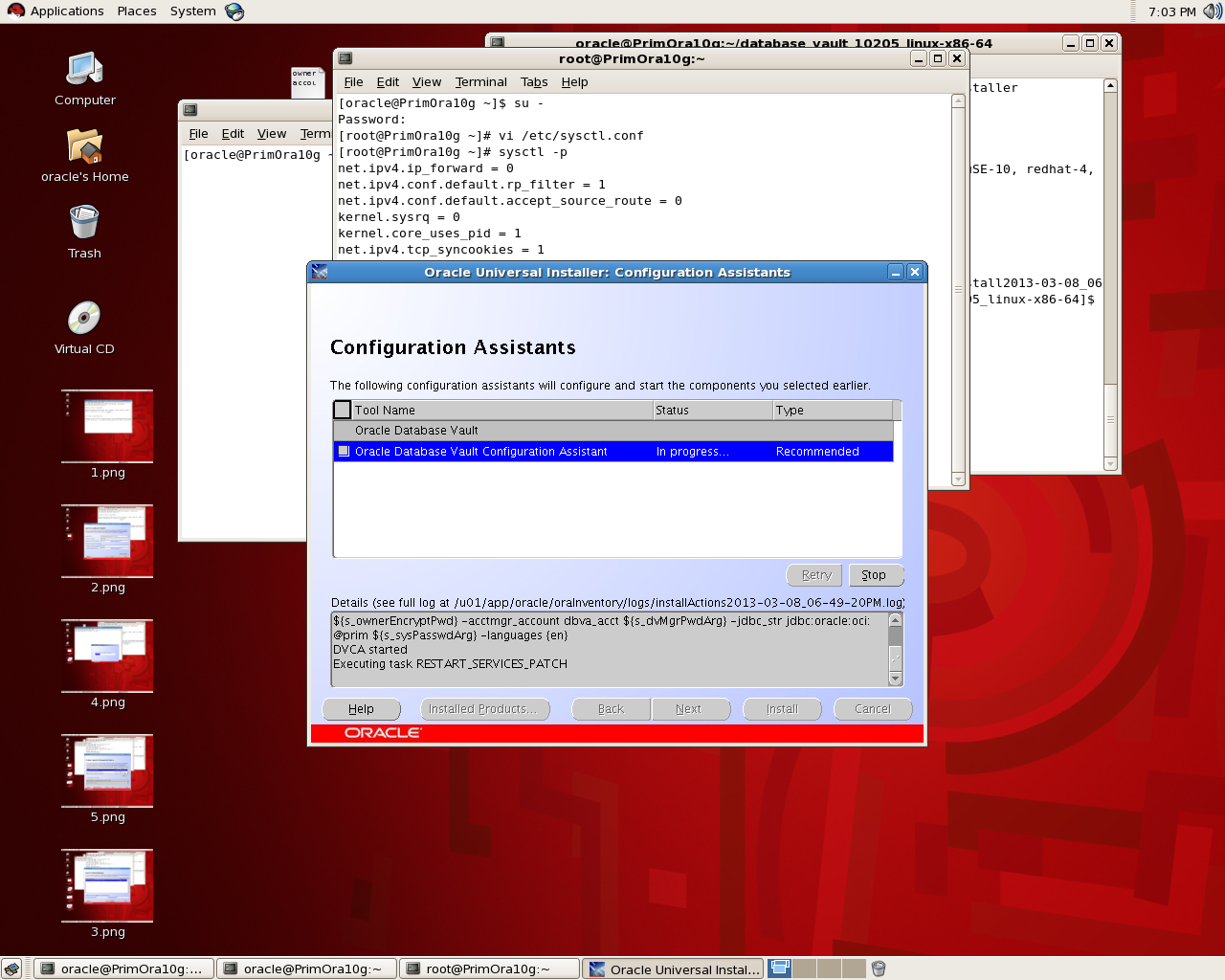
The below is screen-shot for installing Database Vault (Notice Database and Listener should be shutdown) :


Thank you 
Osama Mustafa


Oracle Security Case Study

Does your security procedure protect your data?

In most of the companies , there is access to Email Systems, Intranet , networks and internet , most of these user are using the application that connected to Database ( assume that it’s Oracle Database).

By Creating Security Procedure to protect database and what this database contain you create hard environment to deal with  since the three compentents are availability,  integrity and secuirty which mean if you increase the security then integrity will not be on the same level and so on,The Oracle database has several layers of security and provides auditing functionality at each level. most of then mention in Oracle Security Section website.

  • Password management : One of the basic steps to Enforce user to follow the rules such as : password expiration, limit password reuse, limit the number of failed logon attempts, force password complexity, lock and expire database accounts
  •     Database Auditing to monitor user activity.
  •     Fine Grained Auditing to define specific conditions necessary for an audit record to be generated, resulting in a more meaningful audit trail
  •     Database Resource Manager to set resource limits and quotas on the amount of various system resources available to users
  •     Roles to manage object privileges
  •      Oracle Label Security for more sophisticated row level security
  •     Data Encryption to provide an additional layer of protection
Which Kind Of Security Plan you follow , Do you think the Basic Steps to Secure Database will be enough or should someone enable auditing , install database firewall …. when you answer consider that more security means it will be hard to deal with application and environment.
tell me your case about the security ? what you think ?
Thank you 
Osama mustafa  


Limit The Access To The Database

In this Article, i explain how to limit access to database for only one user per schema which mean one concurrent user per schema.

Resource_limit should set to True

SQL> show parameter resource

NAME                                 TYPE        VALUE
———————————— ———– ——————————
resource_limit                       boolean     TURE
resource_manager_plan                string

After change this parameter Bounce database.

Connect to database using sysdba privileges 

sqlplus / as sysdba

create profile Only_one_user limit sessions_per_user 1;

Create New User/modify old one depend on what you want:

create user test identified by test profile Only_one_user;
grant connect to test;

Now Try to connect to this user using more than one terminal, if you did you will receive error

ORA-02391: exceeded simultaneous SESSIONS_PER_USER limit

Thank you
Osama Mustafa

Cancel Request In Conurrent Manager

To Cancel Request In Oracle Apps using SqlPlus  Command run the below Query :

Update Fnd_Concurrent_Requests
   SET Phase_Code = ‘C’,
   Status_Code = ‘E’
 Where Request_ID = ;

Or you can Replace Retest_id with  CONCURRENT_PROGRAM_ID.

Thank you
Osama Mustafa
What is ORA-00600

The ORA-600 error is the generic internal error number for Oracle program exceptions. It indicates that a process has encountered a low-level, unexpected condition.

ORA 600 “internal error code, arguments: [%s], [%s],[%s], [%s], [%s]”

and you should it’s different Oracle errors , Because when you see this error then it’s indicating for bugs, the above is general description for the error the first characterset / Number is is used with database version to identify the problem by oracle support. and maybe you will find related document on https://support.oracle.com.

When you face this error you should check the below document searching for some Notes/Patch could help you :

 Note 600.1 ORA-600/ORA-7445 Lookup tool

You need to Choose database version ( 4 digit ) and First argument in the error, also for more information how to use this tool :

 Note 1082674.1 : A Video To Demonstrate The Usage Of The ORA-600/ORA-7445 Lookup Tool [Video]

Notice when you check the alert log and see this error, a trace file is generated and an entry is written to the alert.log with details of the trace file location, trace file provide you with more information about the error that could help you to solve it. you can check the below document how to use trace file :

Note 453125.1 11g Diagnosability Frequently Asked Questions
Note 443529.1 11g Quick Steps to Package and Send Critical Error Diagnostic Information to Support[Video]

Most Common Reason for ORA-00600 File-Corruption, Failure in Hardware, I/O , or memory, to solve this error you need to do some steps before Open Services Request :

  1. Check Alert Log .
  2. Don’t forget to look at the Ora-00600 Tools.
  3. If you find any Notes related to your problem  use it and read it carefully.
  4. The last option you could help is contact Oracle Support by open Services Request but provide the full information such as:
      1. alertlog for database.
      2. Traces.
      3. If any change happened lately included with SR.
      4. I post About RDA it’s useful to use it when you open SR.

Thank you
Osama Mustafa
ORA-01031: insufficient privileges When Start Windows Services

this common error in windows, and you can be occur for more than one reason and you need to check them all to make sure you did everything is right, the error prevent the oracle services to start automatically and if you check

ORADIM.LOG….
**************************
C:\Oracle\Ora11g\bin\oradim.exe -startup -sid ptdb -usrpwd * -log oradim.log -nocheck 0
Thu Nov 15 15:16:15 2012
ORA-01031: insufficient privileges

You have to check :

1- startup type for the services ( if it’s set automatically )
2- Group to user ( the user should be in ORA_DBA Group )
3 – you can check log on tab in the service properties and set the username and password who responsible about this services and can do it by:

Go to Control Panel -> Administrative Tools -> Services .

Choose oracle services and then
click “properties”. Select the “Log On” tab and note the account that is set to run the service.

Thank you
Osama mustafa