SQL> create table test ( id number);
Table created.
SQL> create view test_vw as select * from test ;
View created.
SQL> create directory dump as ‘/u01/dump’;
Directory created.
SQL> grant read,write on directory dump to osama ;
Grant succeeded.
For the people who think differently Welcome aboard
SQL> create table test ( id number);
Table created.
SQL> create view test_vw as select * from test ;
View created.
SQL> create directory dump as ‘/u01/dump’;
Directory created.
SQL> grant read,write on directory dump to osama ;
Grant succeeded.
Hardware
you need to configure Swap Memory And make sure you RAM is enough to avoid Out Of memory during the installation.
Software
as i mention before check certified OS with database, in my case i will use Redhat 6 update 4.
install Packages :
binutils-2.20.51.0.2-5.11.el6 (x86_64)
glibc-2.12-1.7.el6 (x86_64)
libgcc-4.4.4-13.el6 (x86_64)
libstdc++-4.4.4-13.el6 (x86_64)
libaio-0.3.107-10.el6 (x86_64)
libXext-1.1 (x86_64)
libXtst-1.0.99.2 (x86_64)
libX11-1.3 (x86_64)
libXau-1.0.5 (x86_64)
libxcb-1.5 (x86_64)
libXi-1.3 (x86_64)
make-3.81-19.el6sysstat-9.0.4-11.el6 (x86_64)
compat-libcap1-1.10-1 (x86_64)
compat-libstdc++-33-3.2.3-69.el6 (x86_64)
gcc-4.4.4-13.el6 (x86_64)
gcc-c++-4.4.4-13.el6 (x86_64)
glibc-devel-2.12-1.7.el6 (x86_64)
ksh <== any version of ksh is acceptable
libstdc++-devel-4.4.4-13.el6 (x86_64)
libaio-devel-0.3.107-10.el6 (x86_64)
inside /etc/sysctl.conf
fs.file-max = 6815744
kernel.sem = 250 32000 100 128
kernel.shmmni = 4096
kernel.shmall = 1073741824
kernel.shmmax = 4398046511104
net.core.rmem_default = 262144
net.core.rmem_max = 4194304
net.core.wmem_default = 262144
net.core.wmem_max = 1048576
fs.aio-max-nr = 1048576
net.ipv4.ip_local_port_range = 9000 65500
Use this command to restart kernel /sbin/sysctl -p
/etc/hosts
Serverip Hostname
/etc/security/limits.conf
oracle soft nofile 1024
oracle hard nofile 65536
oracle soft nproc 2047
oracle hard nproc 16384
oracle soft stack 10240
oracle hard stack 32768
/etc/pam.d/login
session required pam_limits.so
after edit OS parameter you need to create Oracle user :
groupadd -g 101 oinstall
groupadd -g 102 dba
groupadd -g 103 oper
useradd -u 100 -g oinstall -G dba,oper oracle
passwd oracle
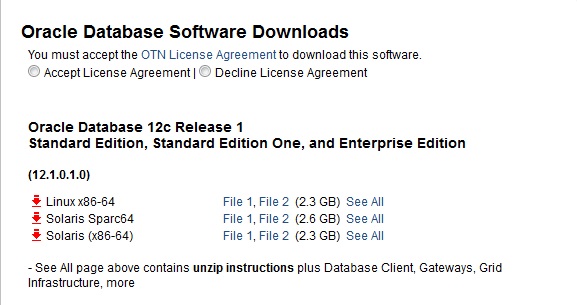
copy media to your Server , and do the following :
chown -R oracle:oinstall /u01/database
chmod -R 775 /u0/database
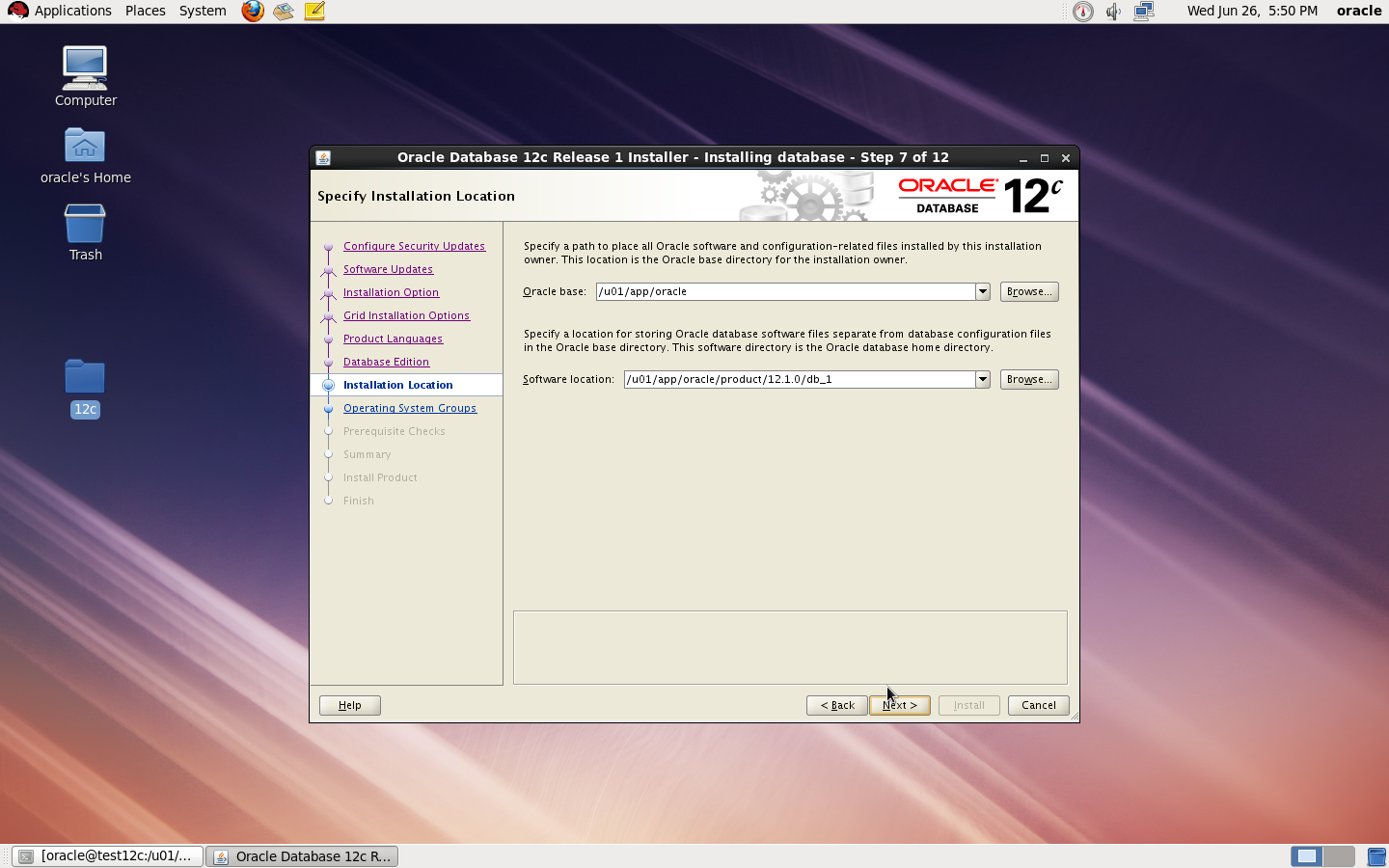
mkdir -p /u01/app/oracle/product/12.1.0/db_1
chown -R oracle:oinstall /u01
chmod -R 775 /u01
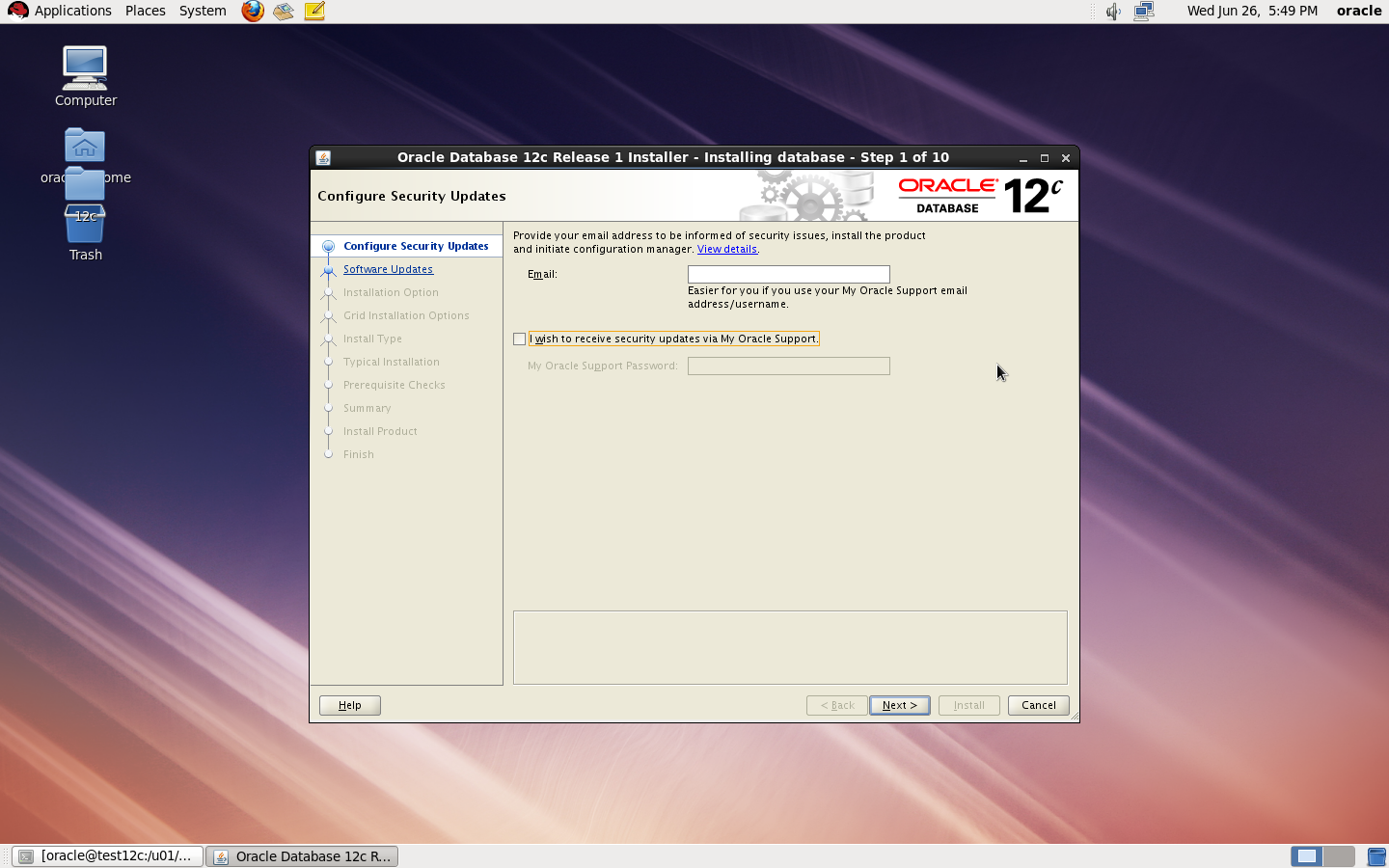
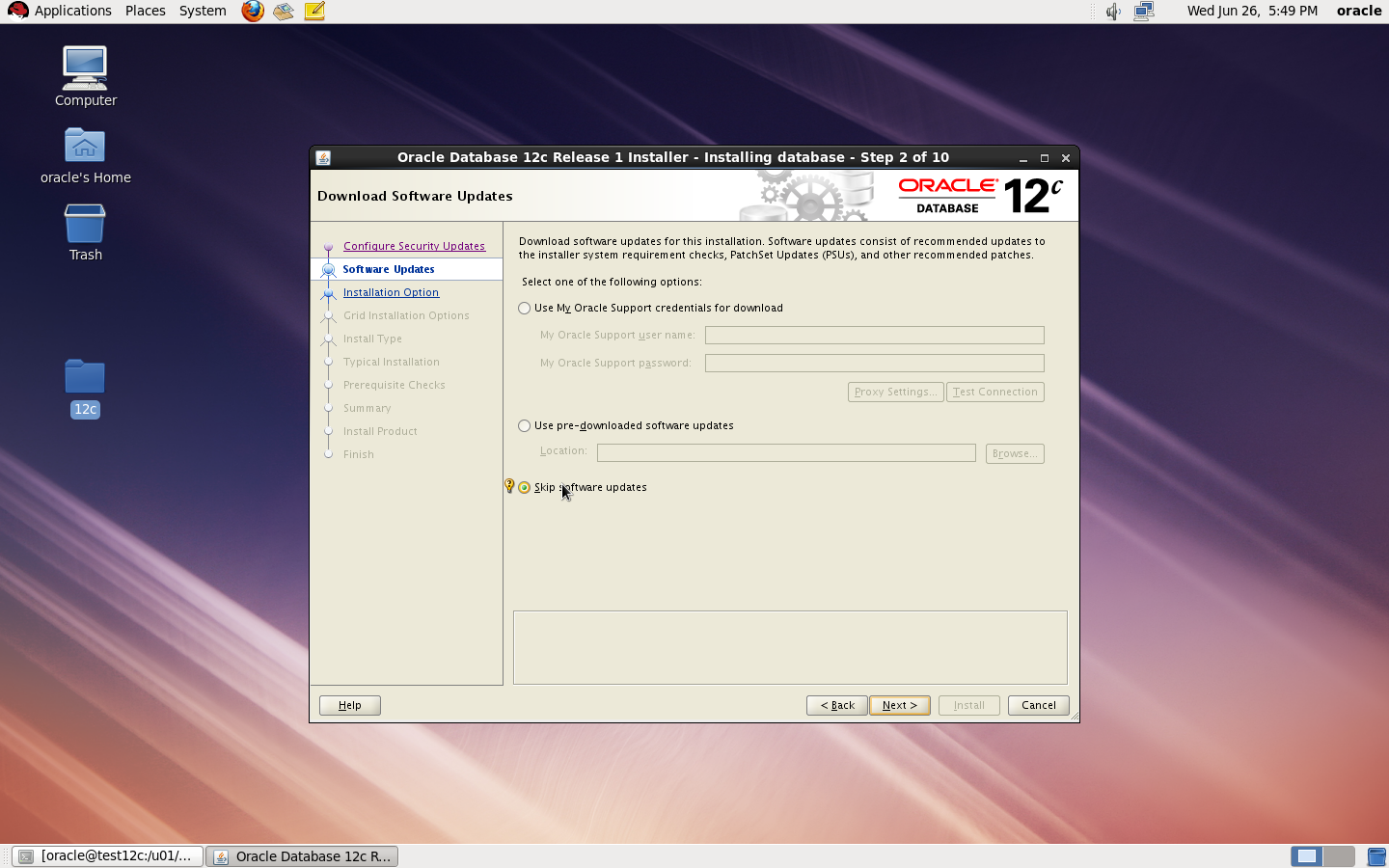
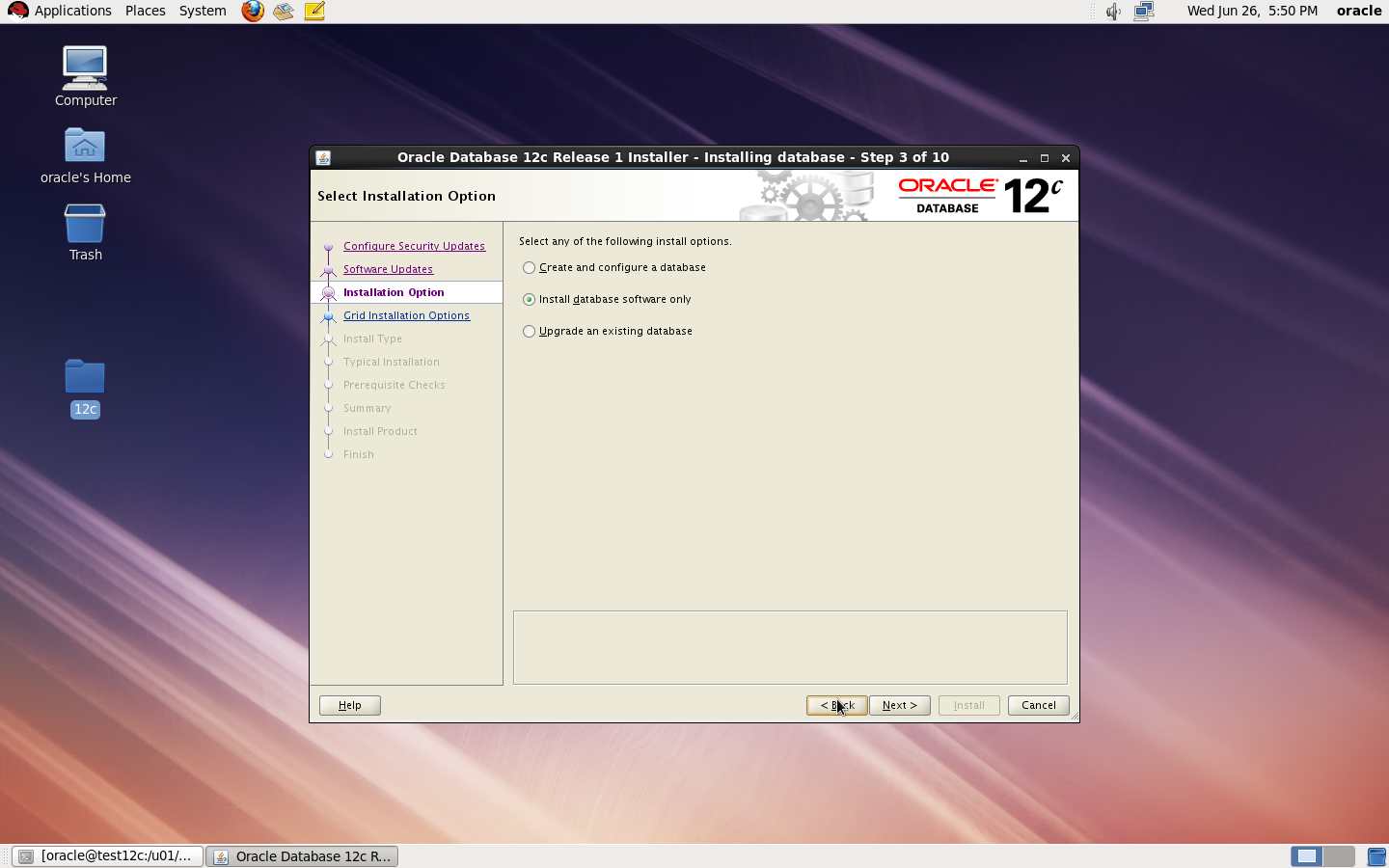
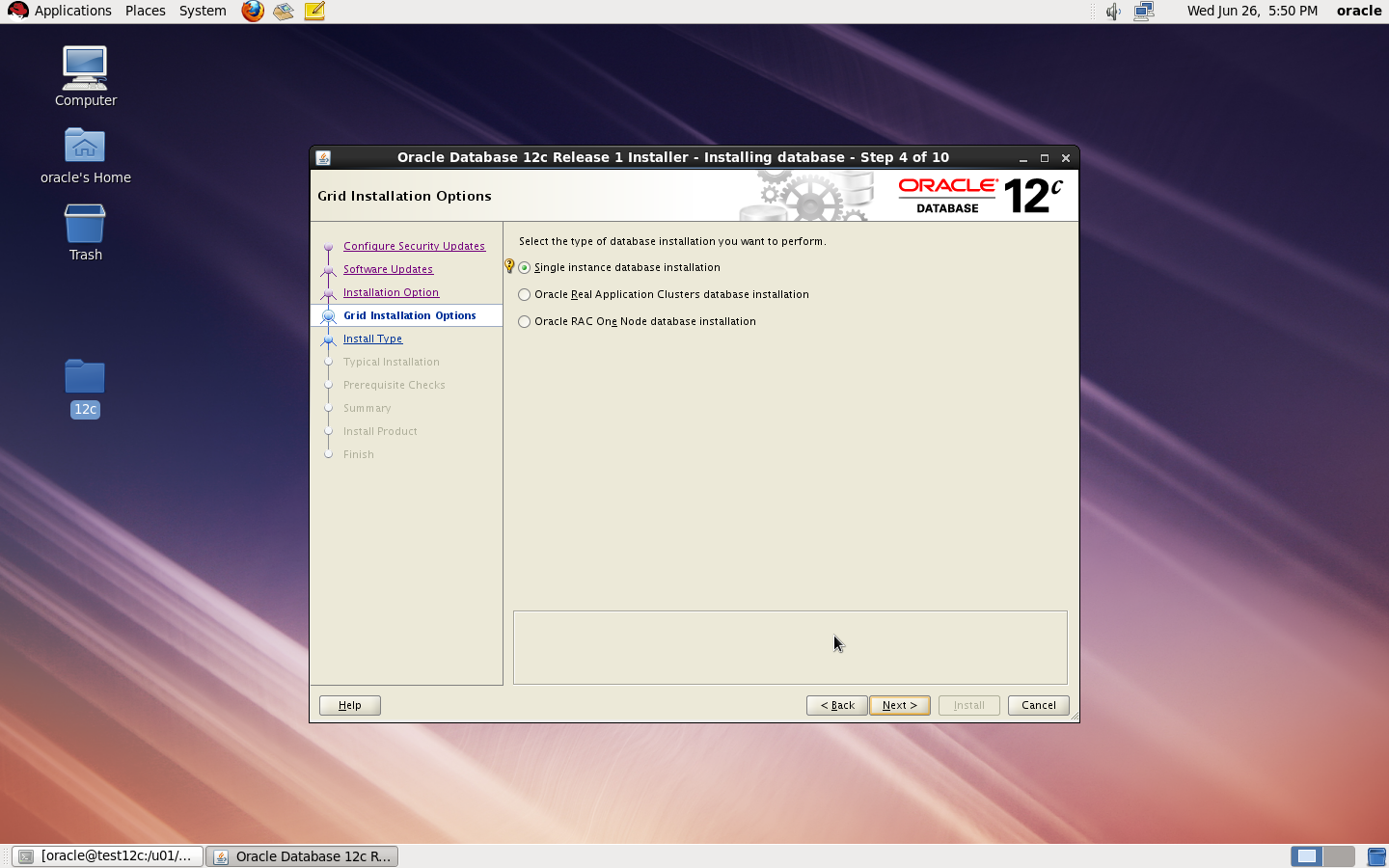
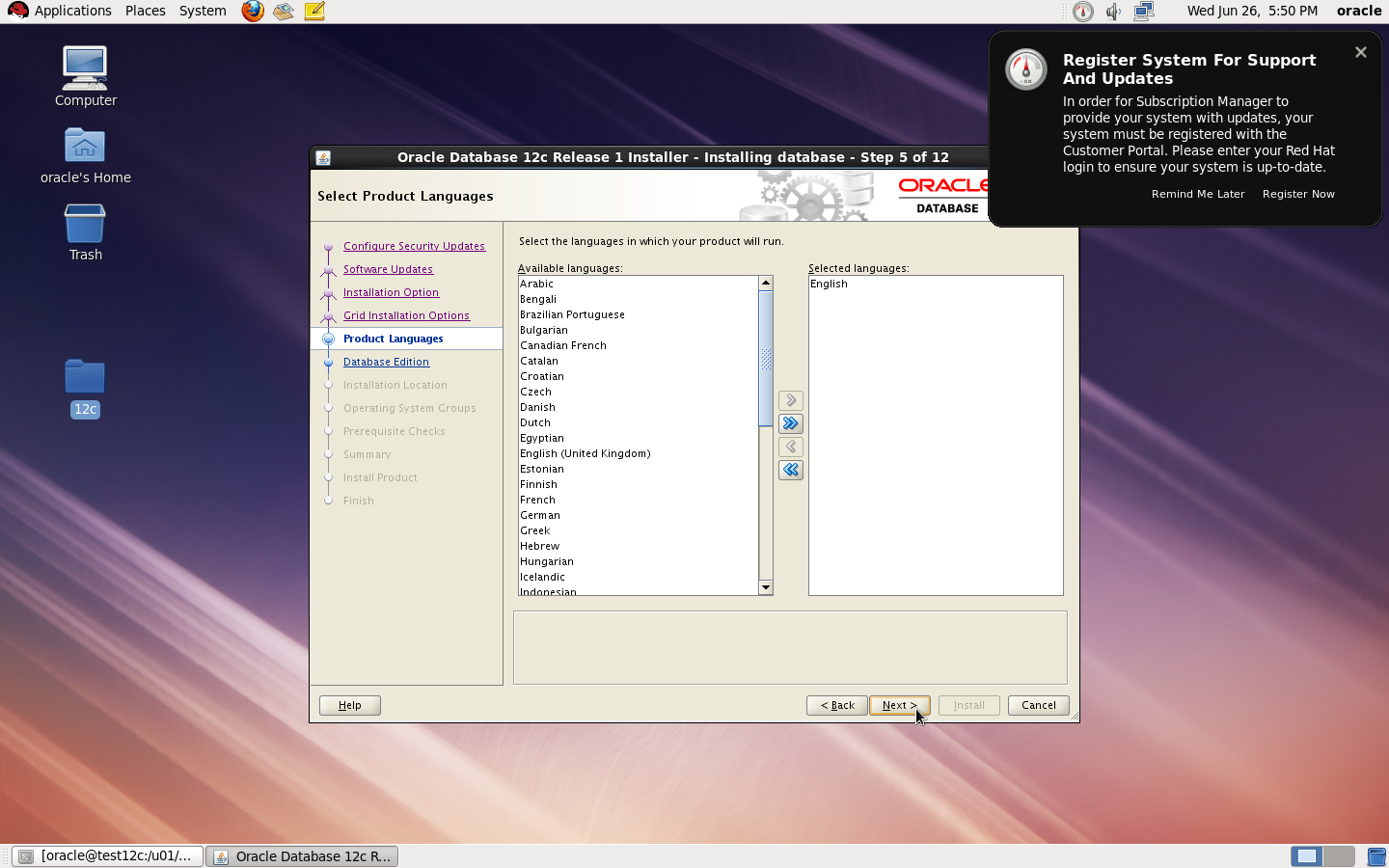
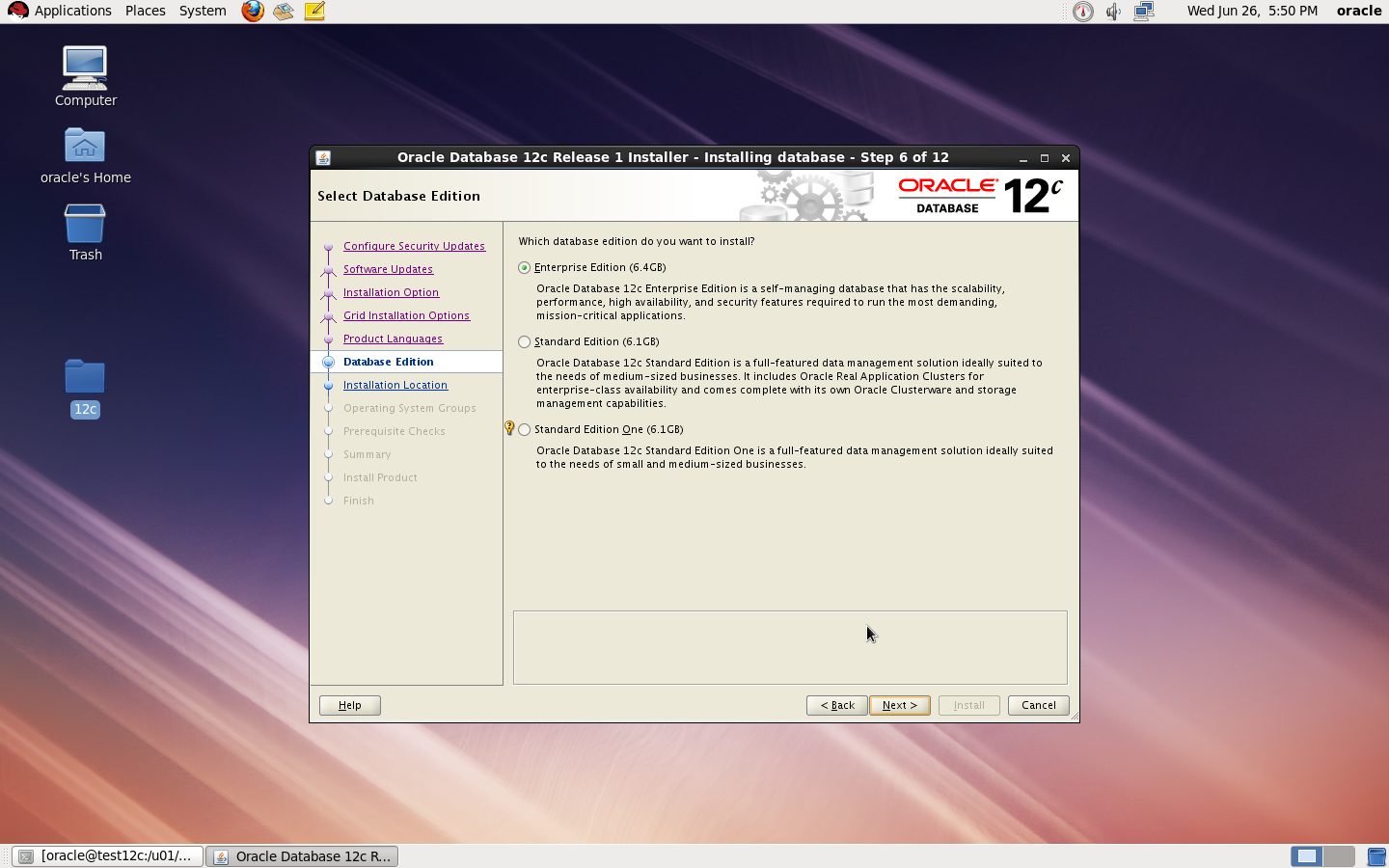
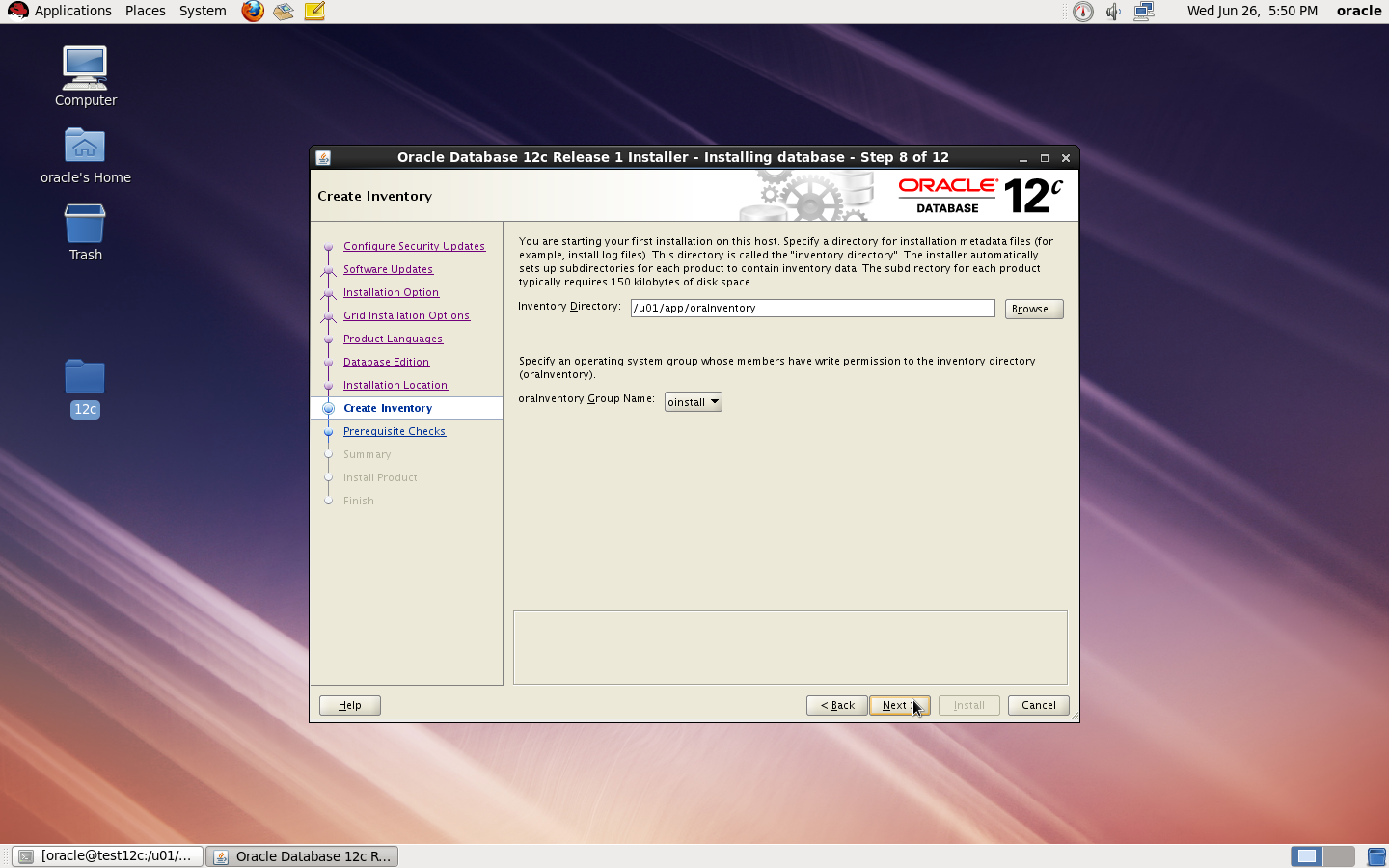
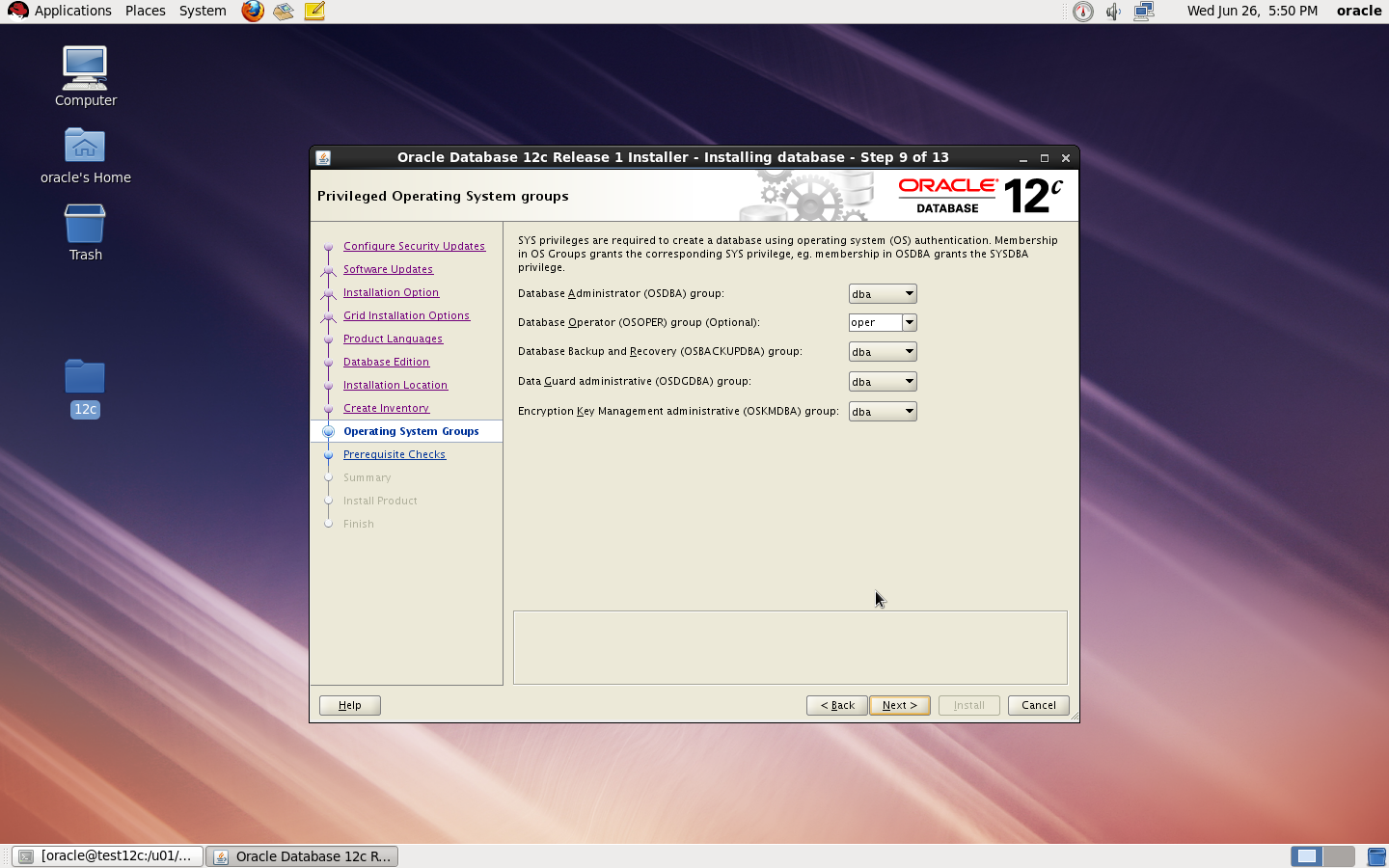
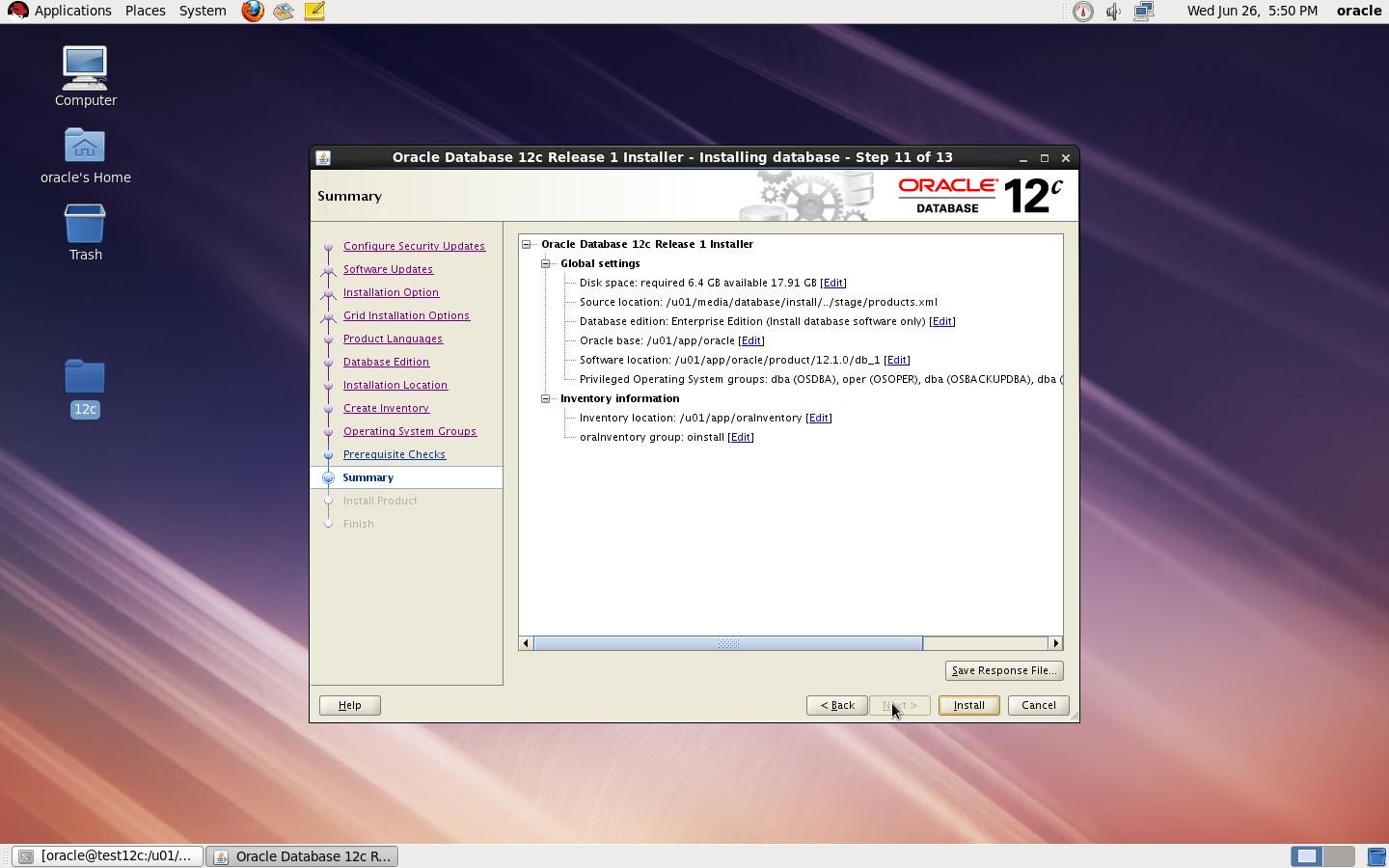
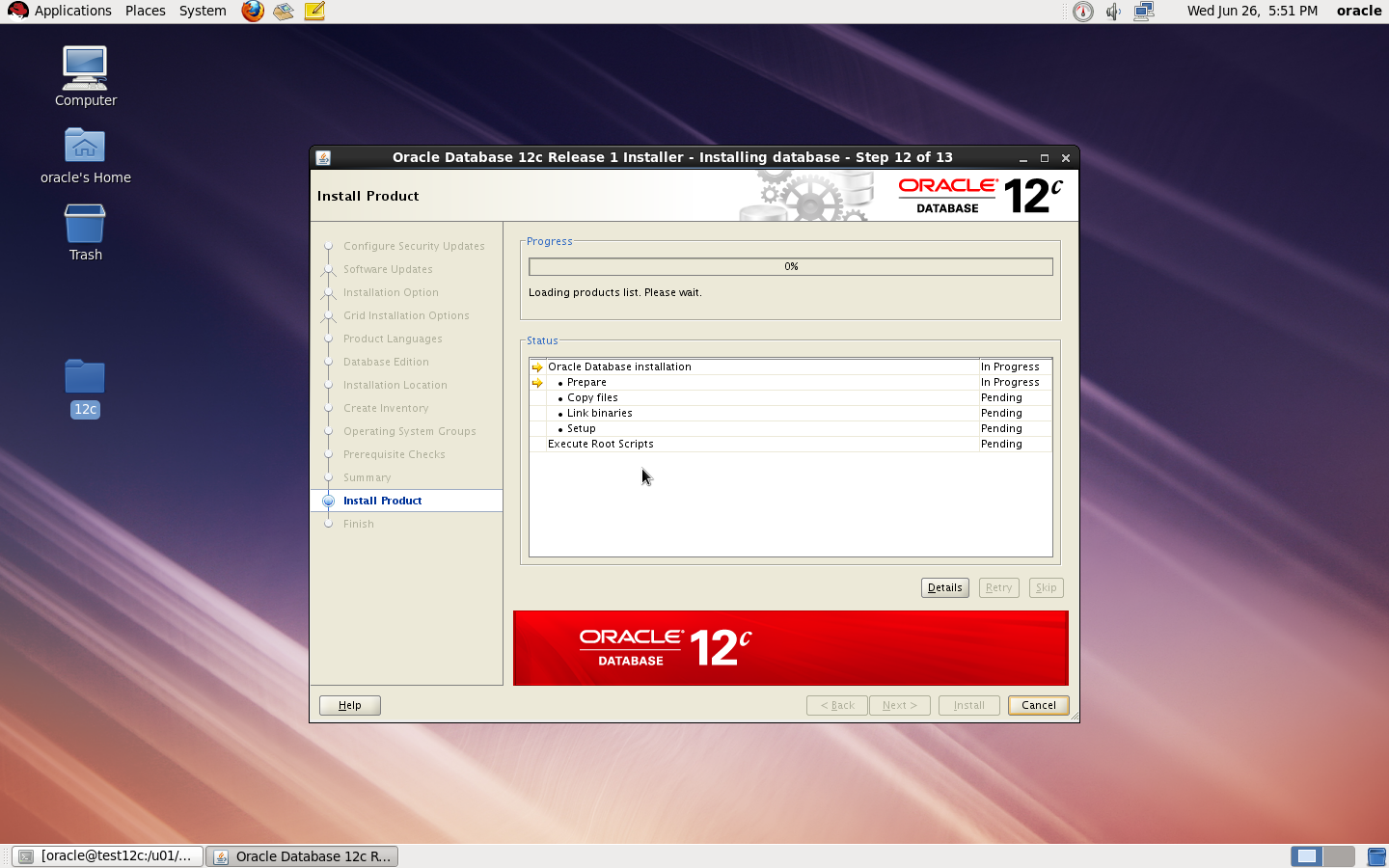
now start installation by ./runInstaller
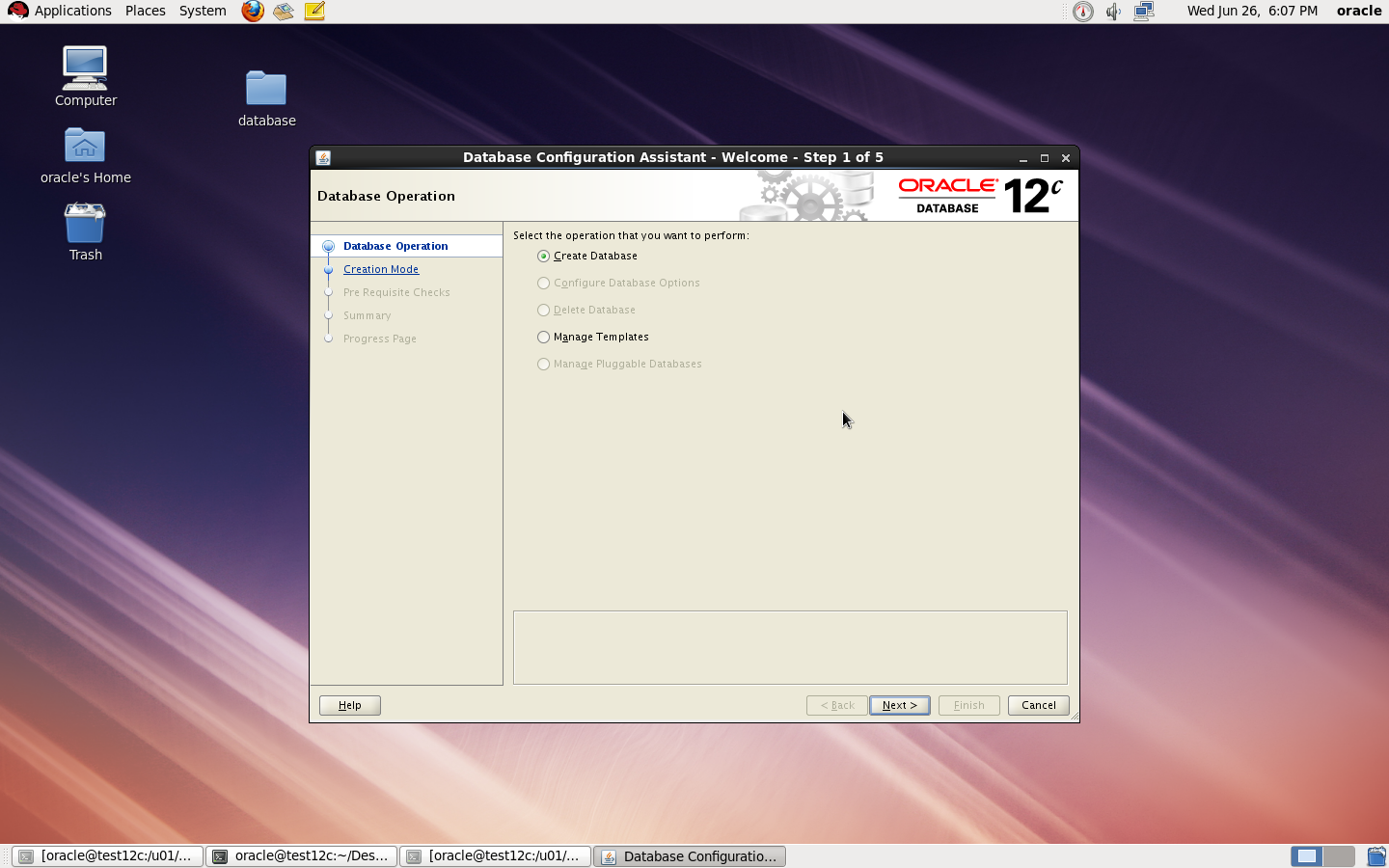
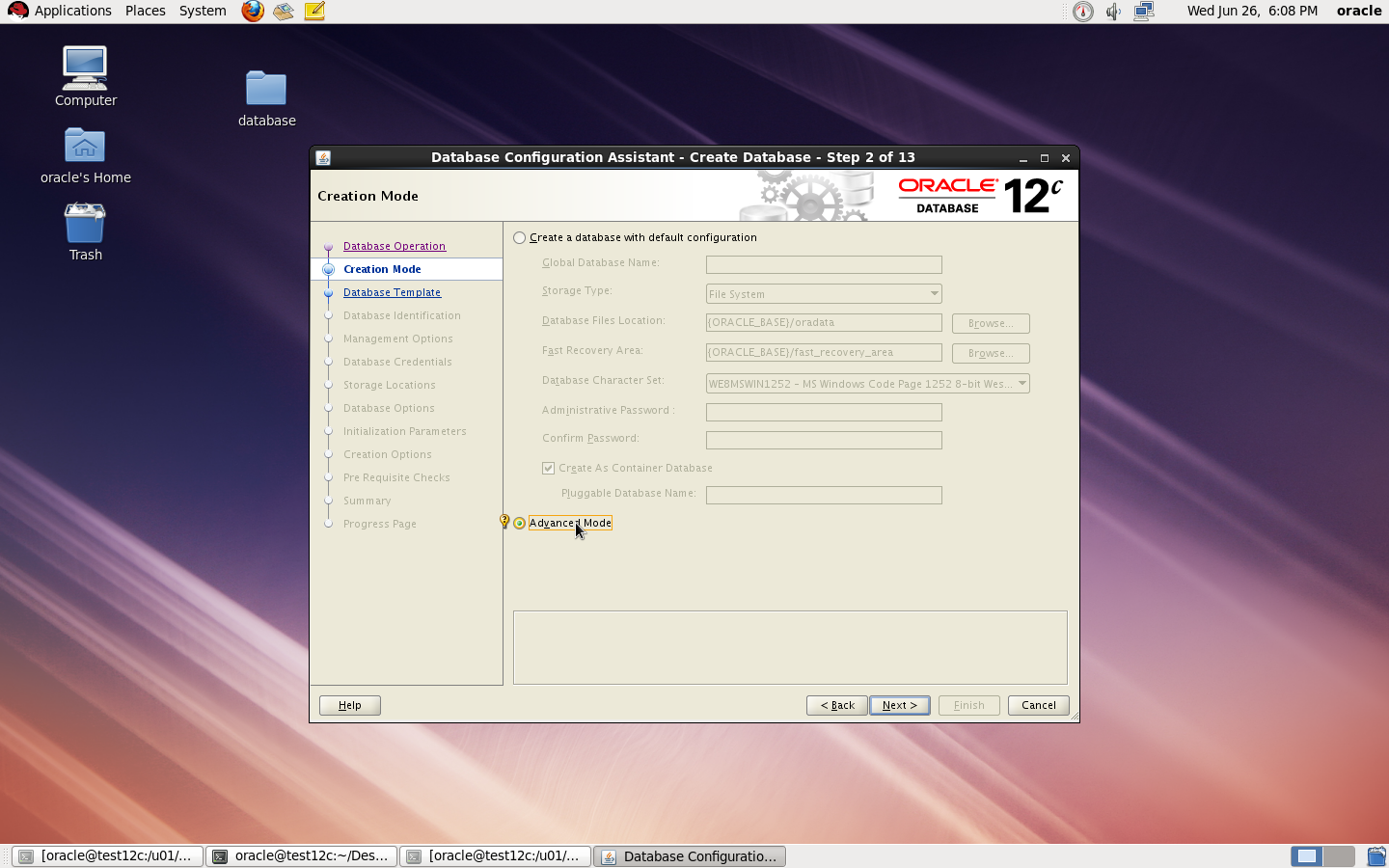
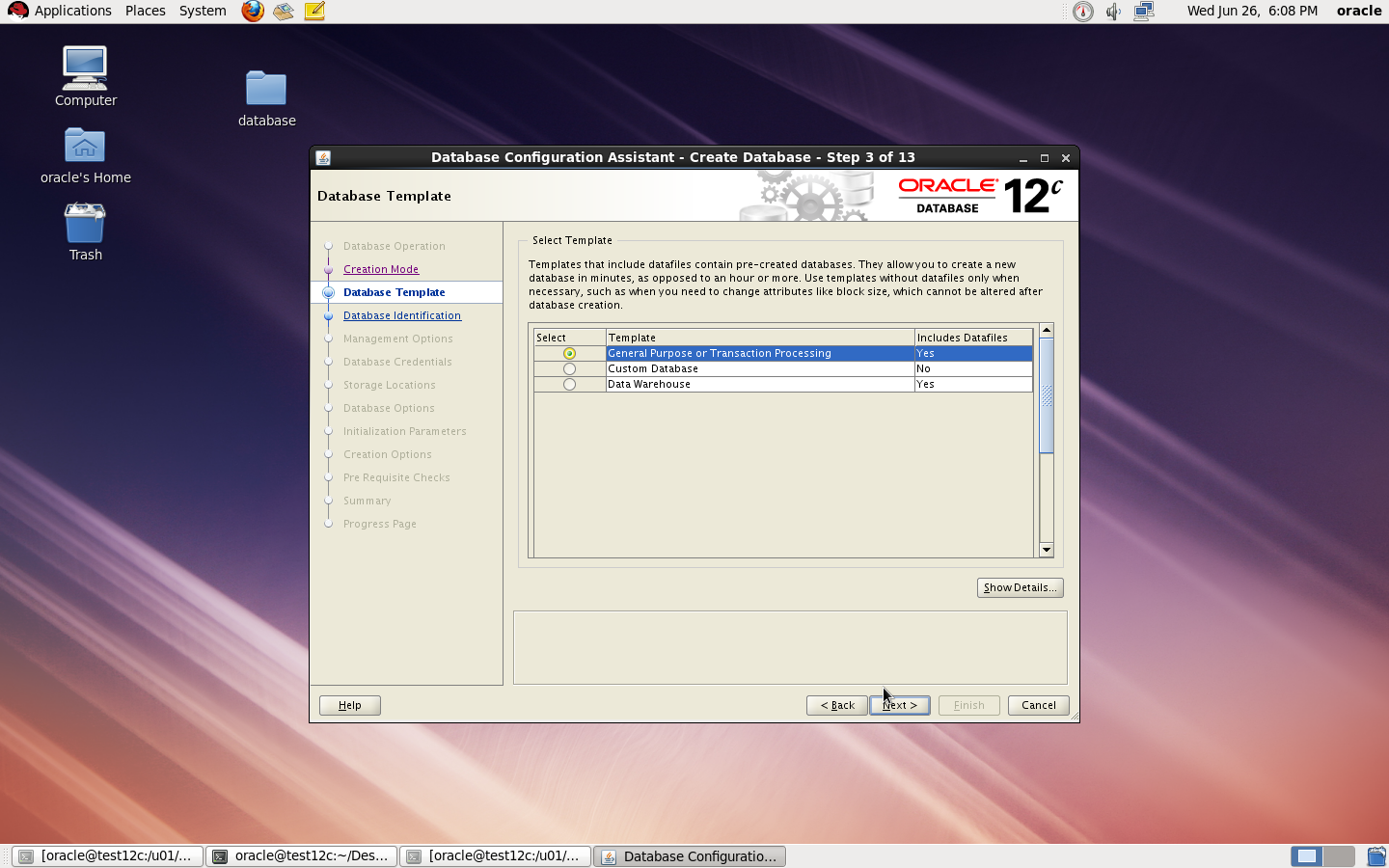
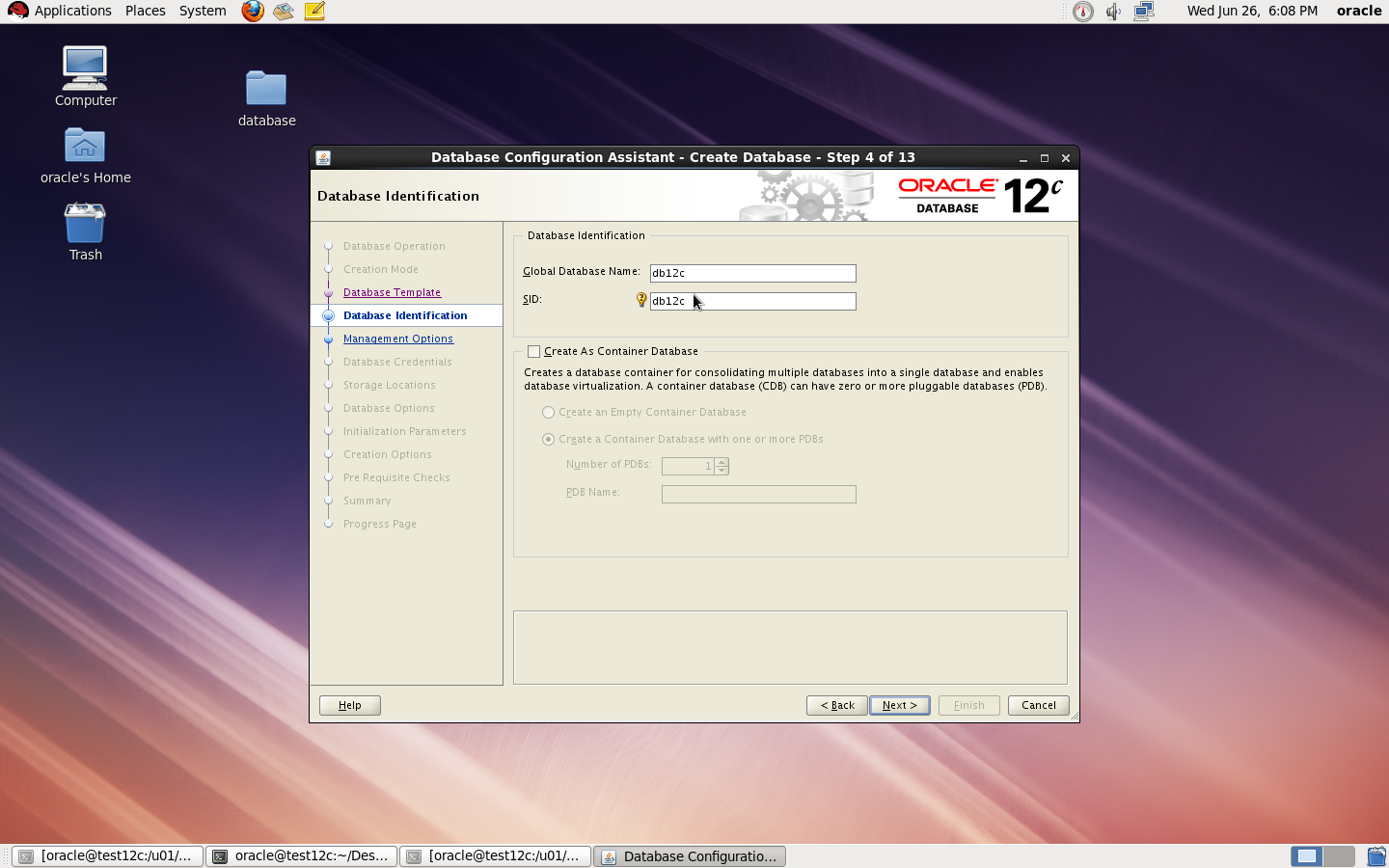
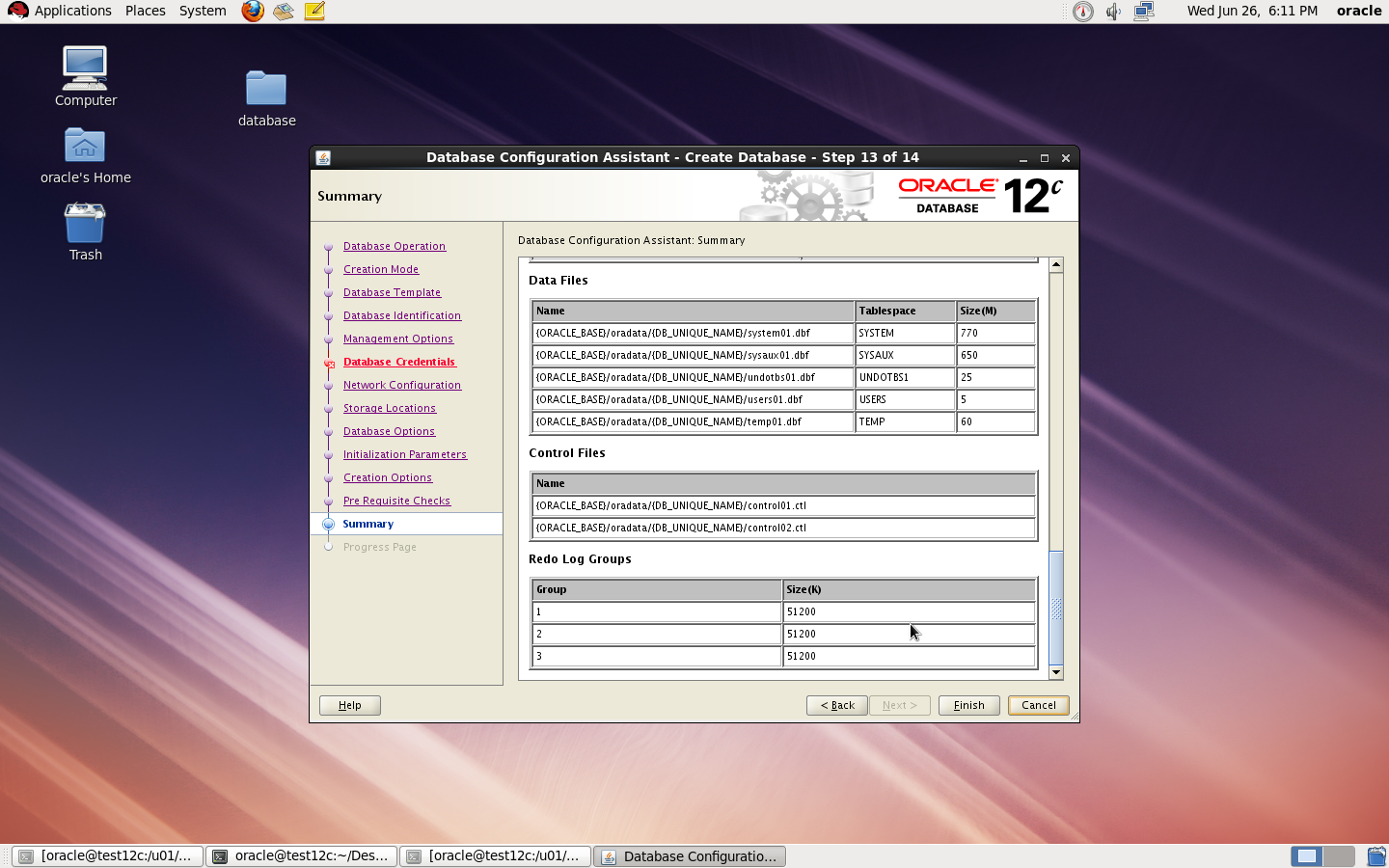
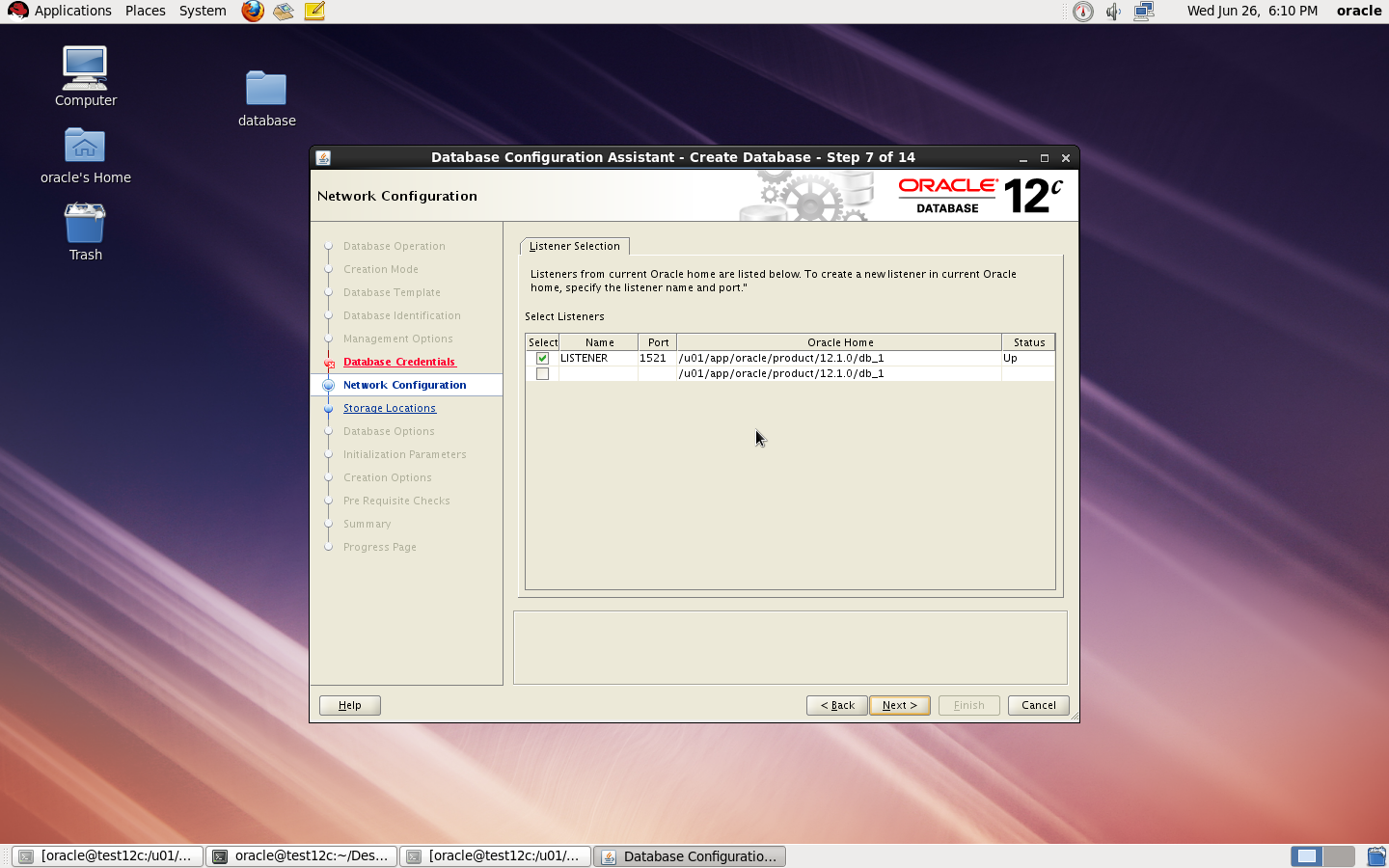
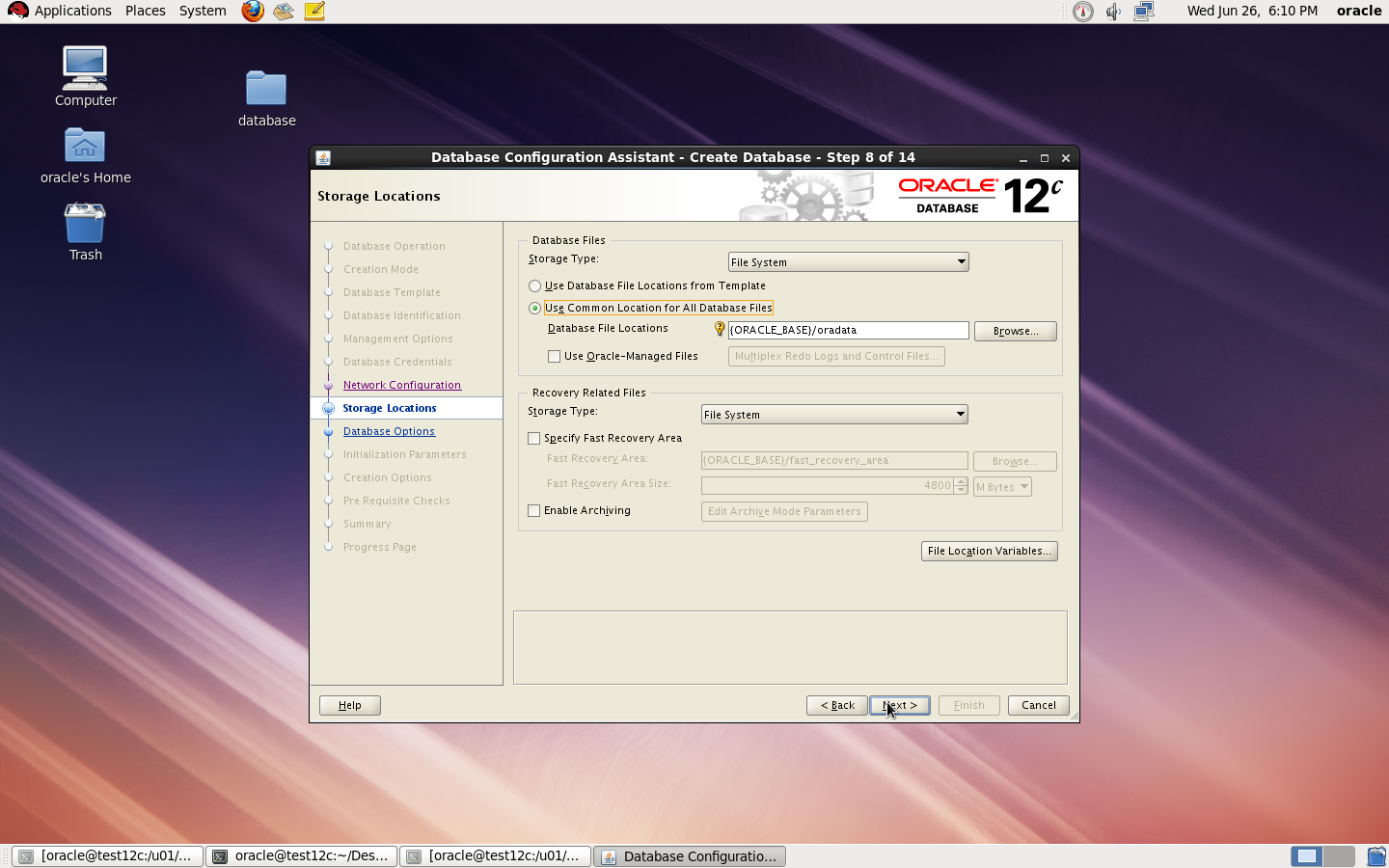
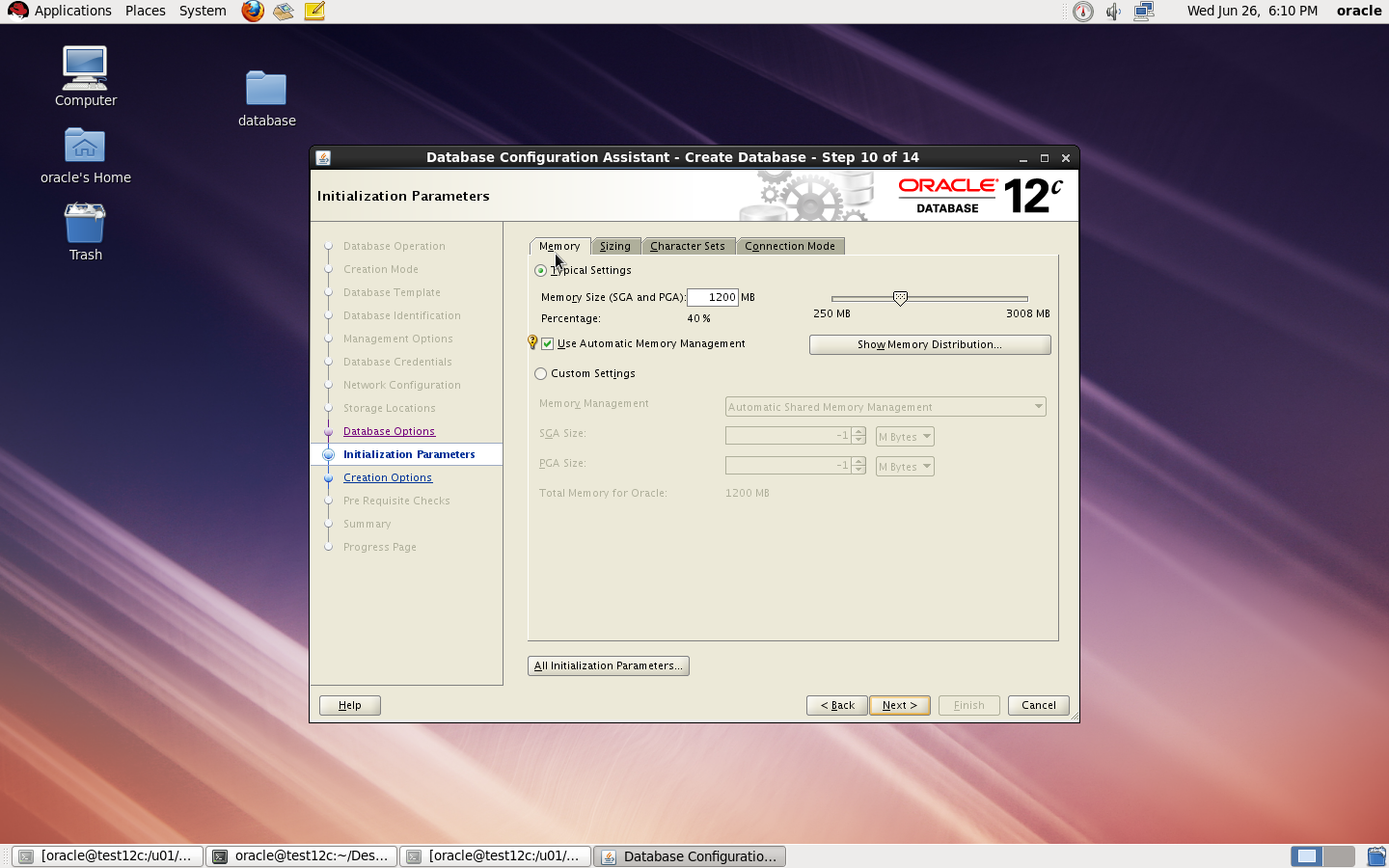
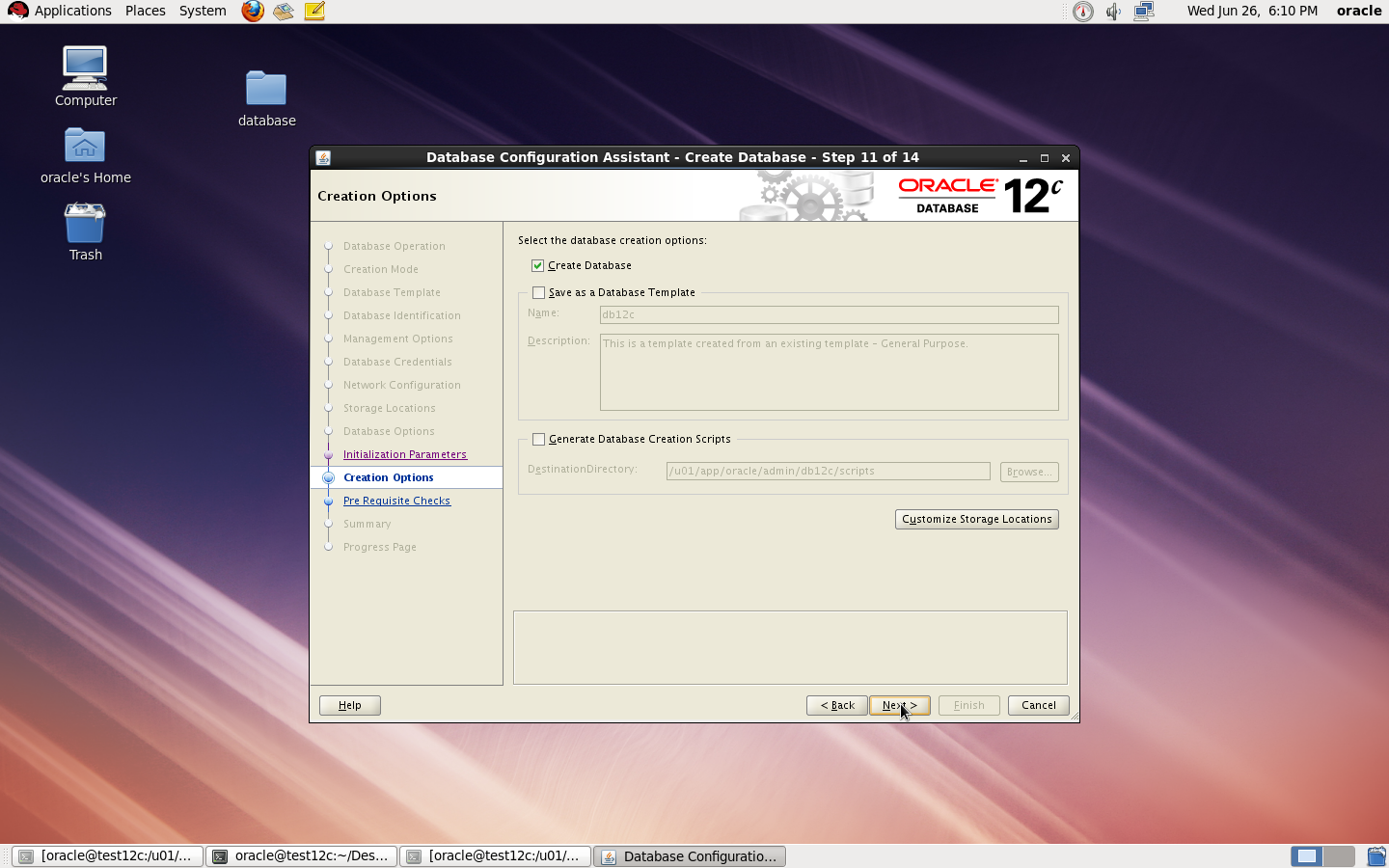
to Create Database you need to configure listener using netca and after finished successfully use dbca like below :
I Upload the article Here
Thank you
Osama mustafa
I found the below errors :
app.ContextInitializer contextInitialized.420 – Integration Class not found
and
ERROR main: nmectla_agentctl: Error connecting to
First you need to make sure that the link in emd.properties and ports and configured right and hostname is correct, restrat dbconsole if this not works then check the below
On Host :
oracle@TEST:/u01/app/$ echo $TZ
localtime
oracle@TEST:/u01/app/$ export TZ=Etc/GMT+2
emctl config agent updateTZ
emctl resetTZ agent
Restart Dbconsole
Emctl start dbconsole
Thank you
Osama mustafa
/u01/app/oracle/product/11.2.0/dbhome_1/sysman/config
under this directory you will work on
share [-F fstype] [ -o options] [-d “”] [resource]
share -F nfs -o rw -d “codereview dirs” /u01/Shared –> my Shared Folder
root@Host:/u01# cat /etc/dfs/sharetab
/u01/hmmdb u01_hmmdb nfs sec=sys,rw codereview
/u01/Shared u01_Shared nfs sec=sys,rw
Exports list on :
/u01/Shared All Machines
/u01/hmmdb All Machines
The Critical Patch Update Advisory is the starting point for relevant information. It includes the list of products affected, a summary of the security vulnerabilities, and a pointer to obtain the latest releases and patches.”
June 2013 Oracle Java SE Critical Patch Update: Here
The next four scheduled dates for Oracle Java SE Critical Patch Updates are:
16 April 2013
18 June 2013
15 October 2013
14 January 2014
Thank you
Osama mustafa
root@TEST:~# zfs list
NAME USED AVAIL REFER MOUNTPOINT
oracle 107G 10.6G 1.11M /oracle
oracle/u01 105G 13.0G 105G /u01
rpool 32.2G 46.0G 39K /rpool
rpool/ROOT 5.40G 46.0G 31K legacy
rpool/ROOT/solaris 5.40G 46.0G 5.03G /
rpool/ROOT/solaris/var 318M 46.0G 314M /var
rpool/dump 1.03G 46.1G 1.00G –
rpool/export 854K 46.0G 32K /export
rpool/export/home 822K 46.0G 32K /export/home
rpool/export/home/omnix 790K 46.0G 790K /export/home/omnix
rpool/swap 25.8G 46.8G 25.0G –
root@TEST:~# zpool list
NAME SIZE ALLOC FREE CAP DEDUP HEALTH ALTROOT
oracle 140G 105G 34.9G 75% 1.00x ONLINE –
rpool 79.5G 31.4G 48.1G 39% 1.00x ONLINE –
root@TEST:~# zpool set autoexpand=on oracle
root@TEST:~# zpool list
NAME SIZE ALLOC FREE CAP DEDUP HEALTH ALTROOT
oracle 140G 105G 34.9G 75% 1.00x ONLINE –
rpool 79.5G 31.4G 48.1G 39% 1.00x ONLINE –
now you have to do the below :
root@TEST:~# zfs get volsize,reservation oracle
NAME PROPERTY VALUE SOURCE
oracle volsize – –
oracle reservation 107G local
root@TEST:~# zfs set reservation=140G oracle/u01
root@TEST:~# zfs get reservation oracle/u01
NAME PROPERTY VALUE SOURCE
oracle/u01 reservation 140 local
–> zfs set quota=140G oracle
Finally Check df -h and size are increased 🙂
Thank you
Osama mustafa
When run the below command :
zfs destroy rpool/export/home/grid
cannot unmount ‘/export/home/oracle’: Device busy
Solution :
zfs unmount rpool/export/home/grid
zfs destroy rpool/export/home/grid
Thank you
Osama mustafa
zfs create -o mountpoint=/u01 rpool/u01