OTN MENA Tour Experience – Dubai

Don’t be dismayed by good-byes. A farewell is necessary before you can meet again. And meeting again, after moments or lifetimes, is certain for those who are friends.


I Thought it will be nice to share this quotation before start talking about Oracle OTN Tour – MENA TOUR 2014. 
Fir the people who dosen’t know anything about this Tour it’s happened for the first time in middle-east, 
“Courtesy of the Oracle Technology Network (OTN) and the ARABOUG, the inaugural 2014 OTN MENA Tour brings a star-studded cast, consisting of some of the world’s best Oracle ACEs, ACE Directors and Rock Star Speakers to the region. The tour aims at sharing cutting edge knowledge and independent research in the MENA region, by accomplished Oracle experts from all over the world”
Covered the following countries :-
  • Tunisia
  • KSA- Saudi Arabia
  • Dubai.
Link Here.
Picture for the speaker getting ready for the event :-
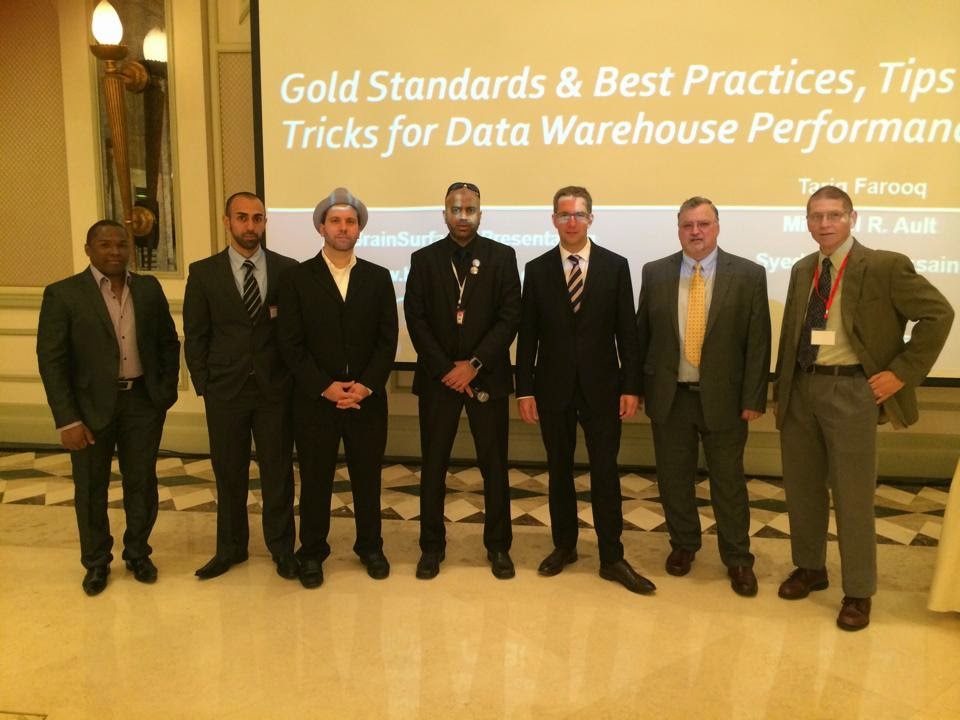
Introduction about the Speaker :-
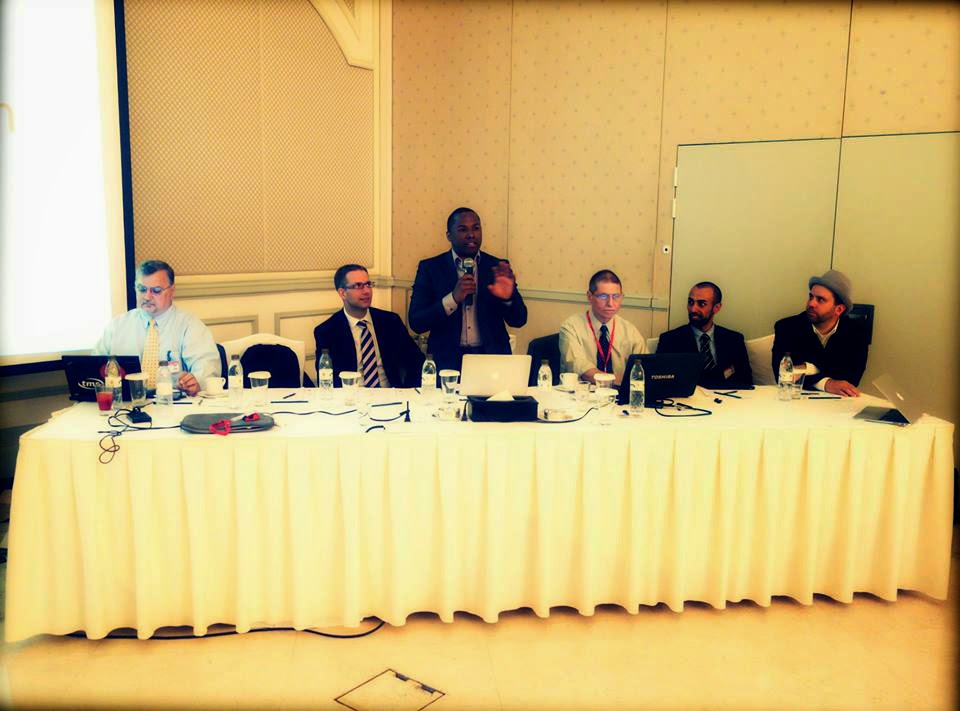
I will talking about Dubai, The event location was In Habtoor Grand Beach Resort & Spa. started at 8 Am – 5 pm During this time Oracle experts start sharing their knowledge and  chatting with them.
Different Topics , Different Speaker But it’s Only About Oracle, Performance tips, I/O , 12c , Fusion middleware , RAC 12c …
I spoke about Oracle Fusion middleware high Availability and crowd was really amazing.
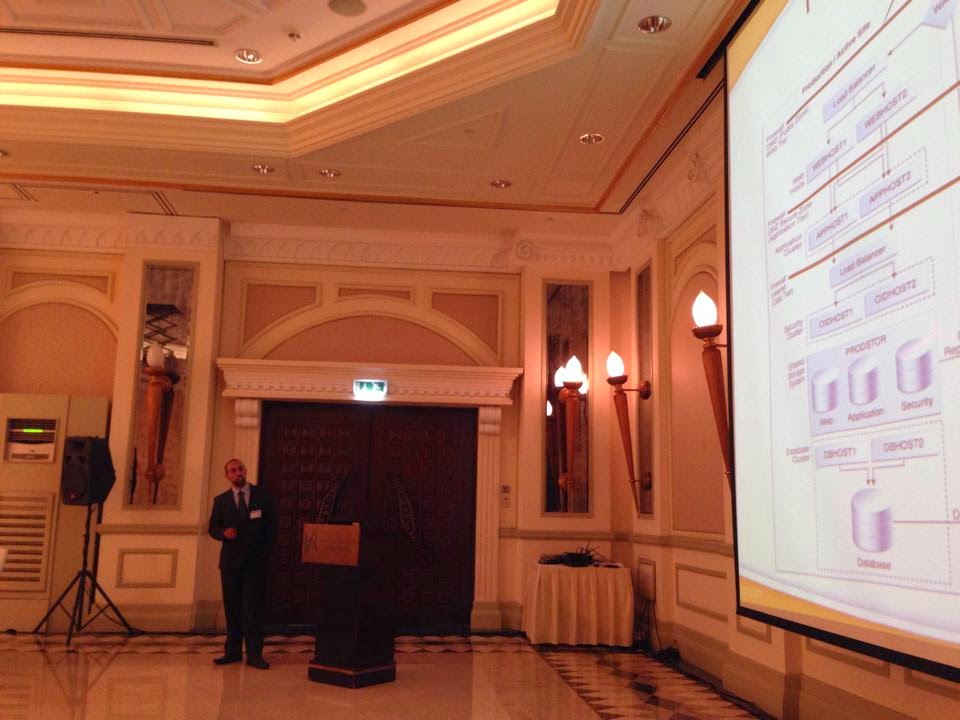
 

I will do it again for sure Enshalla.

Thank you
Osama mustafa.
Enable Samba to Share from Linux to Windows

To Setup and configure Shared Folder From Linux to Windows Follow the Below Steps :-

  • Install Samba Package on OS using the below command.
    • rpm -ivh samba Or yum install samba
  • After Install The Package configure   Username and password using the below command :-
    • smbpasswd -a oracle ( Or Any other user you want to share folder with )
  • On Linux Side –> Create Directory using mkdir /u01/share.
  • edit vi /etc/samba/smb.conf and configure the file to allow share to the above folder.

[Folder-name]
path = Folder_path
available = yes
valid users = User_will_user_folder.
read only = no
browsable = yes
public = yes
writable = yes

  • Restart Samba Services –> service smb restart
  • On Windows you can access the folder using Run –> \\Linux-Ip and enter the username and password.

Thank you
Osama Mustafa

Middle east Tour 2014

Courtesy of the Oracle Technology Network (OTN) and the ARABOUG ( Arab Oracle User Group ), the inaugural 2014 OTN MENA Tour brings a star-studded cast, consisting of some of the world’s best Oracle ACEs, ACE Directors and Rock Star Speakers to the region. The tour aims at sharing cutting edge knowledge and independent research in the MENA region, by accomplished Oracle experts from all over the world – “The 2014 OTN Middle East & North Africa (MENA) Tour” – 5 Cities, 3 Countries, 2 Continents with more than 50 Action-Packed Oracle Sessions, last stop at Dubai June 1 – Dubai, UAE.
Speakers List :-
Bjoern Rost
Michael Ault
Syed Jaffar Hussain
Edward Roske
Osama Mustafa.
Dr.Mohammad Houri 
Joel Perez
Tariq Farooq
Jim Czuprynski
We Are Glad to see you there and chatting with you.

Link Here

Thank you 
Osama Mustafa

OTech Magazine 2014

Independent magazine for Oracle technology professionals. OTech Magazine will be published digitally four times a year. Every season. 

The first edition will be published Fall 2013. OTech Magazine articles are written by the Top-100 consultants in the Oracle-field around the globe. Only selected authors can publish in OTech Magazine.

OTech Magazine offers insight in complex Oracle projects and solutions.

My Article Included in this Version of OTech Magazine You Can Check The Magazine Here

 I Want to take this Opportunity to Thanks Douwe Pieter for his great efforts.

Thank you 
Osama Mustafa 

Weblogic 12c installation

there are over 200 new features in weblogic 12c, some of this features
are:-

 Simplified Deployment and Management with Virtualization
 Integrated Traffic Management
 Integrated WebLogic/RAC Clusters
 Seamless Upgrade From WebLogic, iAS and Others

This Document Describe steps to install Oracle weblogic 12c, operating system Oracle Linux 6.4, You can Download Document here

Thank you
Osama Mustafa 

Managed Server ERROR: transport error 202: bind failed: Address already in use

ERROR: transport error 202: bind failed: Address already in use
ERROR: JDWP Transport dt_socket failed to initialize, TRANSPORT_INIT(510)
JDWP exit error AGENT_ERROR_TRANSPORT_INIT(197): No transports initialized [../../../src/share/back/debugInit.c:750]

This Error Appeared when trying to start Managed server the Log Shown the above error, which already clear, in my case i have 2 managed server SOA and OSB in the same AdminServer each of them trying to access on the same PID process using Node Manager to solve this issue please follow the below steps.
Solutions :-
  • Inside Domain Path for example /u01/app/fmw/domains/Base_domain/bin
  • Edit setDomainEnv.sh and search for the below :-

if [ “${DEBUG_PORT}” = “” ] ; then
        DEBUG_PORT=”8453″
        export DEBUG_PORT
fi

if [ “${SERVER_NAME}” = “” ] ; then
        SERVER_NAME=”AdminServer”
        export SERVER_NAME
fi

  •  Add New Lines under the above to contain server name and available DEBUG_PORT on the server like the below:-

if [ “${SERVER_NAME}” = “soa_server1” ] ; then
   DEBUG_PORT=”7453″
   export DEBUG_PORT
fi

if [ “${SERVER_NAME}” = “osb_server1” ] ; then
   DEBUG_PORT=”7454″
   export DEBUG_PORT
fi

 Now Restart AdminServer and Try to start Managed Server, Take Backup from setDomainEvn.sh before editing.

Thank you
Osama mustafa

Oracle Solaris 11.2 Launch On 29/04

Today 29/04/2014 Oracle Launched new version of operating system Solaris 11.2, This Version will contain significant Features and it’s fully supported for Cloud

Some of the new features :-

  • Reduce management effort via OpenStack integration
  • Further increase the flexibility of Solaris system virtualization
  • Add unique software-defined networking (SDN) capabilities
  • Simplify the creation of private and public clouds

The Link for the Event Here.

Thank you 
Osama mustafa

Oracle Linux 7 Beta Released

Oracle has announced that the initial beta build of Oracle Linux 7.0,a distribution built from source for
Red Hat and enhanced with an “unbreakable” Linux kernel and now it’s Ready for your Testing.

  • RHEL 7 Will now format drives with the XFS filesystem by default.
  • enabling volumes of up to 500TB in size.
  •  if you prefer the older ext4 filesystem it’s now supports 50TB volumes. 
  • improves support for large-scale enterprise storage arrays.
  • provides new tools for managing heterogeneous storage.
  • New Version of SAMBA 4.1.
You Can Download it From Here.
Thank you
Osama mustafa

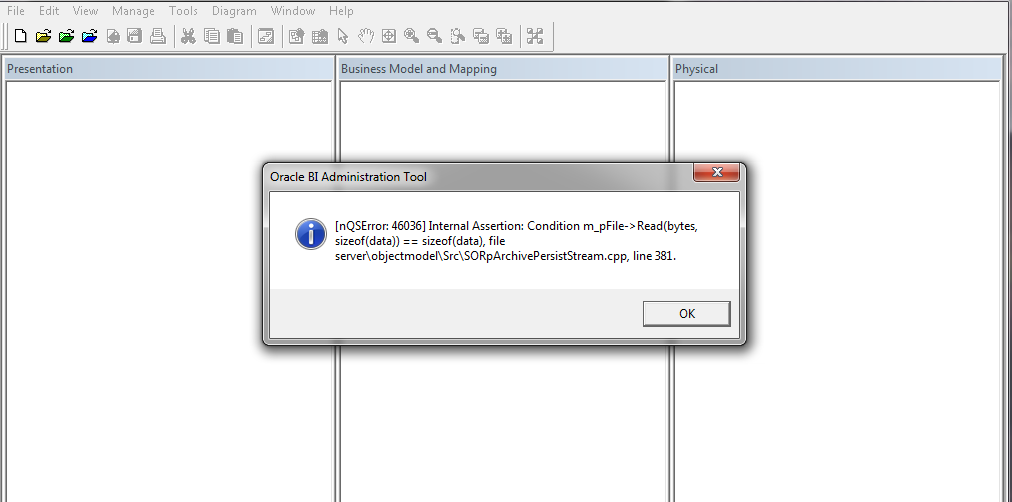
NQSError 46036 Oracle BI Administration Tools Client

when trying to open oracle bi administration tool client, You can download oracle bi administration tool client from here.

Cause :-

Most probably this error related to version mismatch between OBIEE Server and Administration Tool Client in my case OBIEE Version 11.1.1.7.1 and Administration Tool client 11.1.1.7.0

Solution :-

1- Download Upgrade Patch 17530796 From http://support.oracle.com depend on operating system
2- Patch contain multiple file search for this one :- p17463403_111170_Generic.zip
3- inside this zip file browse

17463403\files\clients\biserver\

4- you will find two files biee_client_install_x64.exe Or biee_client_install.exe depend on version.
5- Install One of this file to upgrade Administration tools, Use Repair Option.

Thank you
Osama Mustafa