This Post will include link for Video , How to install oracle Business Intelligence (BI) On Linux, to watch the video press HERE
Thank you
Osama mustafa
For the people who think differently Welcome aboard
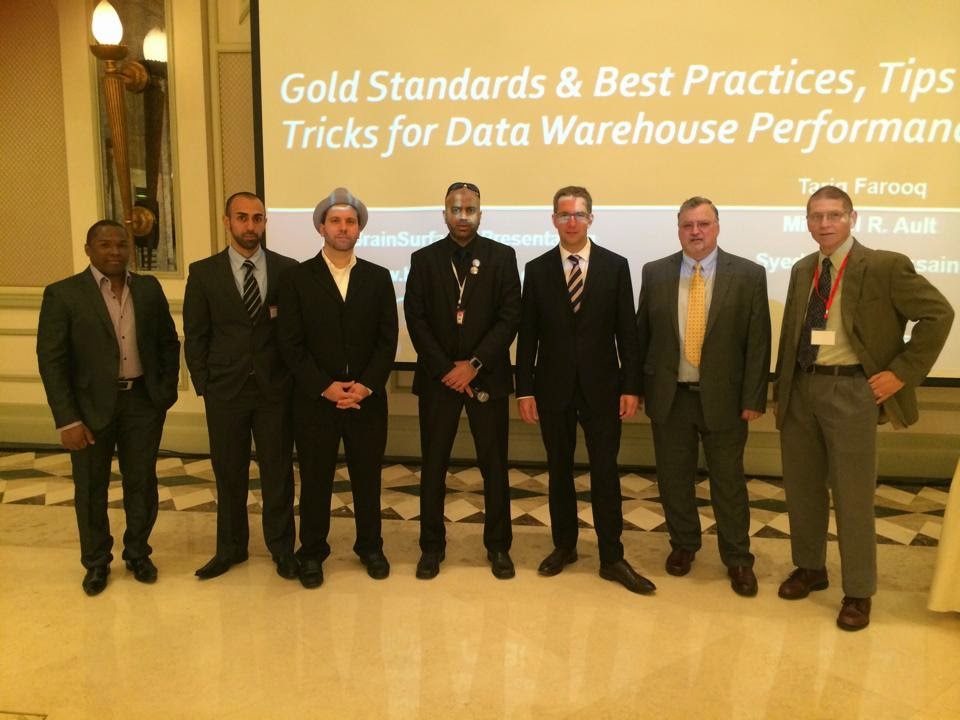
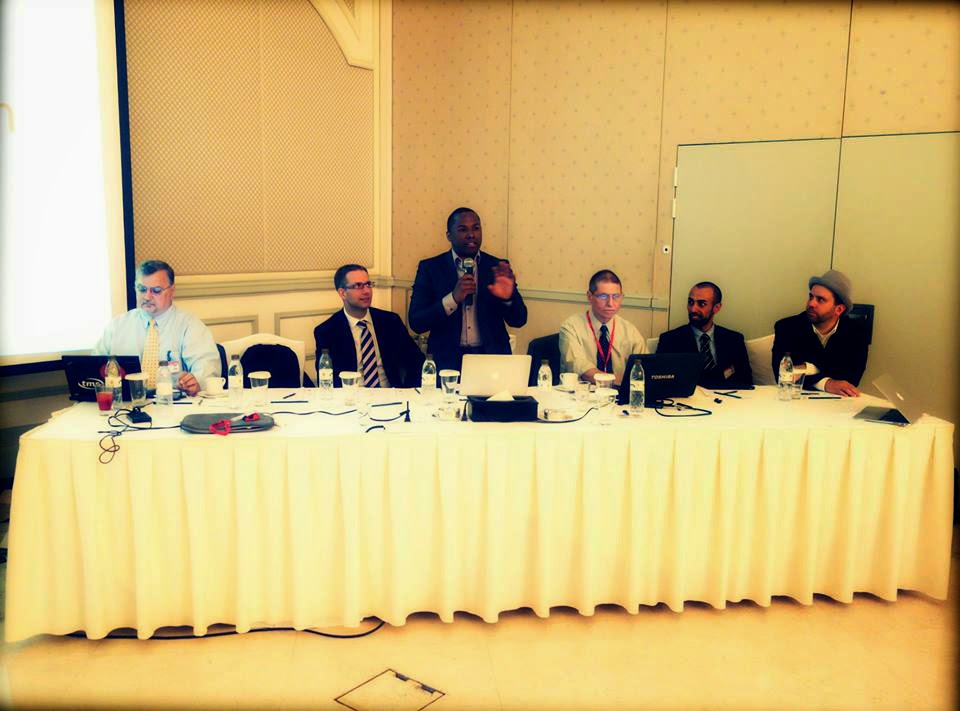
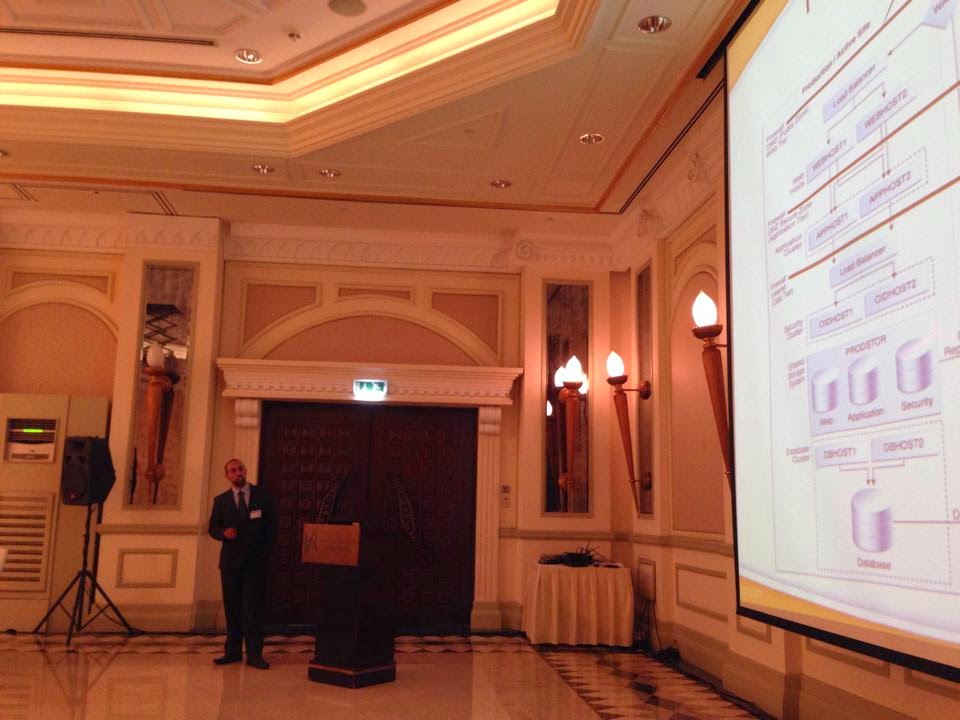
I will do it again for sure Enshalla.
Thank you
Osama mustafa.
you can download the document from Here.
Thank you
Osama Mustafa
Absolutely Not When you install Weblogic any Version Oracle Provide you with Command Line Utility to administrate weblogic, what you can do it using Console can be done with this tool.
change to weblogic-directory/common/bin
./wlst.sh
Now follow the below Steps to change port :
wls:/offline> readDomain (‘/u01/app/fmw/domains/IDDomains’)
wls:/offline/IDDomains> cd (‘Server’)
wls:/offline/IDDomains/Server> ls ()
Choose your Server Here
wls:/offline/IDDomains/Server> cd (‘AdminServer’)
wls:/offline/IDDomains/Server/AdminServer> ls ()
Search for Old Port ListenPort
wls:/offline/IDDomains/Server/AdminServer> set (‘ListenPort’,New Port)
wls:/offline/IDDomains/Server/AdminServer> updateDomain ()
wls:/offline/IDDomains/Server/AdminServer> exit ()
Done you can now Test your new port
http://Server-ip:/console
Thank you
Osama Mustafa
As Usual I upload it to my slide share account here
Thank you
Osama mustafa
oracle.as.management.opmn.optic.OpticBadConnectException: Failed to create secure socket for OPMN
Change Directory to the to BI instance/Bin Folder and :
[oracle@exalytic bin]$ ./opmnctl stopall
opmnctl stopall: opmn is not running.
[oracle@exalytic bin]$ ./opmnctl startall
opmnctl startall: starting opmn and all managed processes…
[oracle@exalytic bin]$ ./opmnctl status
Processes in Instance: obiee1
———————————+——————–+———+———
ias-component | process-type | pid | status
———————————+——————–+———+———
coreapplication_obiccs1 | OracleBIClusterCo~ | 19837 | Alive
coreapplication_obisch1 | OracleBIScheduler~ | 0 | NONE
coreapplication_obijh1 | OracleBIJavaHostC~ | 19836 | Alive
coreapplication_obips1 | OracleBIPresentat~ | 19840 | Alive
coreapplication_obis1 | OracleBIServerCom~ | 19838 | Alive
Thank you
Osama Mustafa
Cubes in a data warehouse are stored in three different modes. A relational storage model is called Relational Online Analytical Processing mode or ROLAP, while a Multidimensional Online Analytical processing mode is called MOLAP. When dimensions are stored in a combination of the two modes then it is known as Hybrid Online Analytical Processing mode or HOLAP.
MOLAP
This is the traditional mode in OLAP analysis. In MOLAP data is stored in form of multidimensional cubes and not in relational databases. The advantages of this mode is that it provides excellent query performance and the cubes are built for fast data retrieval. All calculations are pre-generated when the cube is created and can be easily applied while querying data. The disadvantages of this model are that it can handle only a limited amount of data. Since all calculations have been pre-built when the cube was created, the cube cannot be derived from a large volume of data. This deficiency can be bypassed by including only summary level calculations while constructing the cube. This model also requires huge additional investment as cube technology is proprietary and the knowledge base may not exist in the organization.
ROLAP
The underlying data in this model is stored in relational databases. Since the data is stored in relational databases this model gives the appearance of traditional OLAPs slicing and dicing functionality. The advantages of this model is it can handle a large amount of data and can leverage all the functionalities of the relational database. The disadvantages are that the performance is slow and each ROLAP report is an SQL query with all the limitations of the genre. It is also limited by SQL functionalities. ROLAP vendors have tried to mitigate this problem by building into the tool out-of-the-box complex functions as well as providing the users with an ability to define their own functions.
HOLAP
HOLAP technology tries to combine the strengths of the above two models. For summary type information HOLAP leverages cube technology and for drilling down into details it uses the ROLAP model.
Comparing the use of MOLAP, HOLAP and ROLAP
The type of storage medium impacts on cube processing time, cube storage and cube browsing speed. Some of the factors that affect MOLAP storage are:
Cube browsing is the fastest when using MOLAP. This is so even in cases where no aggregations have been done. The data is stored in a compressed multidimensional format and can be accessed quickly than in the relational database. Browsing is very slow in ROLAP about the same in HOLAP. Processing time is slower in ROLAP, especially at higher levels of aggregation.
MOLAP storage takes up more space than HOLAP as data is copied and at very low levels of aggregation it takes up more room than ROLAP. ROLAP takes almost no storage space as data is not duplicated. However ROALP aggregations take up more space than MOLAP or HOLAP aggregations.
All data is stored in the cube in MOLAP and data can be viewed even when the original data source is not available. In ROLAP data cannot be viewed unless connected to the data source.
MOLAP can handle very limited data only as all data is stored in the cube.
Thank you
Osama Mustafa
The unpack command Creates a full domain or a subset of a domain used for a Managed Server domain directory on a remote machine. You may use unpack only with a template compatible with your current installation. The template can be any of the following:
./unpack.sh -domain=/u01/app/oracle/domains/IDMDomains -template=/u01/shared/IDMdomains.jar
ERROR !!! ./unpack.sh -name=Value Missing
The Solution is simple :
-template attribute should come first.
./unpack.sh -template=/u01/shared/IDMdomains.jar -domain=/u01/app/oracle/domains/IDMDomains
Thank you
Osama Mustafa
“weblogic.management.NoAccessRuntimeException: Access not allowed for subject: principals=[], on ResourceType: Application Action: write, Target: Deployed”
After Check Everything and Configuration i found the following :
I Changed SOA Port to Work On 8003 From Admin Server Console. Like the Below
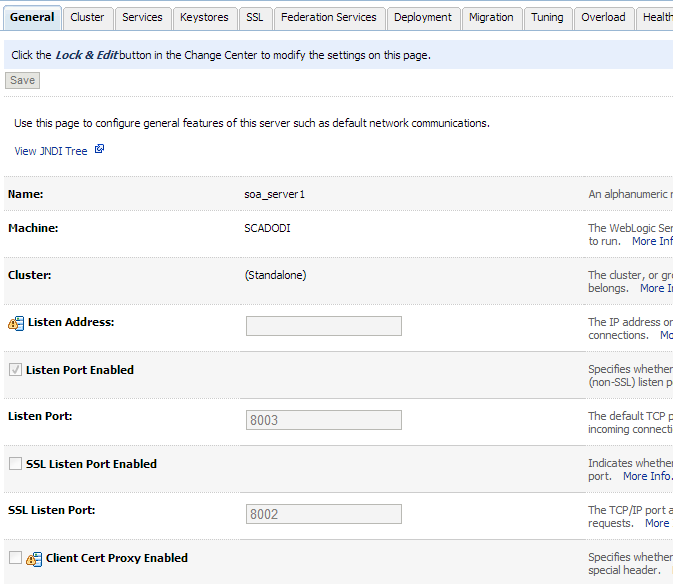
As Usual you can download this document From SlideShare.
Download Document Here.
Thank you
Osama Mustafa
 Technology Geek