SQL> CREATE or REPLACE TRIGGER prohibit_alter_SYSTEM_SYS_pass
AFTER ALTER on SCOTT.schema
BEGIN
IF ora_sysevent=’ALTER’ and ora_dict_obj_type = ‘USER’ and
(ora_dict_obj_name = ‘SYSTEM’ or ora_dict_obj_name = ‘SYS’)
THEN
RAISE_APPLICATION_ERROR(-20003,
‘You are not allowed to alter SYSTEM/SYS user.’);
END IF;
END;
/Trigger created.
SQL> conn scott/tiger
Connected.SQL>alter user system identified by new_password;
alter user system identified by new_password
*
ERROR at line 1:
ORA-00604: error occurred at recursive SQL level 1
ORA-20003: You are not allowed to alter SYSTEM/SYS user.
ORA-06512: at line 5SQL> alter user sys identified by new_password;
alter user sys identified by new_password
*
ERROR at line 1:
ORA-00604: error occurred at recursive SQL level 1
ORA-20003: You are not allowed to alter SYSTEM/SYS user.
ORA-06512: at line 5
Tag: Osama ACE
Future Of Oracle DBA
Let’s Start with CNN Article that mention DBA as one of the Top Ten Promising jobs with solid job growth outlook over the next several years.The DBA will need to understand the business and craft solutions with off the shelf components to satisfy the needs of the business.which mean it will be different depending on the company for example companies will hire DBA to work with development, Other companies will hire DBA to monitor databases and enure high availability.
You can’t ensure that your systems and Application working fine without experts and you can’t hire someone to do all the tasks, Which mean DBA will be exists in the future but for concern will be on other products such Cloud, Big data, Exadata, oracle appliance.So DBA OF all Sort that needed now will be needed in the future but the main change as i see is the career path and daily task for DBA.
if you want more accurate answer check the Database version 9i,10g and 11g and now we are waiting for 12c, with every version it’s automated new more mundane tasks, But with simple way for example enterprise manager is controlling all database backup, Monitor and recovery so this indicate the DBA will have much time to architect database systems, monitor security, and many other things.
DBA is very important Job and will be found now or later check the discussion for tom Kyte about that Click here
Thank you
Osama mustafa
First Look : Dbvisit Standby
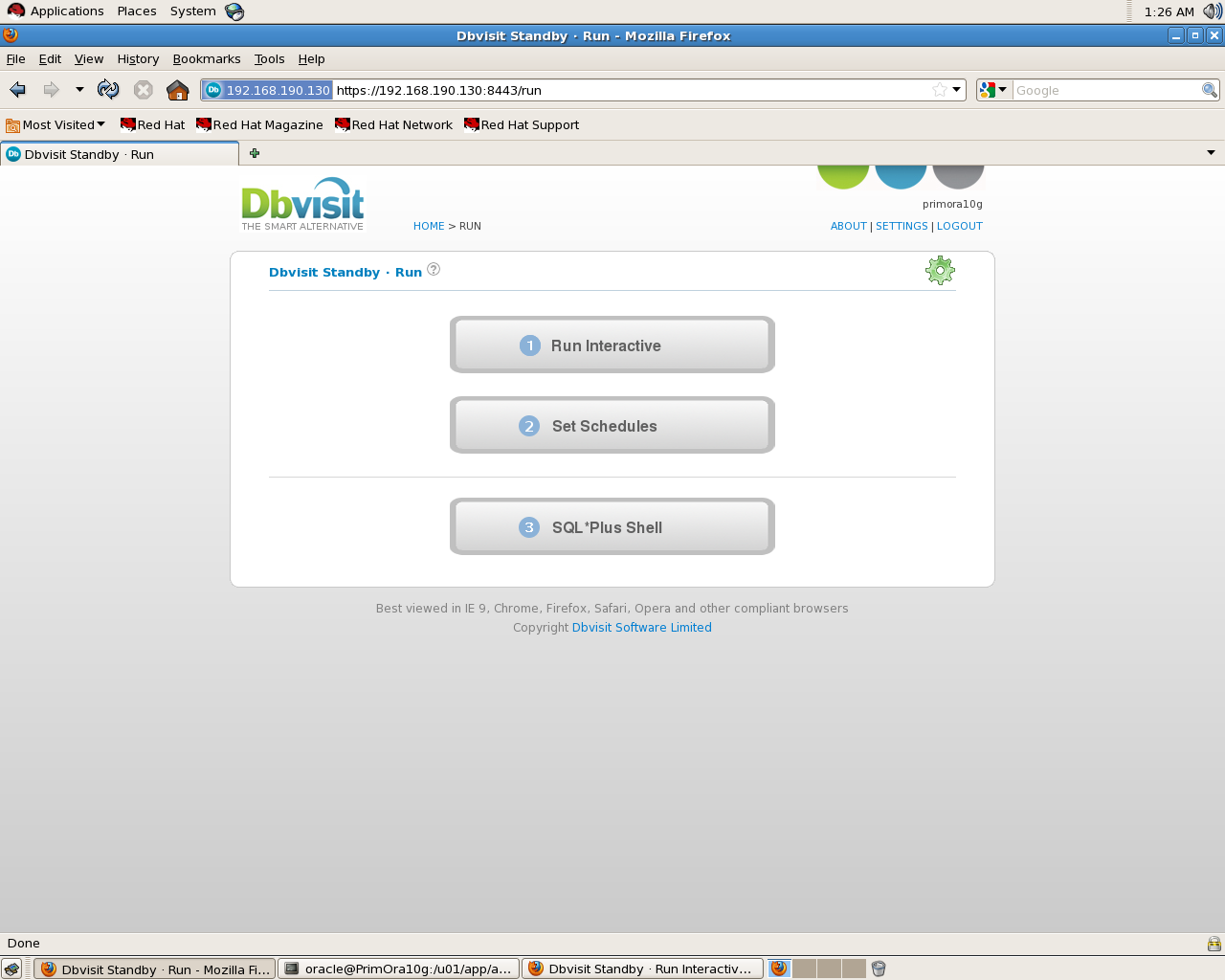
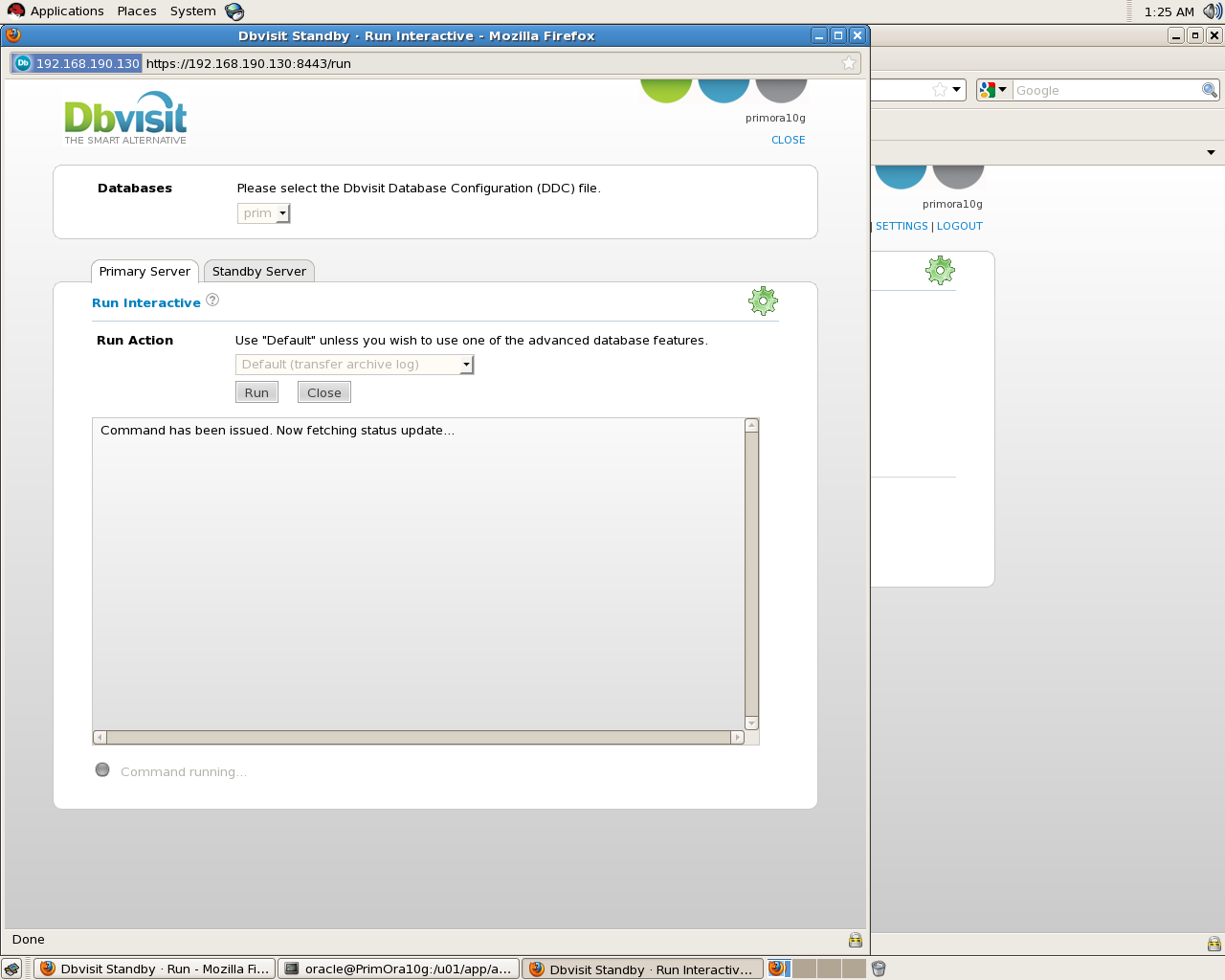
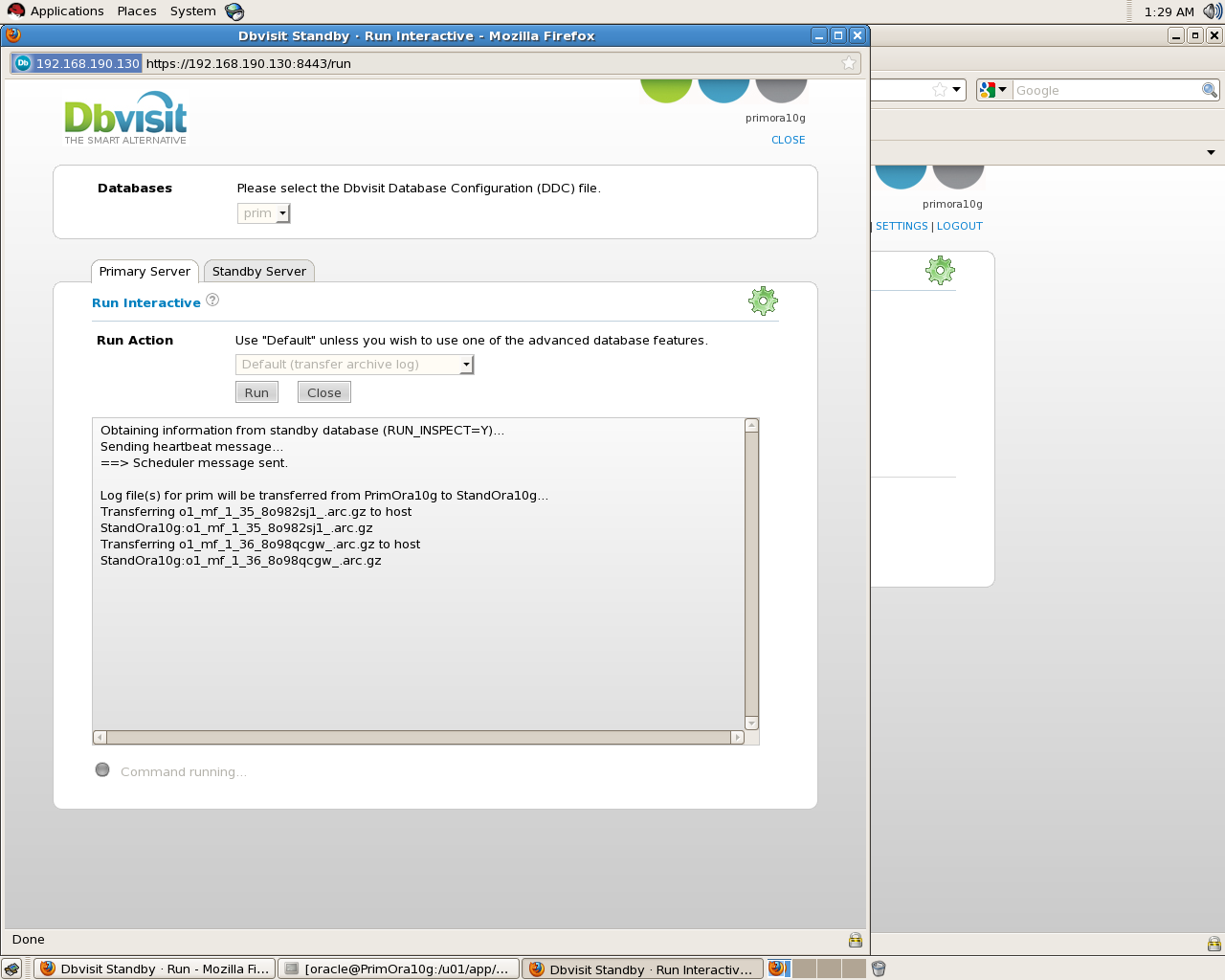
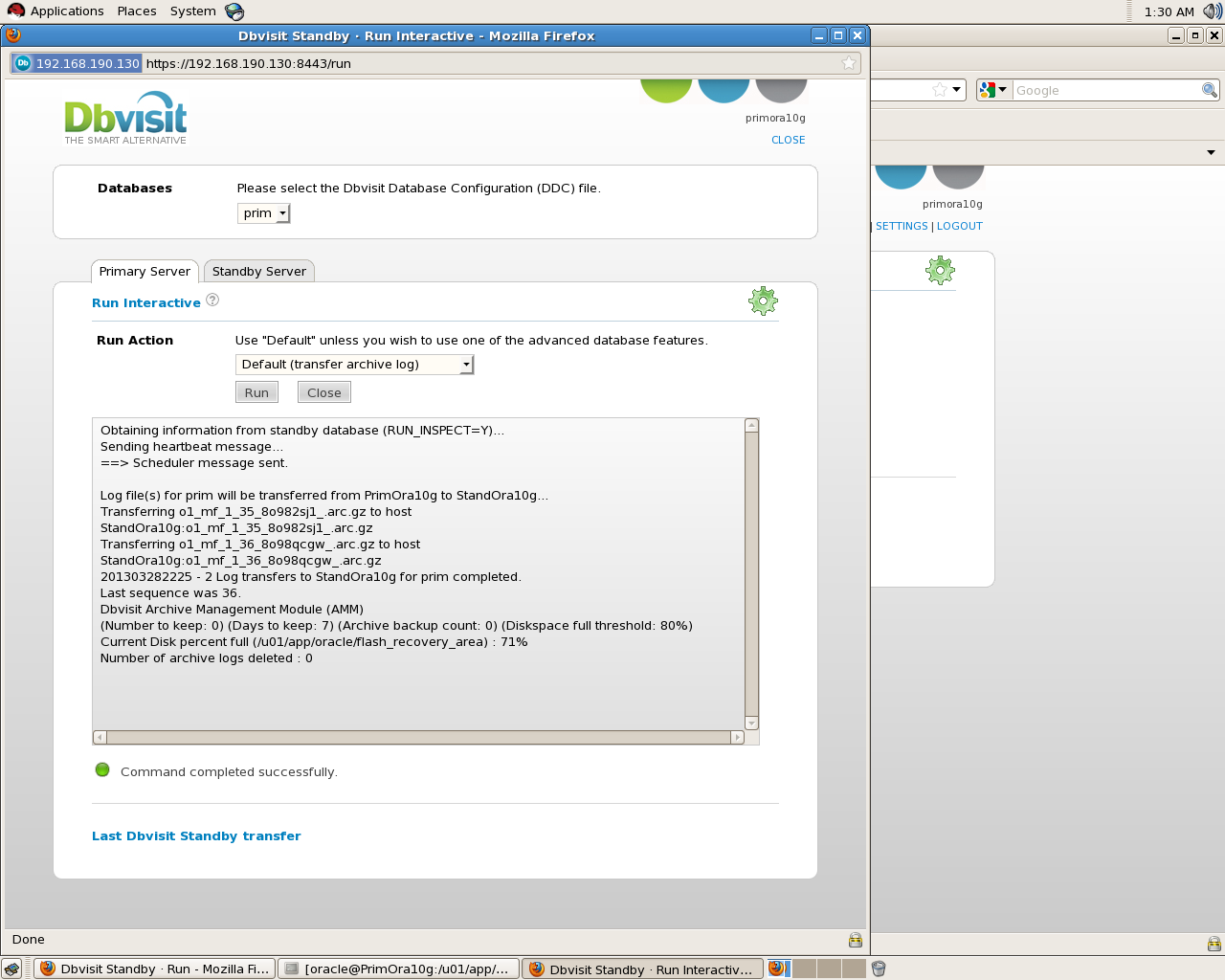
In Last Three days i was testing this Product , and all i can say it’s amazing and easy to use , steps are clear and even when code/Error return the description is so clear, also with Dbvisit You can Have Two way to create Standby : Command line and GUI both are easy and all you have to do is following the steps in the document.
what i notice too support for this product is amazing, Sine i download trail version i revived an email telling me if i need anything all i have to do is sent an email with error code and dbVisit Support team will answering me, Couple of days later they send me another email asking me for my feedback and I am writing this article to ensure my view point is clear, I checked DbVisit Forum and answers was within 1-3 Working days which indicate they have very active supporting team to improve this product.
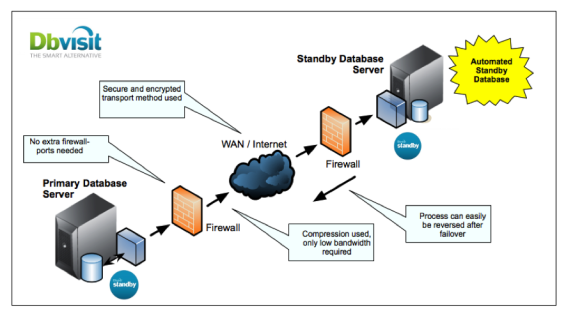
The Below Figure describe Dbvisit Standby architecture :
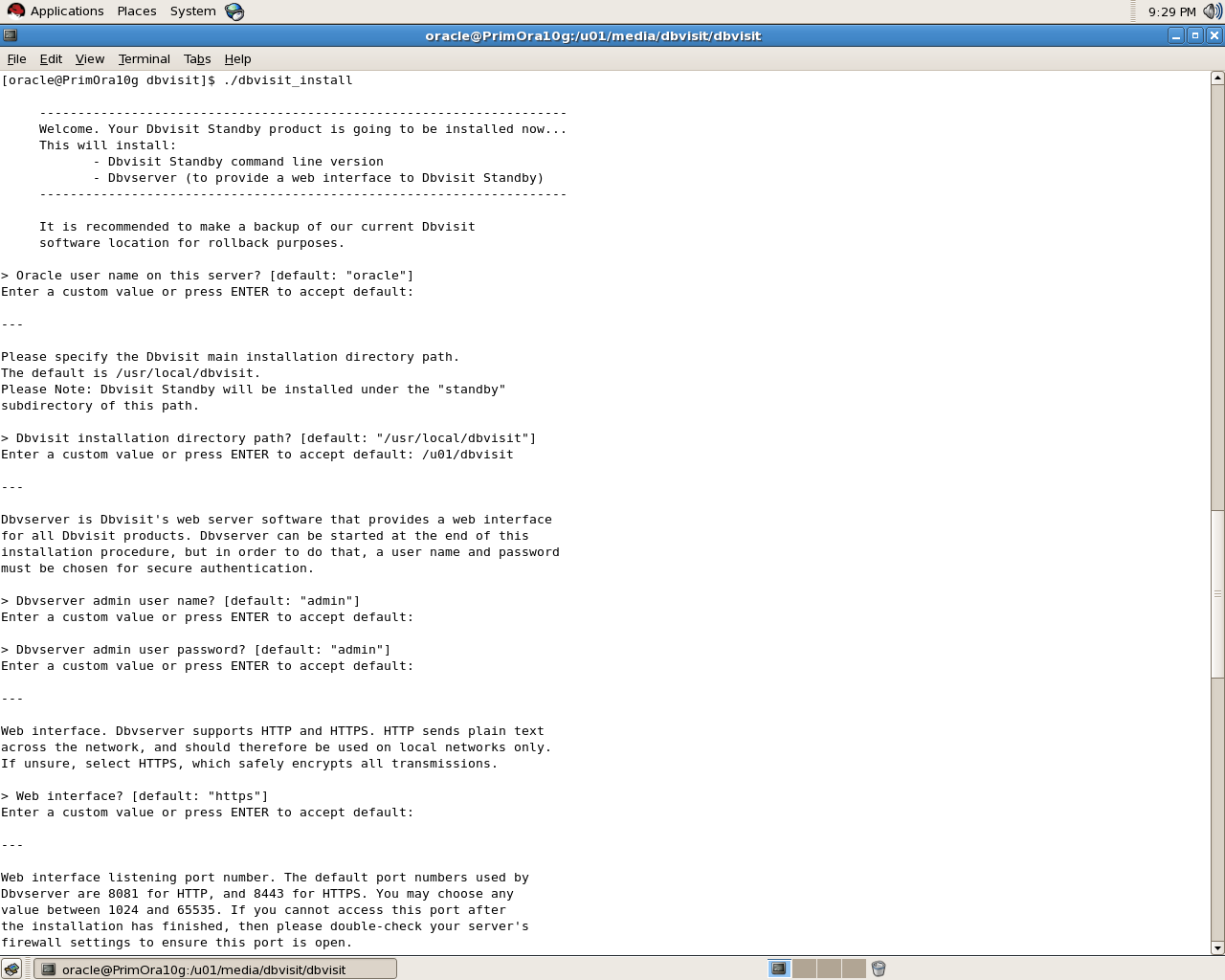
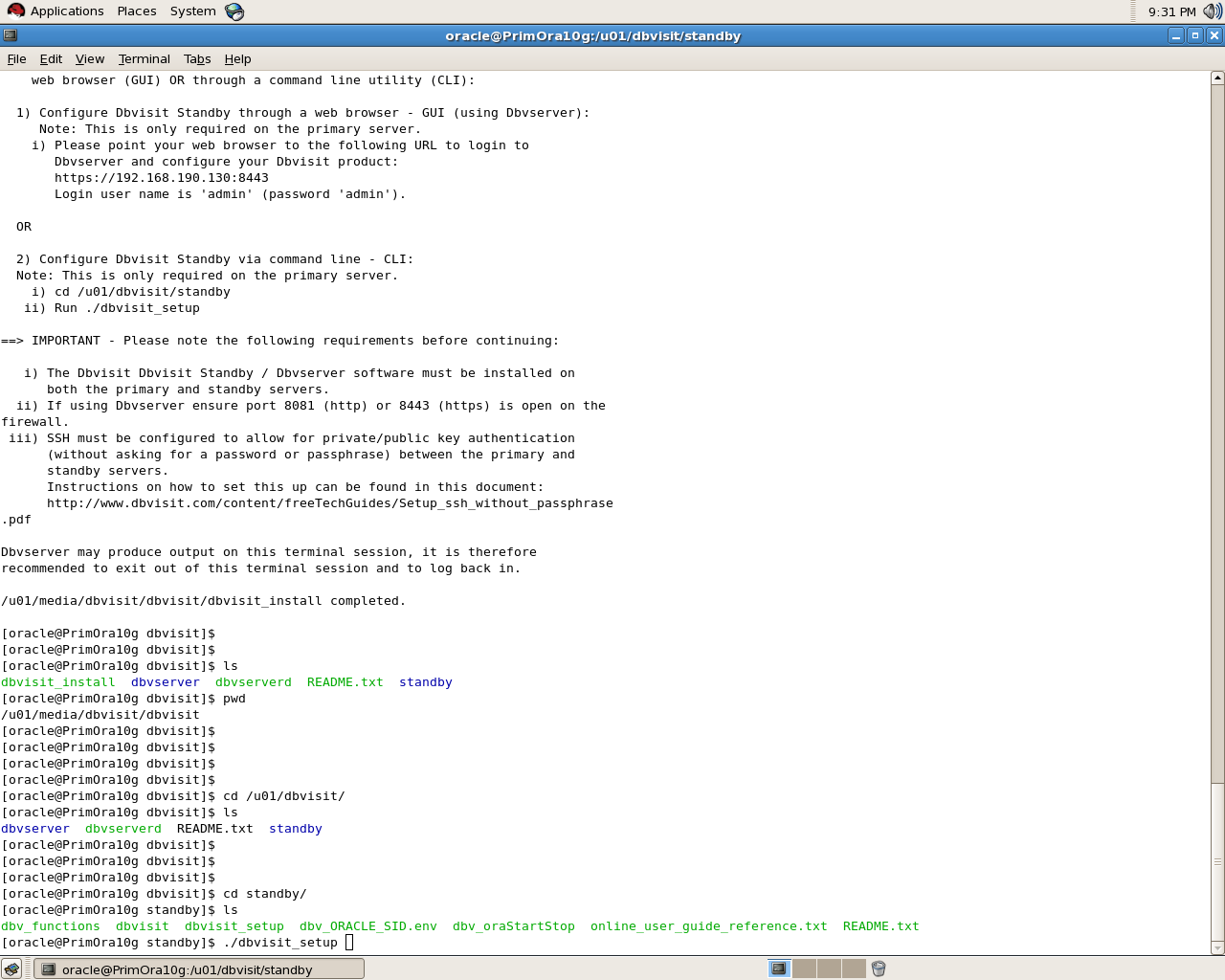
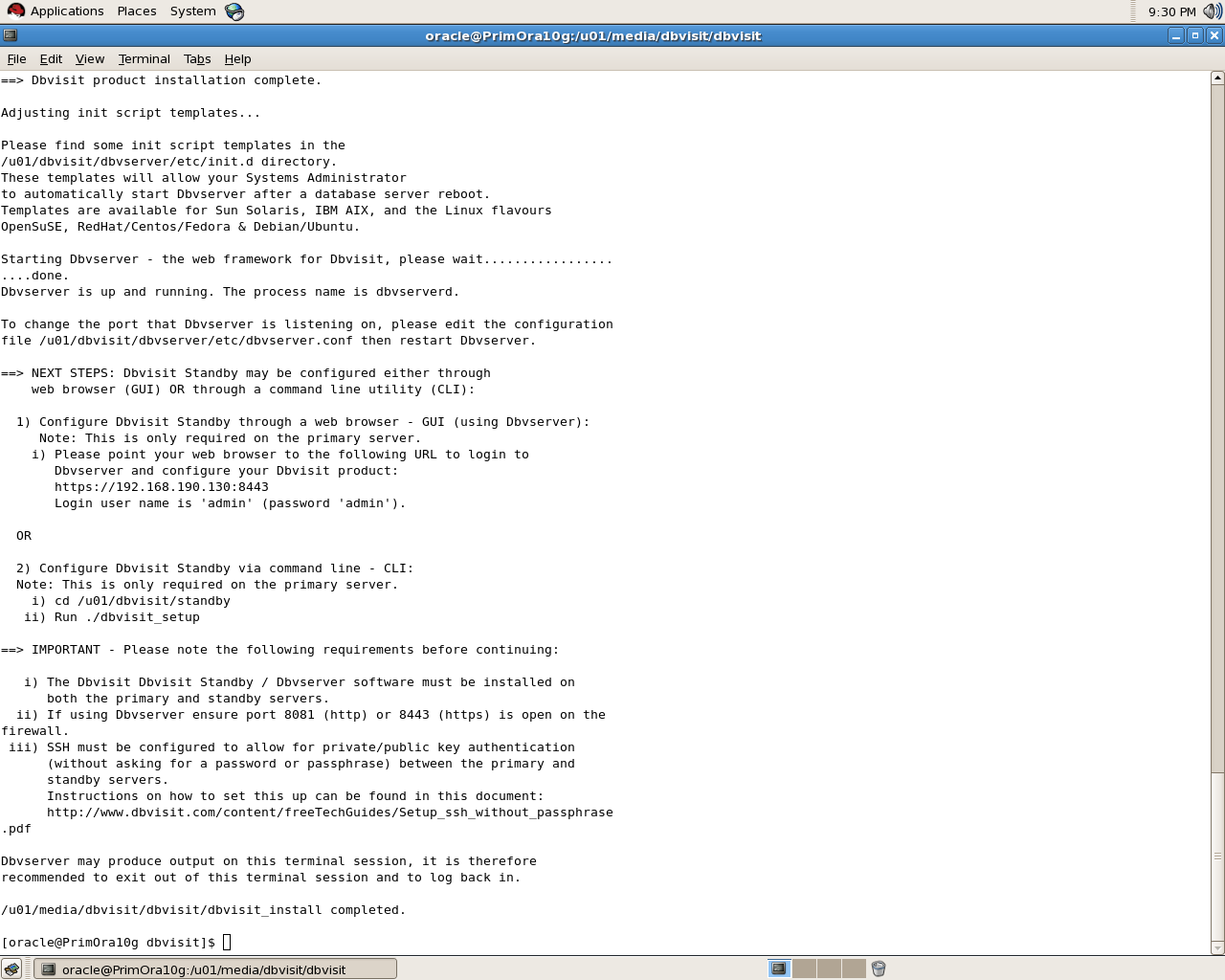
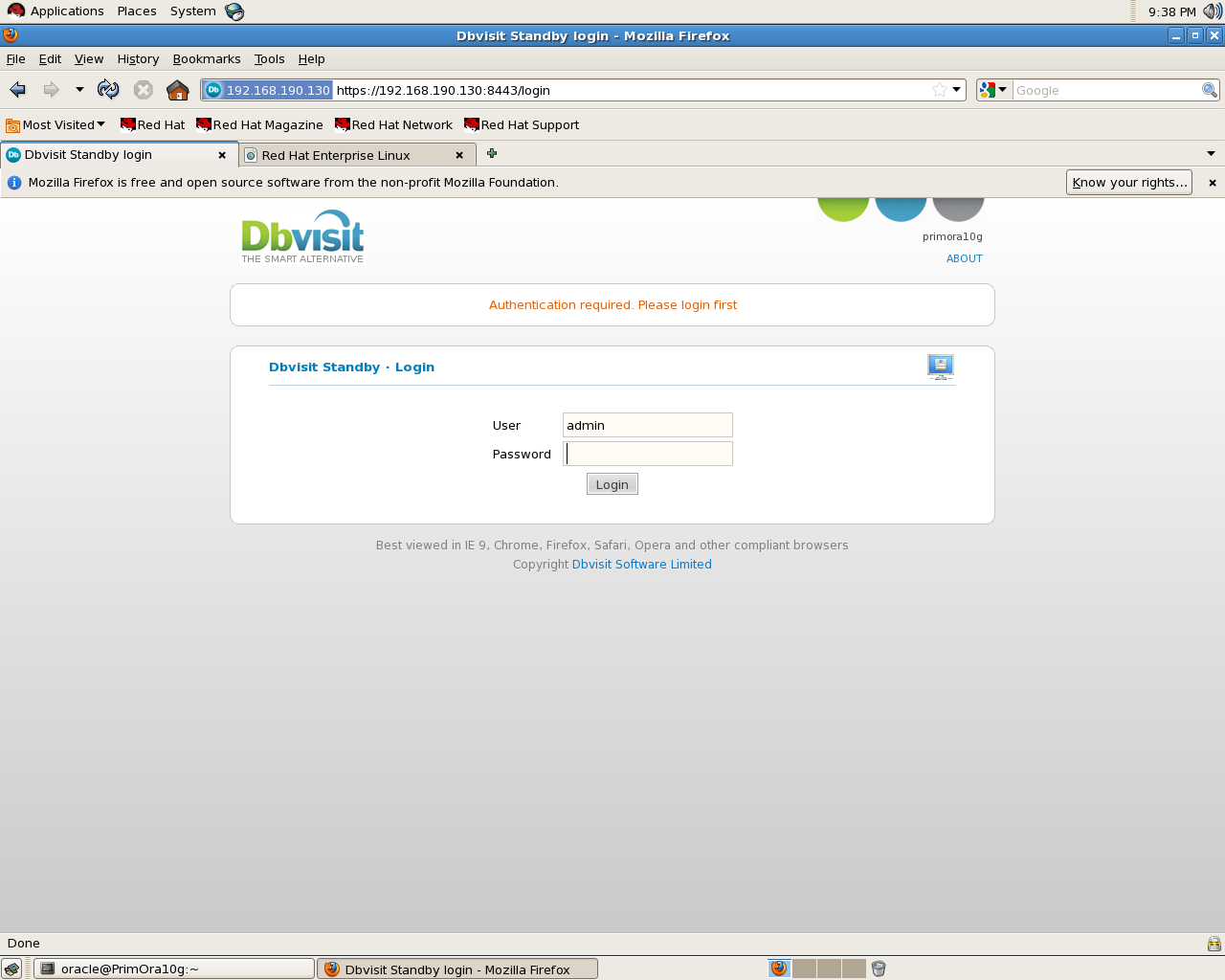
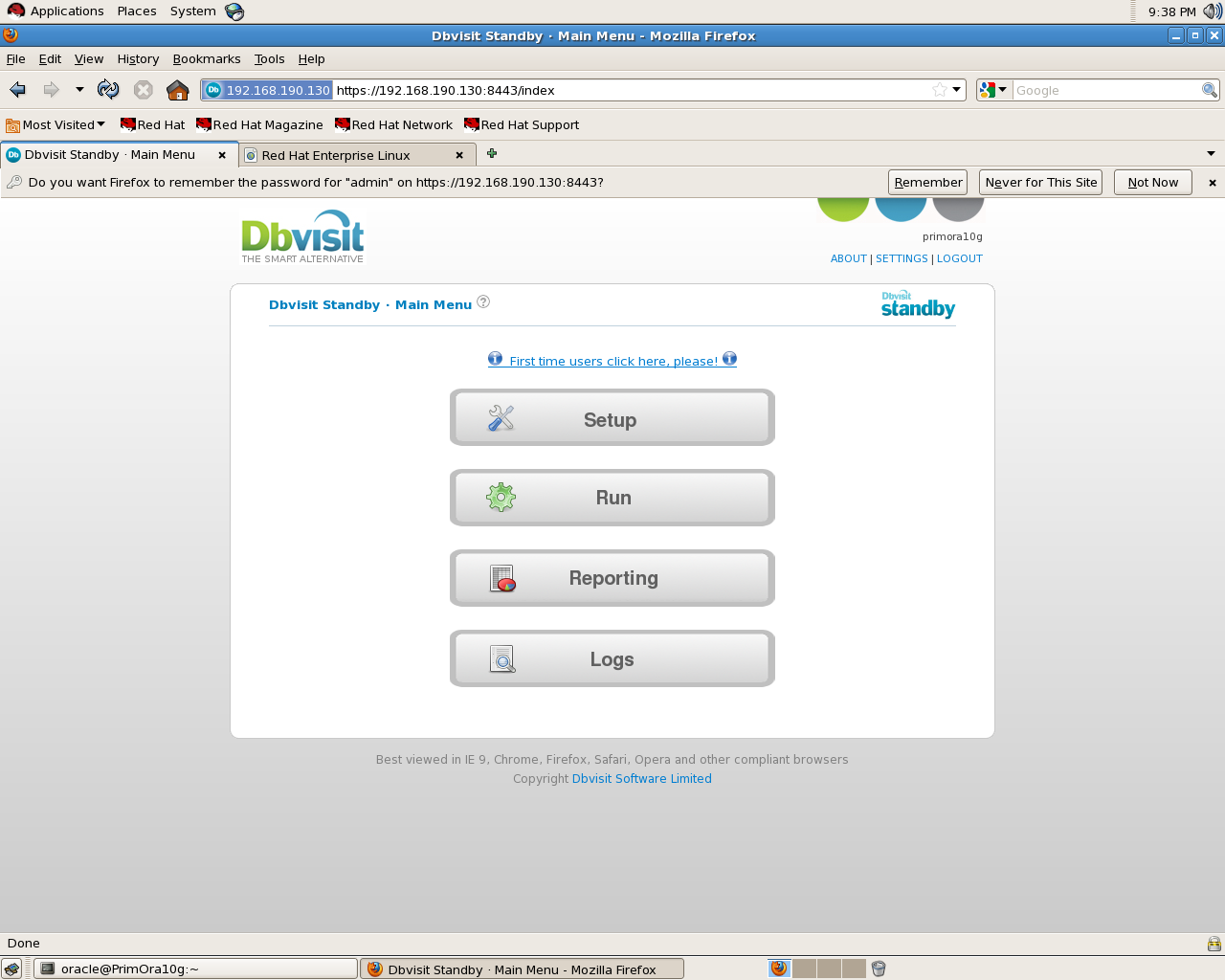
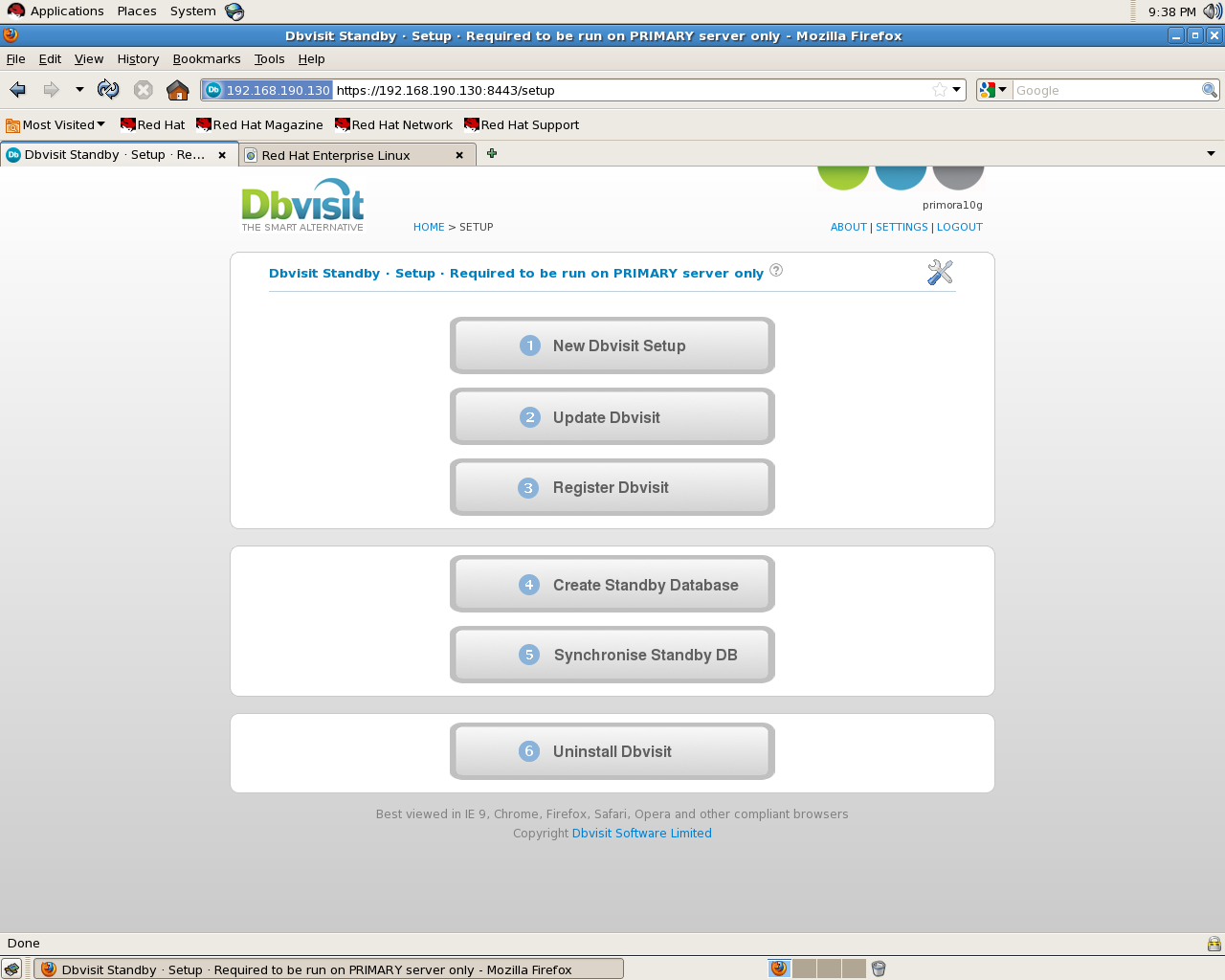
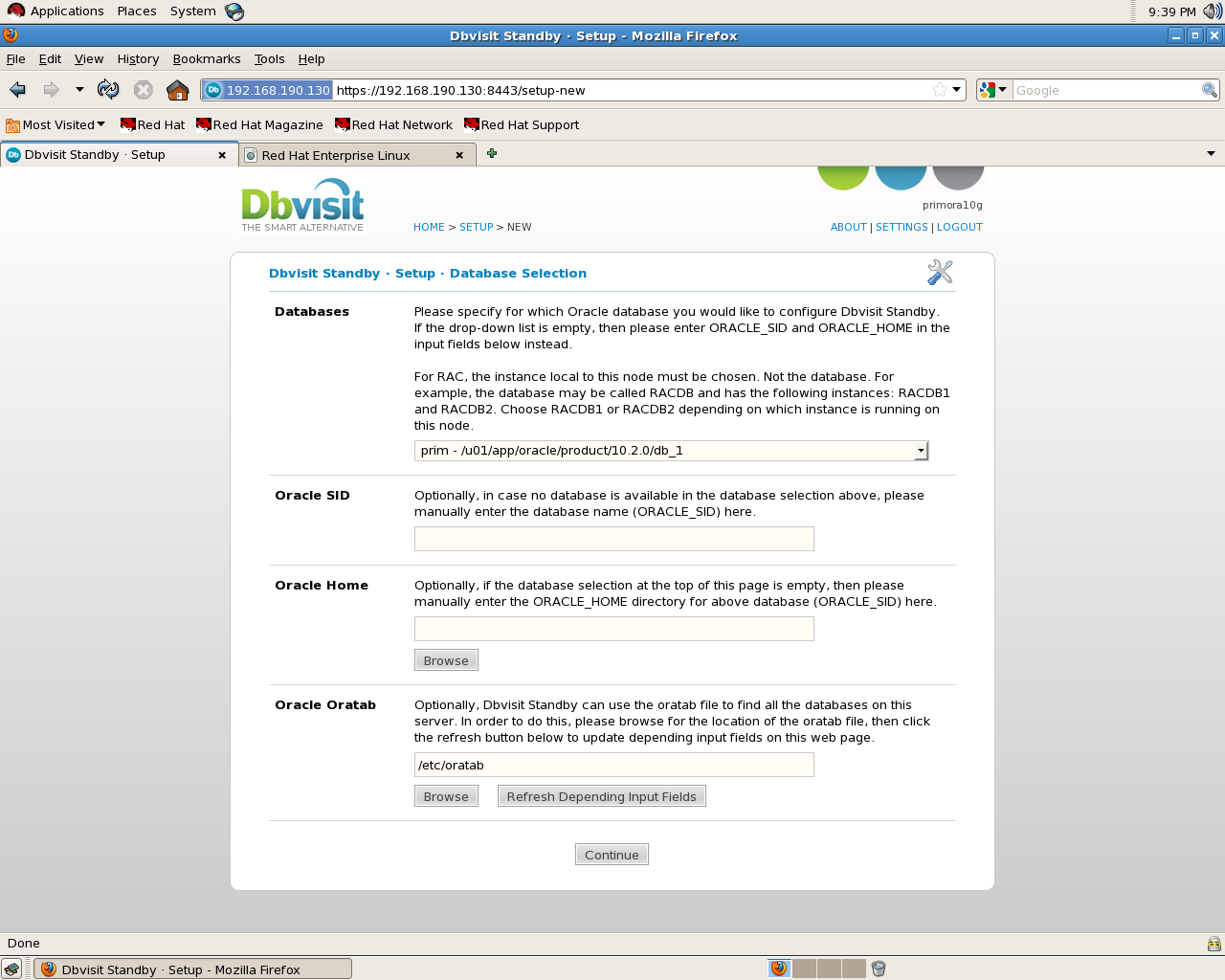
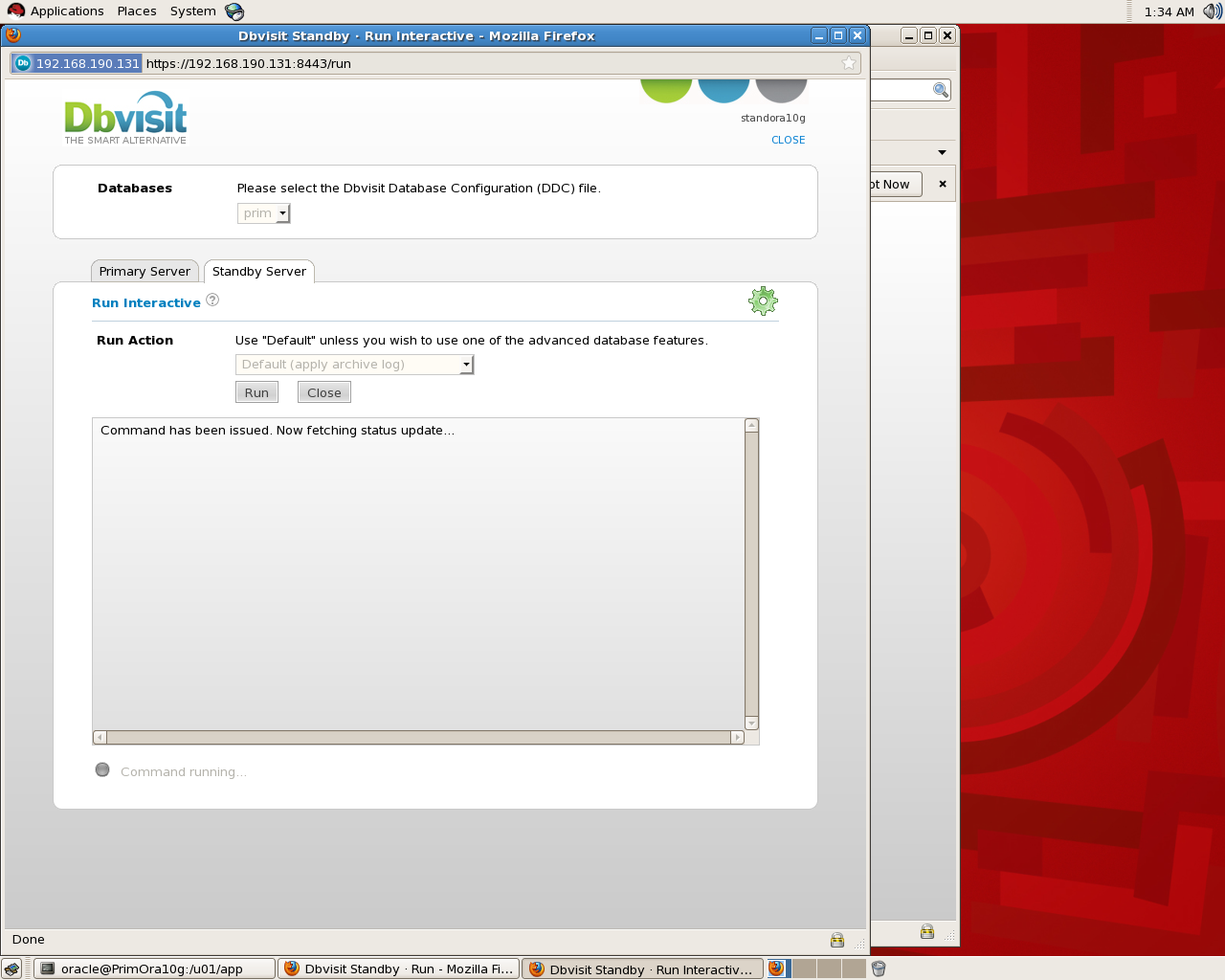
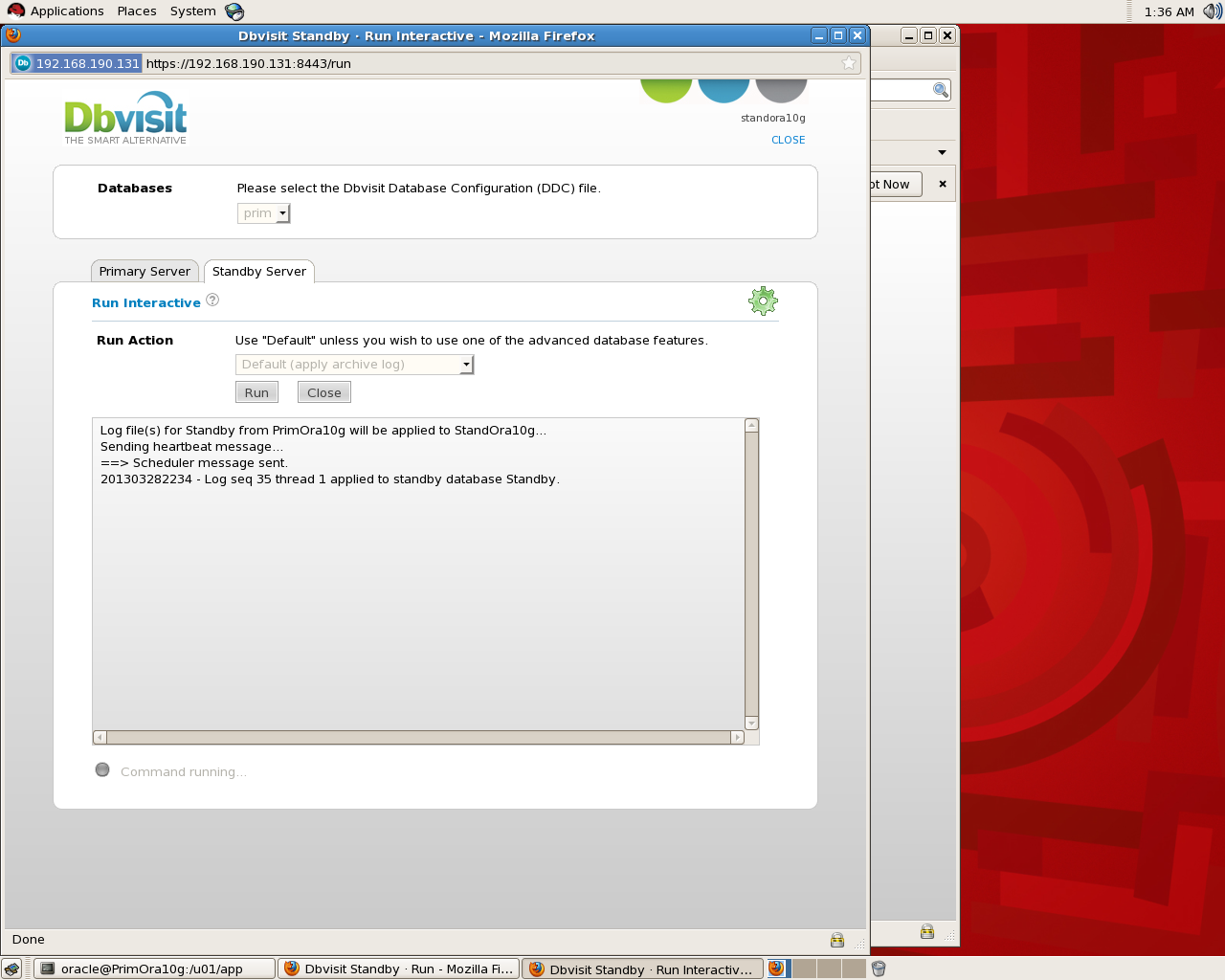
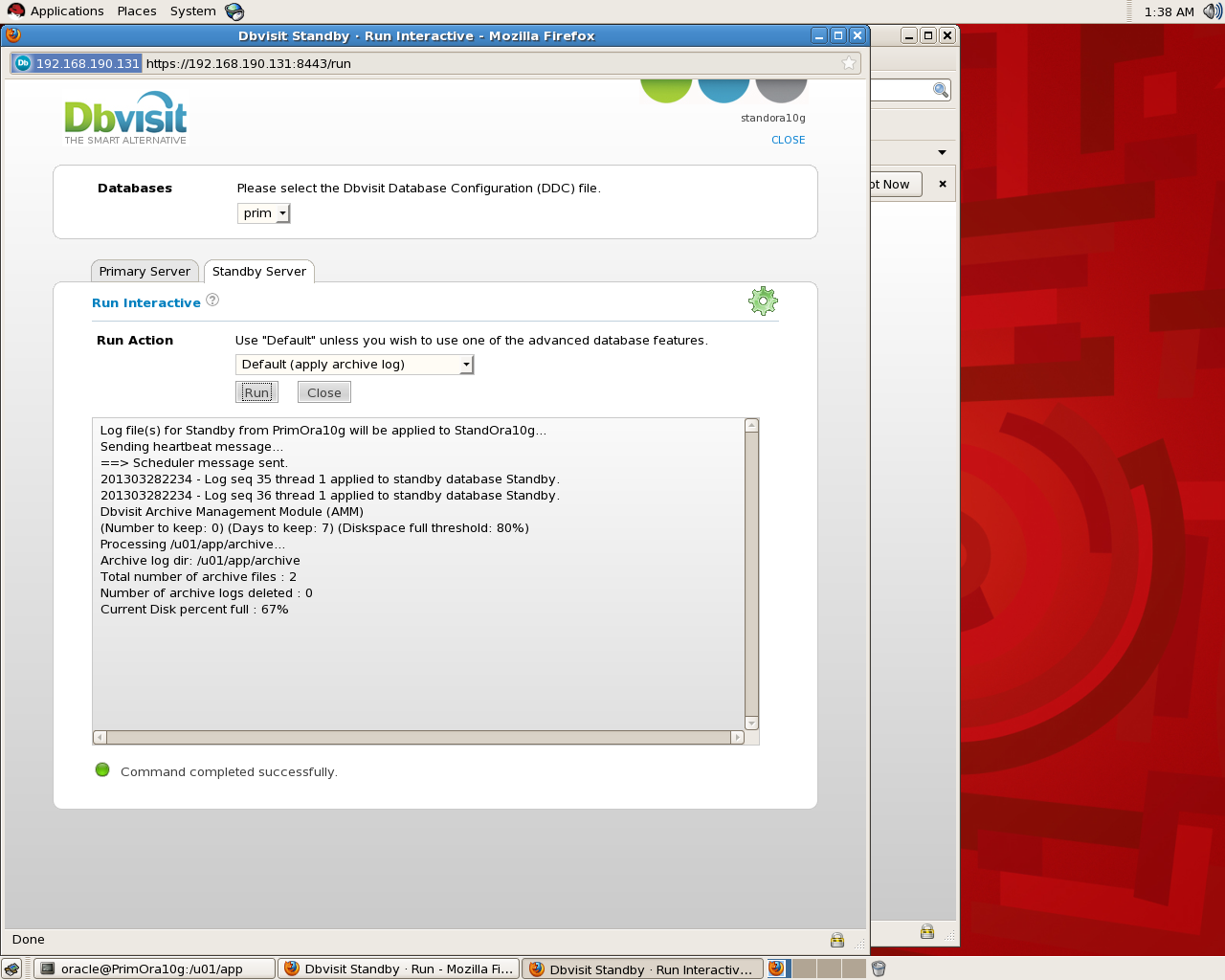
There’s no need to mention Creation steps since everything already included in documents but the below will find some screen shot for the installation , Most of the steps done on Primary Database all you have to do on standby 3 steps as i remember :
On Primary Database :
Standby Screen Shot :
Thank you
Osama Mustafa
The Fastest Way to Create SSH between Servers
Introduction for SSH, “Ssh is a secure remote login program that is similar to rlogin and rsh. The major difference between ssh and other remote login programs is that ssh encrypts the password and other information so that it can’t be “sniffed” by others as you type it. Ssh also sets up X11 connections, so the DISPLAY variable does not have to be set on remote machines. Scp is another program used to securely copy files from one host to another.”
Example To Use SSH in Oracle : Real Application Cluster ( RAC ).
The Steps :
#1:
Create New SSH Key
oracle@PrimNode$ ssh-keygen
Generating public/private rsa key pair.
Enter file in which to save the key (/home/oracle/.ssh/id_rsa):[Enter key]
Enter passphrase (empty for no passphrase): [Press enter key]
Enter same passphrase again: [Pess enter key]
Your identification has been saved in /home/oracle/.ssh/id_rsa.
Your public key has been saved in /home/oracle/.ssh/id_rsa.pub.
The key fingerprint is:
33:b3:fe:af:95:95:18:11:31:d5:de:96:2f:f2:35:f9
#2:
This Step will Just copy the password File Generated in Step 1 to Server 2.
oracle@PrimNode$ ssh-copy-id -i ~/.ssh/id_rsa.pub You need to use ip/hostname to another server.
oracle@Server2 password:
Now try logging into the machine, with “ssh ‘remote-host'”, and check in:
.ssh/authorized_keys
to make sure we haven’t added extra keys that you weren’t expecting.
#3:
Just Check
oracle@PrimNode$ ssh Server2
Last login: Thu Mar 28 01:54:21 2013 from primora10g
[Test it no password]
oracle@Server2$
Thank you
Osama Mustafa
Crack Oracle Password using DBMS_METADATA
SQL> SELECT dbms_metadata.get_ddl(‘USER’,’TEST’) from dual ;
DBMS_METADATA.GET_DDL(‘USER’,’TEST’)
——————————————————————————–CREATE USER “TEST” IDENTIFIED BY VALUES ‘1E1A7CDA2ED2730E’
DEFAULT TA
SQL> conn / as sysdba
Connected.
SQL> alter user Test identified by Test_123 ;
User altered.
SQL> conn test/test_123
Connected.
SQL> alter user Test identified by VALUES ‘1E1A7CDA2ED2730E’
2 ;User altered.
SQL>
SQL>
SQL> conn Test/test;
Connected.
SQL>
Or you could use Hash Value and use another software to cracks Such as : soonerorlater , Online Crack Website.
Thank you
Osama Mustafa
Crack Oracle Password Example
To help prevent dictionary brute-force attacks many systems will only allow a user to make a mistake in entering their username or password three or four times. If the user exceeds these attempts, the system will either lock them out of the system or prevent any future attempts for a set amount of time.
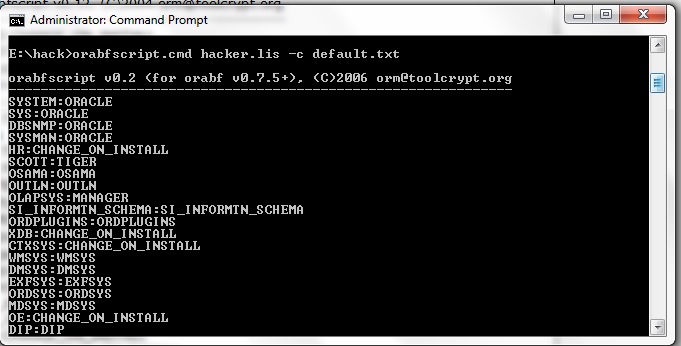
Today i will provide example how to crack oracle password using Tools called orabf please remember it’s only example and there’s million tools can do the same i will mention it later in this Topics and work on them in another thread.
Orabf is an extremely fast offline brute force/dictionary attack tool that can be used when the particular username and hash are known for an Oracle account. Obviously the speed of the brute force attack slows down the longer the amount of characters that it is trying to brute force with but for short username/hash combinations it can be over a million tries per second.
and you can visit the website here.
Check the below example :
set head off
set feed off
set verify off
Spool Hacker.lis
select password||’:’||username from dba_users
Spool off ;
Output sample for the file look like :
PASSWORD||’:’||USERNAME
————————————————————-
2D594E86F93B17A1:SYSTEM
8A8F025737A9097A:SYS
4F538DF5F344F348:MGMT_VIEW
FFF45BB2C0C327EC:DBSNMP
2CA614501F09FCCC:SYSMAN
BCD8F9C79618E694:MARIA
C43474F068EDB100:MARK
FB129C4425FBCF2E:TEST
224D9FB5D377B8E1:JENNIFER
6399F3B38EDF3288:HR
F894844C34402B67:SCOTT
if you have any tag on the column remove them and save the file again since Orabf don’t read these tags
Because i am using version 0.7.5 the command should be like :
orabfscript hacker.lis -c default.txt
Remember Default.txt is the file already exist in the software and output append inside this file.
Small trick !!! i will provide another example using another software such as :
- Repscan
- Checkpwd
- John The Ripper
- bfora
Thank you
Osama Mustafa
Check total Size for Ram/memory For Oracle
select decode( grouping(nm), 1, ‘total’, nm ) nm, round(sum(val/1024/1024)) mb
from
(
select ‘sga’ nm, sum(value) val
from v$sga
union all
select ‘pga’, sum(value)
from v$sysstat
where name = ‘session pga memory’
)
group by rollup(nm)
The Orginial Post from Tom Kyte.
Thank you
Osama Mustafa
Connect to Oracle without Tnsnames.ora
TNSNAMES.ORA is a SQL*Net configuration file that defines databases addresses for establishing connections to them. This file normally resides in the ORACLE HOME\NETWORK\ADMIN directory.
Example how connection define :
orcl1 =
(DESCRIPTION =
(ADDRESS_LIST =
(ADDRESS = (PROTOCOL = TCP)(HOST = my-server )(PORT = 1521))
)
(CONNECT_DATA =
(SERVICE_NAME = orcl1)
)
)
Sometimes you can Bypass the tnsnames.ora and connect to sqlplus without even Create new connection, all you have to do is put all of the connectivity information in your connection string this type of connection called “EZCONNECT”.
sqlplus username/password@[//]host[:port][/service_name]
and to enable EZCONNECT you should add the below line in sqlnet.ora which is located in the same directory $ORACLE_HOME/network/admin
check the below examples :
NAMES.DIRECTORY_PATH=(ezconnect, tnsnames)
The Below using the default listener port 1521 :
1- sqlplus scott/tiger@myservername/orcl1
Different Listener port will be like the below :
2- sqlplus scott/tiger@myservername:1522/orcl1
3- sqlplus USER/PASSWORD@//myservername:1521/orcl1
and if you want to disable EZCONNECT For Secuirty Reasons add the below line in :
NAMES.DIRECTORY_PATH=( tnsnames)
Thank you
Osama Mustafa
behind the scenes : Oracle Procedure Security
as reminder what is the SQL Injection : One of Hacking way to manipulate the SQL statements using web applications for access/query database. While run Web Application, the programmer may directly use the user input without hide or even any validation. This opens a new way for the attacker to access and retrieve data . By sending specially crafted user input.
You need to know that Any dynamic SQL query using invalidated user inputs are vulnerable to SQL injection. Some methods that developers use to prevent SQL injection are parameterized queries or stored procedures
the parameterized queries approach is the most secure way against SQL injection than the traditional approach of joining string to build a dynamic SQL string, in the second type usually leads to data format problems, you have to worry about how to encode the parameter and you need each company have it’s own way to do that :
Query_sql = “SELECT * FROM emp where emp_id = :emp_Id”;
A stored procedure is a database object just like table, Group of SQL statement that form a logical unit and perform a particular task to execute it you need to call it using Procedure name mostly is used as container for the code but the question is if i use them in my Code is this make me secure against SQL Injection ?
Answer also is simple Not always because if code not set properly then SQL Injection could be happened again.
CREATE OR REPLACE PROCEDURE Test (Param_1 IN VARCHAR2) AS
sql VARCHAR;
code VARCHAR;
BEGIN
Sql := ‘SELECT emp_id, Emp_Name, Job, Sal WHERE’ +
‘ Emp_Name=”’ || Param_1 || ””;
EXECUTE IMMEDIATE sql INTO code;
END;
the Value Param_1 will taken from user input concatenated with the string,The user input is enclosed in the single quotes and concatenated to a string to form SQL query.so the problem is related to this Instead of the parameter being a search string to the SQL query, the user input has become the part of the query as it is enclosed inside the single quotes. If the user enters the values as 1' or '1'='1'.
Then This Stored Procedure is Not secure as we think.
So How to Write Secure Procedure ?
One Answer : Test Your Code and You should know what you write, If you query working fine that not mean its secure and no hacker will get in.
Validate inputs that comes from users, also like i mention before Use parametrized stored procedure with embedded parameters, don’t forget to Use a low privileged users and give right and correct role/Privileges to application users and finally avoid use of dynamic SQL queriesif you have another way.
so as conclusion is if you are using Stored procedure correctly then you are pretty much safe from SQL Injection and always remember when you attend to do this don’t use :
1 – Dynamic SQL inside the Stored procedure.
2 – try to avoid concatenated string.
Thank you
Osama Mustafa
Switchover_status is Not Allowed
Check On the Primary database and the following status will appear to you :
SQL> select name ,open_mode, database_role, switchover_status from v$database;
NAME OPEN_MODE DATABASE_ROLE SWITCHOVER_STATUS
MAN MOUNTED PHYSICAL STANDBY NOT ALLOWED
To make sure everything is Ok on both Side Primary and Standby :
SQL> select name ,open_mode, database_role, switchover_status from v$database;
NAME OPEN_MODE DATABASE_ROLE SWITCHOVER_STATUS
MAN READ WRITE PRIMARY TO STANDBY
Another Check :
On Primary Database :
SQL> select max(sequence#) from v$archived_log;
MAX(SEQUENCE#)
56
At Standby :
SQL> select max(sequence#) from v$log_history;MAX(SEQUENCE#)
56
You Solve this problem By Fire the below command :
SQL > alter database commit to switchover to physical standby with session shutdown
The Above Command Should be Run on Primary Database to Generate Special marker on Online Redolog Headers Which Mean transfer the archive to standby , after that the status should be changed.
Please check the below Link from OTN Forum that describe the same problem also and The Solution is Mentioned already there:
1- Not allowed status in primary db switch_over status Press here.
2- Not allowed Issue while DR switchover Press here.
Thank you
Osama Mustafa