BLOG

Enable SSH On Windows EM12C Purpose

Uploading Agent to windows/Linux needs ssh Port to be open and enabled, ssh not enabled on windows by default and do it Cygwin should be installed.

Configure Cygwin so simple, follow the below steps :-

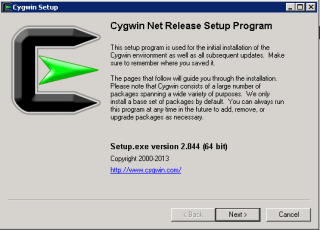
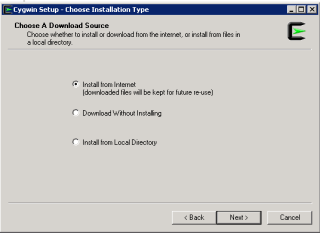
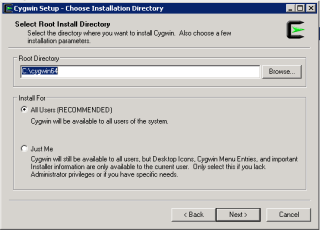
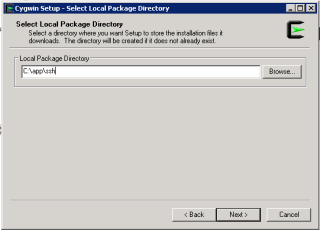
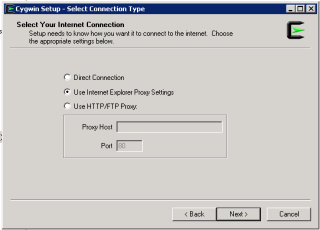
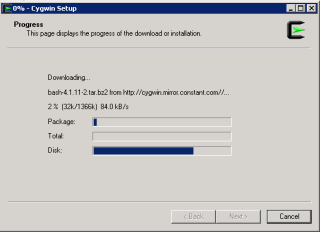
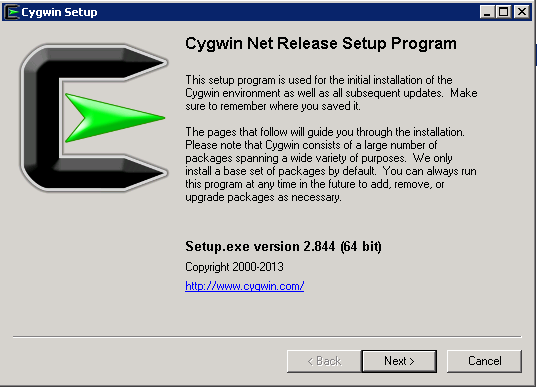
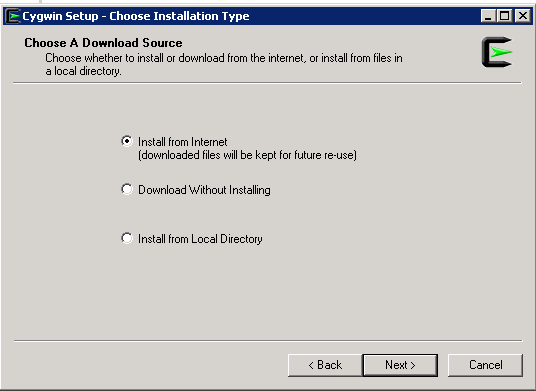
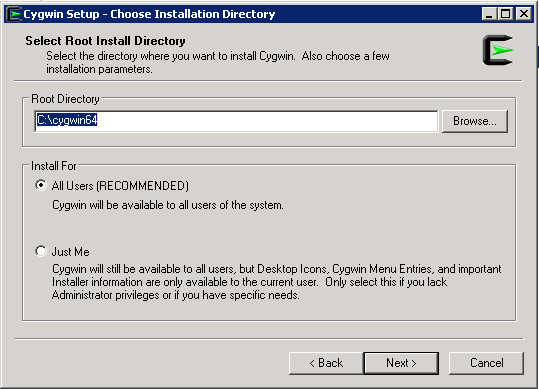
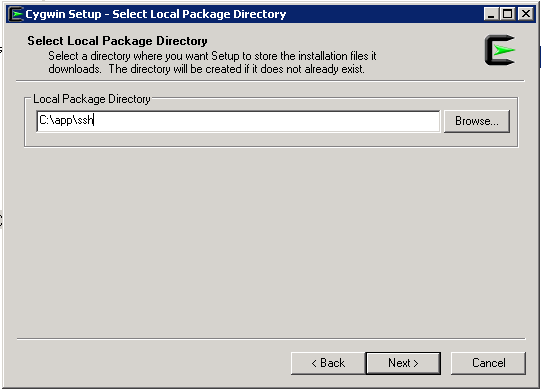
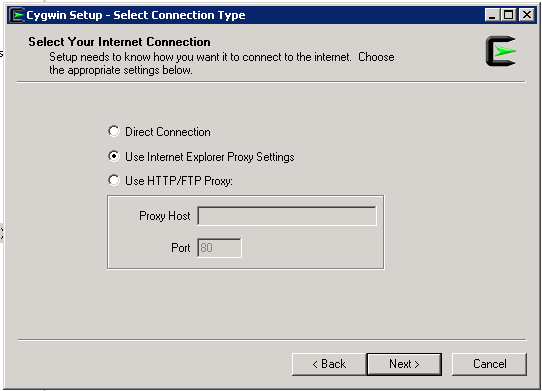
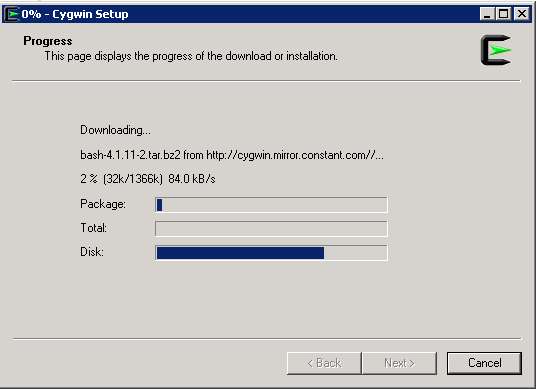
Download Cygwin from Here, Upload File to the windows Server and Run the setup.

SSH Package should be chosen while installation.
After Installation Run cygwin terminal as Administration ( Right click on the icon and Choose the option )
Now Enable ssh should be done by run below command :-

/usr/bin/ssh-host-config

Should privilege separation be used? (yes/no) yes
new local account ‘sshd’? (yes/no) yes
Do you want to install sshd as a server? Yes
Enter the value of CYGWIN for the daemon: [] (DON’T ENTER ANYTHING, PRESS ENTER)
Do you want to use a different name? (yes/no) no
Create new privileged user account ‘cyg_server’? (yes/no) yes
Please enter the password: ENTER YOUR PASSWORD HERE
Reenter: RE-ENTER YOUR PASSWORD

Using Command Prompt ( cmd )

Start ssh by –> net start sshd
Stop ssh by –> net stop sshd

Another way posted by my friend Maaz you can check it here.

Thank you 
Osama Mustafa

Download Agent in EM12C manually

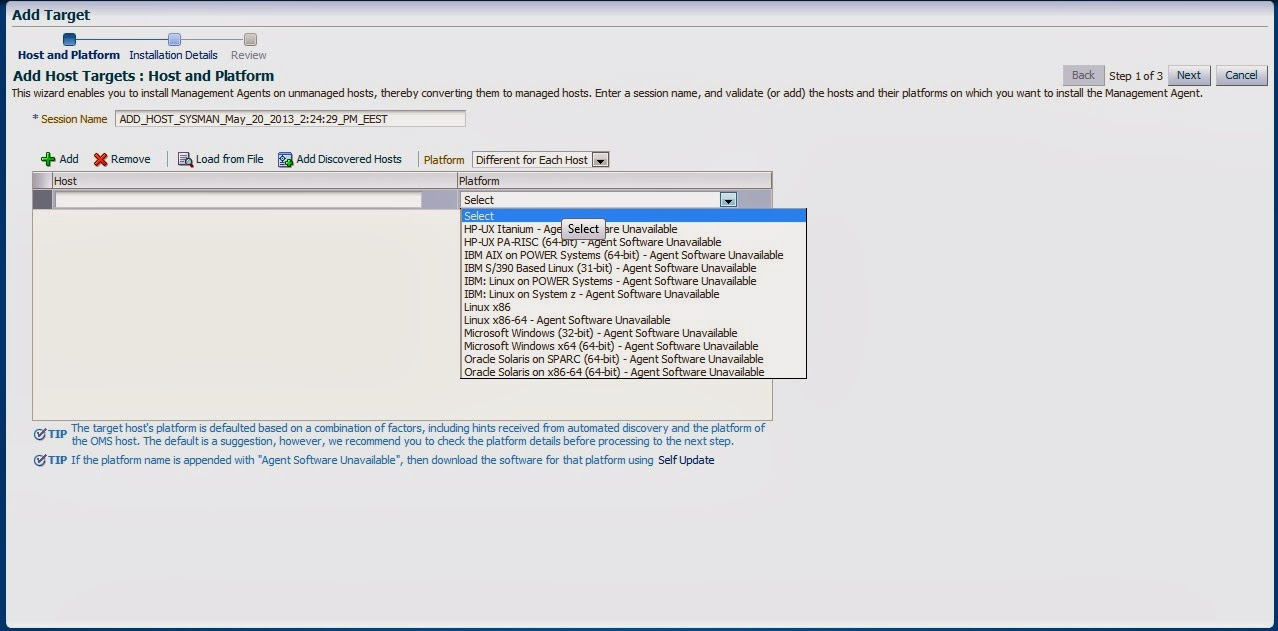
Adding target to EM12C needs to install agent to the Target Host Depend on Operating system, the agent is now always available which mean install Agent for this operating system is necessary, the below picture describe the above case :-

Enterprise manager cloud 12c contains two different type of Connection mode online and offline, this blog describe how to install manually :-

From Setup –> extensibility –> Self Update

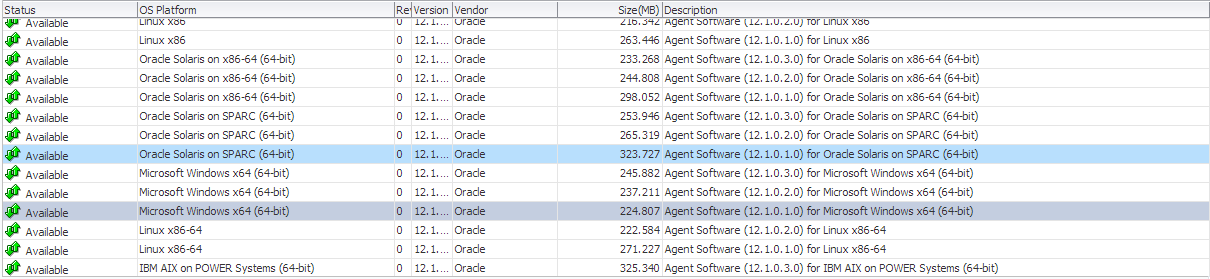
Press On Agent Software., The below screen will appear :-

By pressing any of those agent new pop up will open included with link to download, copy the link and upload the file to OMS Host and run the below command :-

[oracle@EM12C emcli]$ ./emcli import_update -omslocal -file=….

File Path should be provided in the above command.

The output :-

Processing update: Agent Software – Agent Software (12.1.0.1.0) for Microsoft Windows x64 (64-bit)
Successfully uploaded the update to Enterprise Manager. Use the Self Update Console to manage this update.

After Run the above command Successfully, Back to Self Update screen –> Agent Software and Apply the Download Catalog by press apply.

Thank you
Osama mustafa

Install EMCLI For EM12C

The Enterprise Manager Command Line Interface (EM CLI) enables users to access Enterprise Manager functionality through a command-line interface or scripts. It is accessible through classic programming language constructs, enabling tasks to be created and run either from the command-line or programatically. EM CLI enables you to access Enterprise Manager Cloud Control functionality from text-based consoles (shells and command-line windows) for a variety of operating systems.

For Overview and concept about it Read Oracle Documentation Here

The Setup to enable emcli so simple and already provided with Enterprise manager 12c,

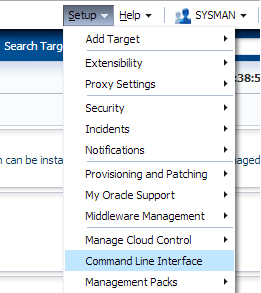
From Setup –> Command Line Interface.

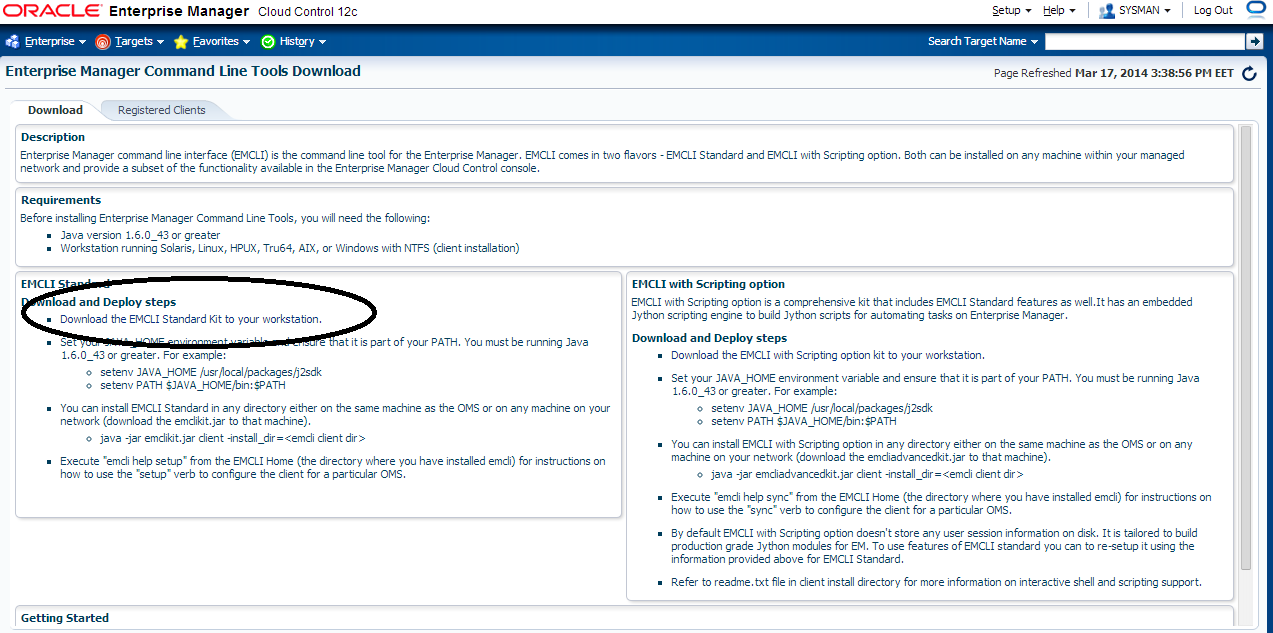
After Access Command Line Interface you should be able to install emcli kit by press the below :

Jar File will be installed,Upload it to the server.

Create New Folder On the Server Using :

mkdir /u01/emcli 

Set The Variable:-

export JAVA_HOME=/u01/app/fmw/jdk
export PATH=$JAVA_HOME/bin:$PATH 

Run the Below Command

java -jar emcliadvancedkit.jar client -install_dir=/u01/emcli 

cd /u01/emcli  

emcli setup -url=https://EM12c:7802/em -username=sysman -trustall -autologin

Thank you
Osama Mustafa
OUG Ireland 2014

11/03 it’s Date For Oracle User Group Ireland.
Location : Dublin Convention Center.

Like any other Flights it’s took me 10 hours to be in Dublin,After Checked in the hotel First thing I did is attending Oracle ACE dinner and meet some Folks.

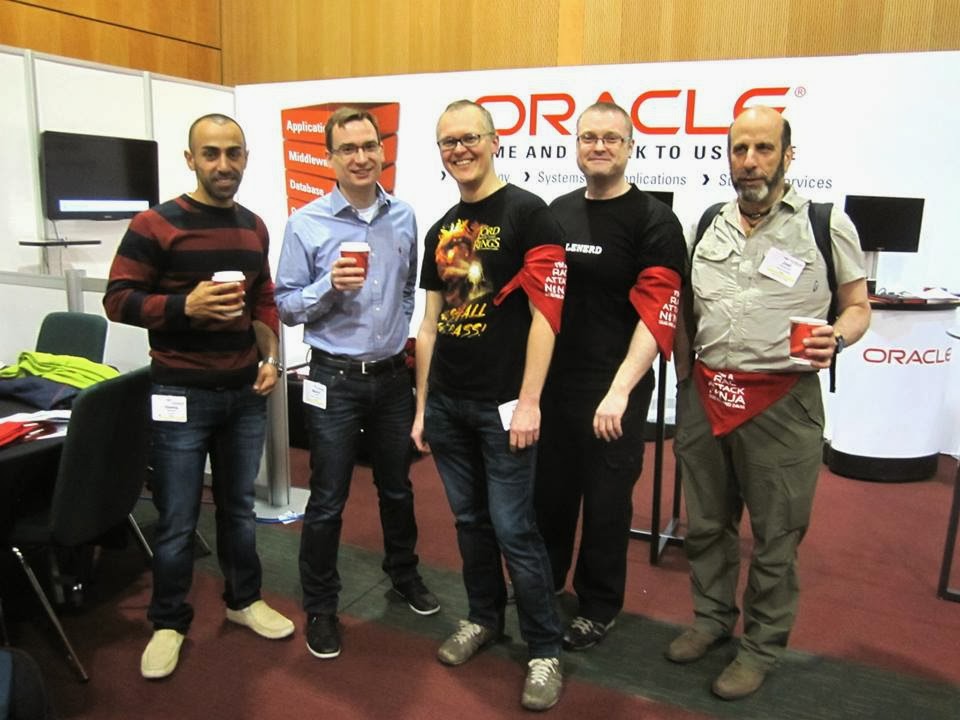
There was lot of Oracle Experts Speaker, Once the conference started I spent most of my day in RAC ATTACK Location and I would thank Mina Zadeh for this amazing Arrangement. it was really nice to meet her in person.

 Presentations was really amazing and useful, I would thank Oracle User Group Ireland for organizing and running this event so well.

Thank you
Osama Mustafa
soft limit maximum user processes/Oracle Linux

As Root User access to
[root@EM12C Packages]# vi /etc/security/limits.conf

Then add the below line or modify it :

oracle              soft    nproc   2047
oracle              hard    nproc   16384
oracle              soft    nofile  4096
oracle              hard    nofile  65536
oracle              soft    stack   10240

Thank you
Osama Mustafa 

HTTP3094: 1 listen sockets could not be created / Oracle IPlant

When Trying to Startup iplant Instance the below error Appearing every-time :

TEST siebel: :/Siebel/iPlanet/webserver7/https-Osama_TST/bin\>./startserv
Oracle iPlanet Web Server 7.0.15 B04/19/2012 21:52
info: CORE5076: Using [Java HotSpot(TM) 64-Bit Server VM, Version 1.6.0_24] from [Sun Microsystems Inc.]
startup failure: could not bind to port 8080 (Address already in use)
failure: HTTP3127: http-listener-1: http://TEST:8080: Error creating socket (Address already in use)
failure: HTTP3094: 1 listen sockets could not be created
failure: server initialization failed

From the above error you notice that Port 8080 is already in use.

The Solution :

ps -ef |grep webservd

and Use Kill -9

Try Again Now

Thank you
Osama Mustafa
ORA-12505 SCAN Listener And JDBC

The Above Error Appears when trying to connect RAC database Using SCAN Listener through JDBC, I checked everything and it was working without any problem, I could not find any reason why this issue happened, nothing in the Listener.log.

So I Used the below connection String instead of above one.

jdbc:oracle:thin:@(DESCRIPTION=(ADDRESS=(PROTOCOL=TCP)(HOST=SCAN-LISTENER-NAME)(PORT=1530))(CONNECT_DATA=(SERVICE_NAME=Service-name)))

Thank you
Osama Mustafa 

Oracle Database 12c Backup and Recovery Survival Guide

Oracle 12c Released in July 2013, and with every release for new oracle database version we expect huge amount of book to be released also, Books Talking about new Features, Administration, RAC, Data Guard,and finally Backup and Recovery.

When I am looking  for Oracle book it should have three Main things at least :

  • Description ( Table Of Content )
  • Examples for the new features.
  • Cover The specific topic and cover it so well.
Recently i received an email from Packt Publishing WebSite Here to review A book for Oracle 12c Related to Backup and Recovery, the Book Title

            ” Oracle Database 12c Backup and Recovery Survival Guide”

The above book written  by two oracle experts

  • Francisco Munoz ( Oracle ACE Director )
  • Aman Sharma ( Oracle ACE )
And Trust me when i am saying i need another post to talk about these two author. the books contain an amazing information for every DBA, it’s not necessary to be an expert to buy this book because they already covered everything from beginning with Examples or should i say with Lot of examples, what i would say here i recommended this book because it’s contain best practice for Backup and Recovery Covered by two Oracle Experts.
Description for Table Of Content :

Chapter 1: Understanding the Basics of Backup and Recovery 
First Chapter describe the Backup basic, why the backup is very important and what is the most common issue 

Chapter 2: NOLOGGING Operations
I have to say this chapter give me new idea about Nologging, and describe Best Solution for Nologging and Logging Operating in Database. 
Chapter 3: What is New in 12
Discuss 12c New Feature Related to Backup and Recovery ( RMAN,Datapump .. ) and simple description about multitenant Features and Architecture. 
Chapter 4: User-managed Backup and Recovery
Describe All kind of backup,Offline,cold and hot with Examples and Description for these example.

Chapter 5: Understanding RMAN and Simple Backups
This Chapter Describe RMAN Architecture & RMAN Concept Backup and how to use RMAN with oracle 12c,how to backup Controlfile, Spfile and Archive log,how to use Fast Incremental Backup. 
Chapter 6: Configuring and Recovering with RMAN
This Chapter Covered how to configure database for backup and recovery and how to configure RMAN for Backup, All the configuration covered by Examples and Lot Of scenarios.Configuration for Compression backup,snapshot and authentication for RMAN.

Chapter 7: RMAN Reporting and Catalog Management
From the Name of this chapter it’s covered RMAN Catalog and Report command and List command to get query and check backup.

Chapter 8: RMAN Troubleshooting and Tuning

This is Excellent Chapter for All DBA it’s Contains information how to troubleshoot RMAN,Tune RMAN, and how to monitor RMAN Session , Useful for Every DBA.
Chapter 9: Understanding Data Pump
This Chapter talking about Data Pump Architecture and Examples how to move data use data pump.
Chapter 10: Advanced Data Pump
If you want to move to next level and Increase your knowledge about Data pump , this chapter contains topics every DBA needs such as create small copies of production, create database in different file Structure, Moving Object from one table space to another and other excellent topics.

Chapter 11: OEM12c and SQL Developer
Enterprise manager 12c and Sql Developer friends for DBA, and Have been used started to used by DBA’s  All the above chapter using the command Line, but this one describe how to use these Two Tools to Configure backup and monitor backup, using export/import with EM12c.

About the Author :

has over two decades of experience in consulting, analysis, support, implementation, and migration of Oracle products. He is also an expert in most phases of a database life cycle, for example, development, stabilization, security, backup and recovery, tuning, installations, and data warehouse (ETL) with excellent implementation and support methodologies. He is a popular speaker at many Oracle conferences around the world.

is an Oracle Database consultant and instructor. He holds a Master’s degree in Computer Applications and has been working with Oracle Database for over a decade. His main focus is to understand how Oracle Database works internally. Besides the core database, he has a very strong knowledge of Linux, Solaris, Oracle RAC, Data Guard, RMAN, Oracle Exadata and Oracle Enterprise Manager.


You can Order the Book Now :

Finally i would thank Francisco & Aman for this amazing Book.

Thank you 
Osama Mustafa