Author: Osama Mustafa
Osama considered as one of the leaders in Cloud technology, DevOps and database in the Middle-East. I have more than ten years of experience within the industry. moreover, certfied 4x AWS , 4x Azure and 6x OCI, have also obtained database certifications for multiple providers.
In addition to having experience with Oracle database and Oracle products, such as middle-ware, OID, OAM and OIM, I have gained substantial knowledge with different databases.
Currently, I am architecting and implementing Cloud and DevOps. On top of that, I'm providing solutions for companies that allow them to implement the solutions and to follow the best practices.
Configure DBConsole as Active/passive
Sometimes Database Configured as Active/Passive ( Cluster ) Which mean one node working/time and regarding to this if the failover happened on 2nd node the customer will expected that everything will be the same as it was on node 1 include to this Dbconsole.
To do this follow the below steps :-
- Database should be configured on VIP.
- Listener should be configured on VIP.
- Database , Configuration should be installed on Shared Storage
- inventory Files should be on shared storage as well.
- ORACLE_HOSTNAME Should be set to VIP Hostname.
Listener example :-
LISTENER =
(ADDRESS_LIST =
(ADDRESS = (PROTOCOL = TCP)(HOST = VIP-HOST )(PORT = 1521))
)
Don’t forget to set the LOCAL_LISTENER Parameter :-
SQL> alter system set local_listener=’LISTENER’;
Or
SQL> alter system set local_listener='(ADDRESS = (PROTOCOL = TCP)(HOST = VIP-HOST )(PORT = 1521)) ‘;
Now
export ORACLE_HOSTNAME=VIP-HOSTNAME
emca -config dbcontrol db -repos create
Test the failover on node #2
if for some reason when you try to start emctl and the error still asking for oc4j then export ORACLE_HOSTNAME is bash_profile.
It should work
Cheers
Osama
Shutdown Immediate Hangs
Today i faced Strange issue with Shutdown immediate command on cluster database which is when run shutdown immediate the command hangs and take so long and sometimes it’s working and most of the time not working.
the below command was working without any problem :-
SQL > shutdown abort
to solve this issue & trace the error since the alertlog not indicating to anything interesting i have to dump systemstate every 5 minutes to know what going on :-
connect / as sysdba
alter session set events ‘10400 trace name context forever, level 1’;
After this you can kill the session that preventing shutdown.
The hangs usually happened for two reasons :-
- Query running on Database.
- Transaction happened while you are trying to shutdown database.
For the first reason :
use v$session_longops Read more here.
Run the below query to check the query.
select count(*) from v$session_longops where time_remaining>0;
Second reason you can use
v$transaction Read from here.
Useful Document :-
Alert Log: Shutdown Waiting for Active Calls to Complete (Doc ID 1039389.6)
Thank you
Osama Mustafa
Oracle Database Patches Information
A number of questions has been asked here and in Oracle Community Forum When/What/Date for Next Database patches ?
in the all way you should have valid account for http://support.oracle.com.
I see it’s worth it to post and share the information how to find the desire patch number and how to know next patch release, i will only share MOS document number that will help you understand what i mean.
How to Find Patch ?
- Oracle Recommended Patches — Oracle Database (Doc ID 756671.1)
- Quick Reference to Patch Numbers for Database PSU, SPU(CPU), Bundle Patches and Patchsets [1454618.1]
- Release Schedule of Current Database Releases [742060.1]
- Introduction to Oracle Recommended Patches [756388.1]
- Oracle Database Patchset Information, Versions 10.2.0 to 12.1.0 (Doc ID 268895.1)
- ALERT: Oracle 11g Release 1 (11.1) Support Status and Alerts (Doc ID 454507.1)
The above MOS document will guide you and help you to know the next release of database patch, also as you see i included some document that helps for recommended patch.
REGISTRY$HISTORY contains information about the applied patches PSU, SRU or CPU and you can use Oracle Base Script from here.
Or
$ORACLE_HOME/OPatch/opatch lsinventory
Cheers
Osama Mustafa
Dealing with Crontab
Schedule tasks under Linux is an powerful procedure which is used by almost everyone, and to do this using program called cron. more about it here .
Procedure :
make a new text file, and enter this line in that text file like the below :-
crontab myfirstjob
Formatting crontab file :-
what this file contains
|
Number
|
Meaning
|
Allowed range
|
|
1
|
Minutes
|
0-59
|
|
2
|
Hours
|
0-23
|
|
3
|
Days
|
1-31
|
|
4
|
Months
|
1-12 OR First 3 letters of the Month name
|
|
5
|
Days of the week
|
0-7 OR First 3 letters of the Day name
|
|
6
|
Name of the program
|
Any program
|
Some useful command can be used with cron :-
Show all the task running under cron.
crontab -l
edit the crontab
crontab -e
Some example from crontab file :-
# Minute Hour Day of Month Month Day of Week Command
# (0-59) (0-23) (1-31) (1-12 or Jan-Dec) (0-6 or Sun-Sat)
0 12 * * * /u01/backup.sh
For more example about crontab press here
Cheers
Osama Mustafa
Sort process depend on memory
top – display top CPU processes
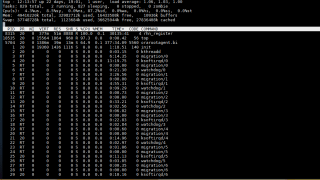
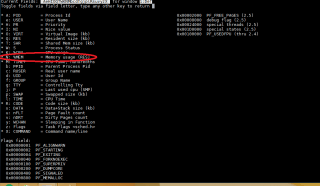
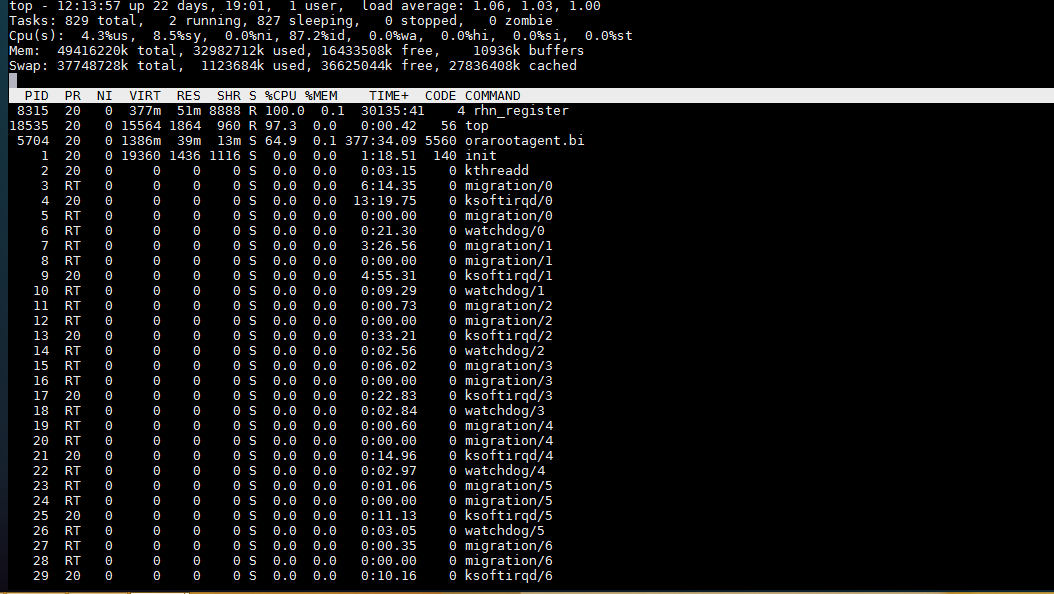
Once top starts, press F to switch to the sort field screen. Choose one of the fields listed by pressing the key listed on the left; you probably want N for MEMORY

Done
ORA-27102: out of memory
Operating system : Solaris Sparc 11.2
Database Version : 11.2.0.3.0
Database Version : 11.2.0.3.0
When Trying to startup the database the following error appeared :-
SQL> startup nomount ;
ORA-27102: out of memory
SVR4 Error: 22: Invalid argument
Even when trying to know which instance process do this :-
SQL> oradebug setmypid
ORA-01034: ORACLE not available
ORA-27101: shared memory realm does not exist
SVR4 Error: 2: No such file or directory
ORA-01034: ORACLE not available
ORA-27101: shared memory realm does not exist
SVR4 Error: 2: No such file or directory
SQL> oradebug ipc
ORA-01034: ORACLE not available
ORA-27101: shared memory realm does not exist
SVR4 Error: 2: No such file or directory
ORA-01034: ORACLE not available
ORA-27101: shared memory realm does not exist
SVR4 Error: 2: No such file or directory
After investigation i found the cause for this error, the solaris SHMMAX was not set correctly on OS level which mean the database was configured more than permitted memory on OS.
to solve the above error
Find which project oracle user run using the below command :-
id -p
uid=59008(oracle) gid=10001(dba) projid=3(default)
Then
prctl -n project.max-shm-memory -i project 3
project: 3: default
NAME PRIVILEGE VALUE FLAG ACTION RECIPIENT
project.max-shm-memory
privileged 35GB – deny –
system 24EB max deny –
So i have to increase it
prctl -n project.max-shm-memory -r -v 40G -i project 3
Note the above changes will be temporary till the next restart.
Cheers
Osama
Apply psu on single database
This post describes how to apply PSU Patch on Single Node Oracle Database With Screenshot
To view the document from here
Cheers
Osama Mustafa
Configure E-mail For Oracle Enterprise manager DB 11gR2
Sometimes you will be not be able to check the database out of the office, sick ….
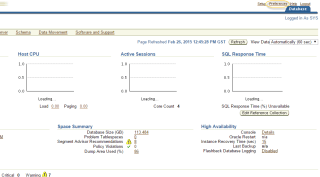

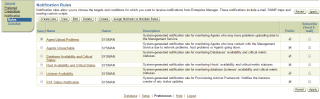

Regarding to oracle documentation :-
The notification system allows you to notify Enterprise Manager administrators of alerts, policy violations, and the status changes of job executions. In addition to notifying administrators, the notification system can perform actions such as executing operating system commands (including scripts) and PL/SQL procedures when an alert is triggered.
Before Enterprise Manager can send e-mail notifications, you must first specify the Outgoing Mail (SMTP) servers to be used by the notification system. Once set, you can then define e-mail notifications for yourself or, if you have Super Administrator privileges, you can also define notifications for other Enterprise Manager administrators.
For More about E-Mail Notification Read here.
If everything is ready please follow the screen shot :-
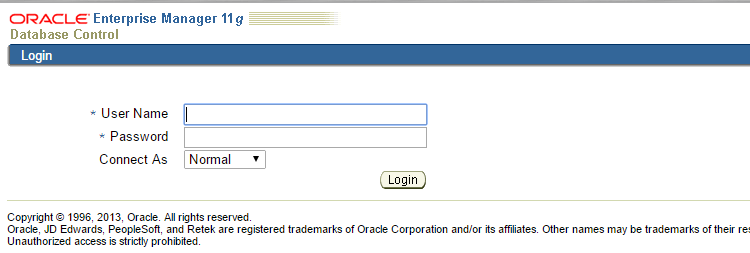
Welcome Screen/Login Page
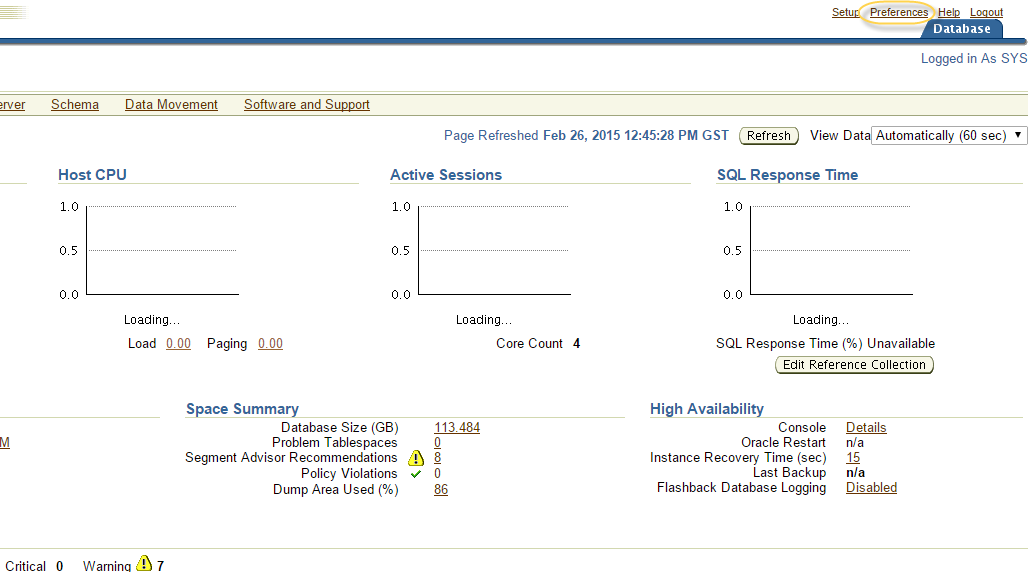
The Main Page, Click On preference on Upper Right :-
Add the E-mail below :-

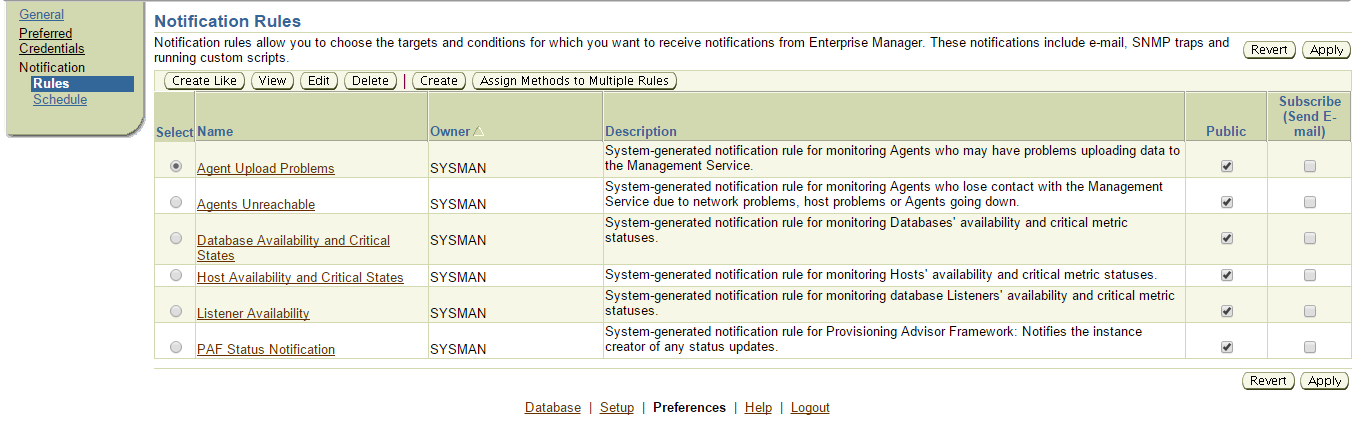
If you need to schedule any Rule Just add it like the below :-

Cheers
Osama Mustafa
Error in invoking target ‘rat_on part_on dm_on olap_on sdo_on’
Today while i was browsing on Oracle Fourms i found Threads related to 11gR2 Installation , the OP faced an error like the below :-
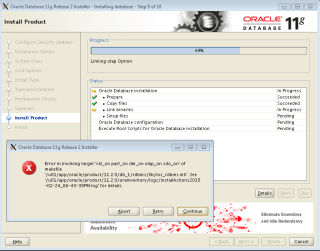

The above error related to Space On Temp File system all you have to do make sure that there is enough space on temp ( tmp ) or use the below command :-
export TMP=/u01/Foldername
export TMPDIR=/u01/Foldername
Try again now
Cheers
Osama ..
 Technology Geek