In This Article I will Show you how to install oracle Timesten In-Memory Database
You Can Download the Document From Here.
You Can Download the Document From Here.
Thank you
Osama Mustaf
For the people who think differently Welcome aboard
Thank you
Osama Mustaf
Thank you
Osama Mustafa
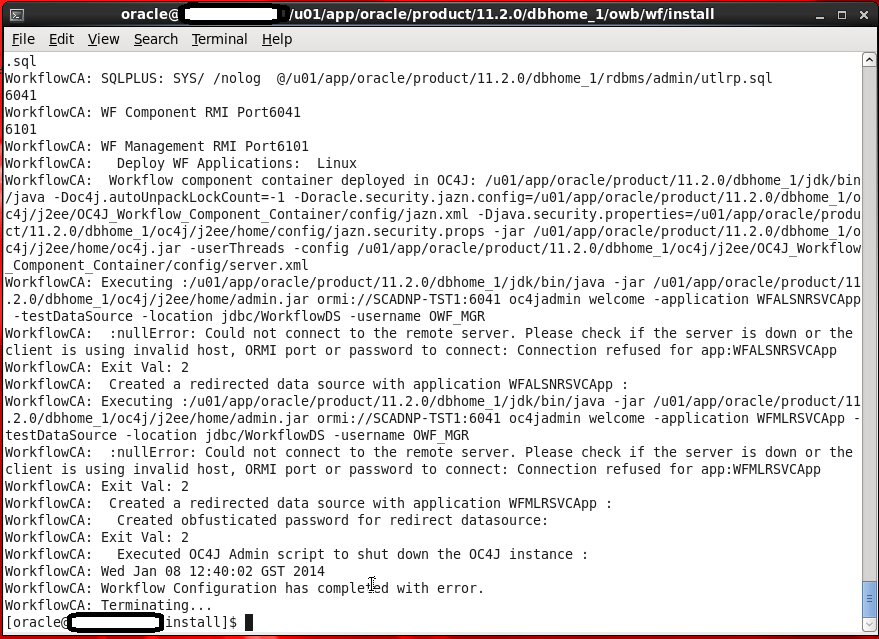
This Error Appear When Trying to Run Oracle Ware-House Builder On Linux , in this tools you are connecting to Database to Setup some configuration for Workflow in DWH, Every Thing Run Successfully Till i received the error in the picture :
WorkFlowCA: NullError : Could not Connect to the Remote Server
You Can ignore this error simply , I didn’t configure Oracle Enterprise manager in my database , which is the reason for this Error.if you want create enterprise manager and re run the tool again.
Thank you
Osama Mustafa
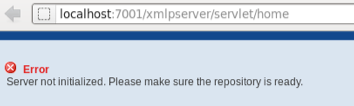
This error Related to OBIEE, if you received this error Then Simple
cd $OFM_WM/admin/obiee/bin
check that opmnctl is worked using
./opmnctl status
./opmnctl startall
Thank You
Osama Mustafa
NAME TYPE VALUE
———————————— ———– ——-
archive_lag_target integer 0
db_flashback_retention_target integer 1440
fast_start_io_target integer 0
fast_start_mttr_target integer 0
memory_max_target big integer 26048M
memory_target big integer 0
parallel_servers_target integer 2048
pga_aggregate_target big integer 6502M
sga_target big integer 19520M
SQL> ALTER SYSTEM SET MEMORY_MAX_TARGET = 16384M scope=spfile ;
Simply Cloud Computing Storing and accessing Data and programs Using Over Internet instead of Local Computer.
I Found the Below Chart on the internet and it’s The Best Describe for the cloud “Source Cloud For Dummies” :

Cloud is the next Stage for everything, Because it can be defined as set of hardware,Platforms , Databases, Networking it will safe lot of money for the companies.
Check the below video :
You need to know some Definition you will heard when we are talking about Cloud:
Xaas is Term said for number of things “X as a Services” / ” Anything as a Services”
The Most Common Examples on the above :
SQL> drop user osama cascade ;
User dropped.
SQL> create user osama identified by osama;
User created.
SQL> grant select any table to osama;
Grant succeeded.
SQL> grant select any dictionary to osama ;
Grant succeeded.
SQL> grant create session to osama;
Grant succeeded.
SQL> conn osama/osama ;
Connected.
SQL> EXEC DBMS_SQL_MONITOR.BEGIN_OPERATION (‘My_First_JOB’, forced_tracking => ‘Y’);
BEGIN DBMS_SQL_MONITOR.BEGIN_OPERATION (‘My_First_JOB’, forced_tracking => ‘Y’); END;
*
ERROR at line 1:
ORA-06550: line 1, column 7:
PLS-00221: ‘BEGIN_OPERATION’ is not a procedure or is undefined
ORA-06550: line 1, column 7:
PL/SQL: Statement ignored
to avoid this error :
SQL> VAR myjob_id NUMBER;
SQL> EXEC :myjob_id := DBMS_SQL_MONITOR.BEGIN_OPERATION (‘My_First_JOB’, forced_tracking => ‘Y’)
PL/SQL procedure successfully completed.
Where
myjob_id : variable
My_first_Job : Job name.
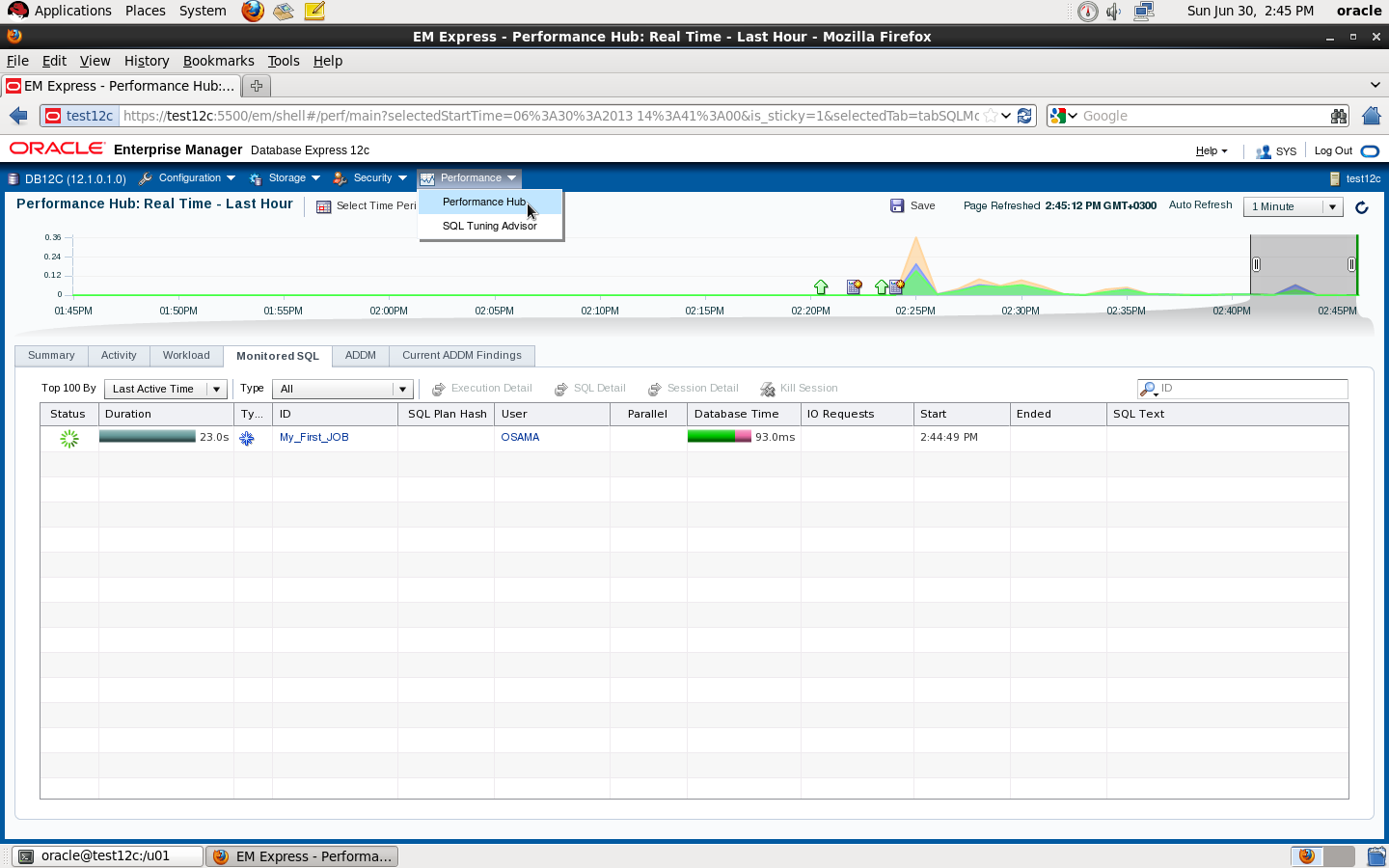
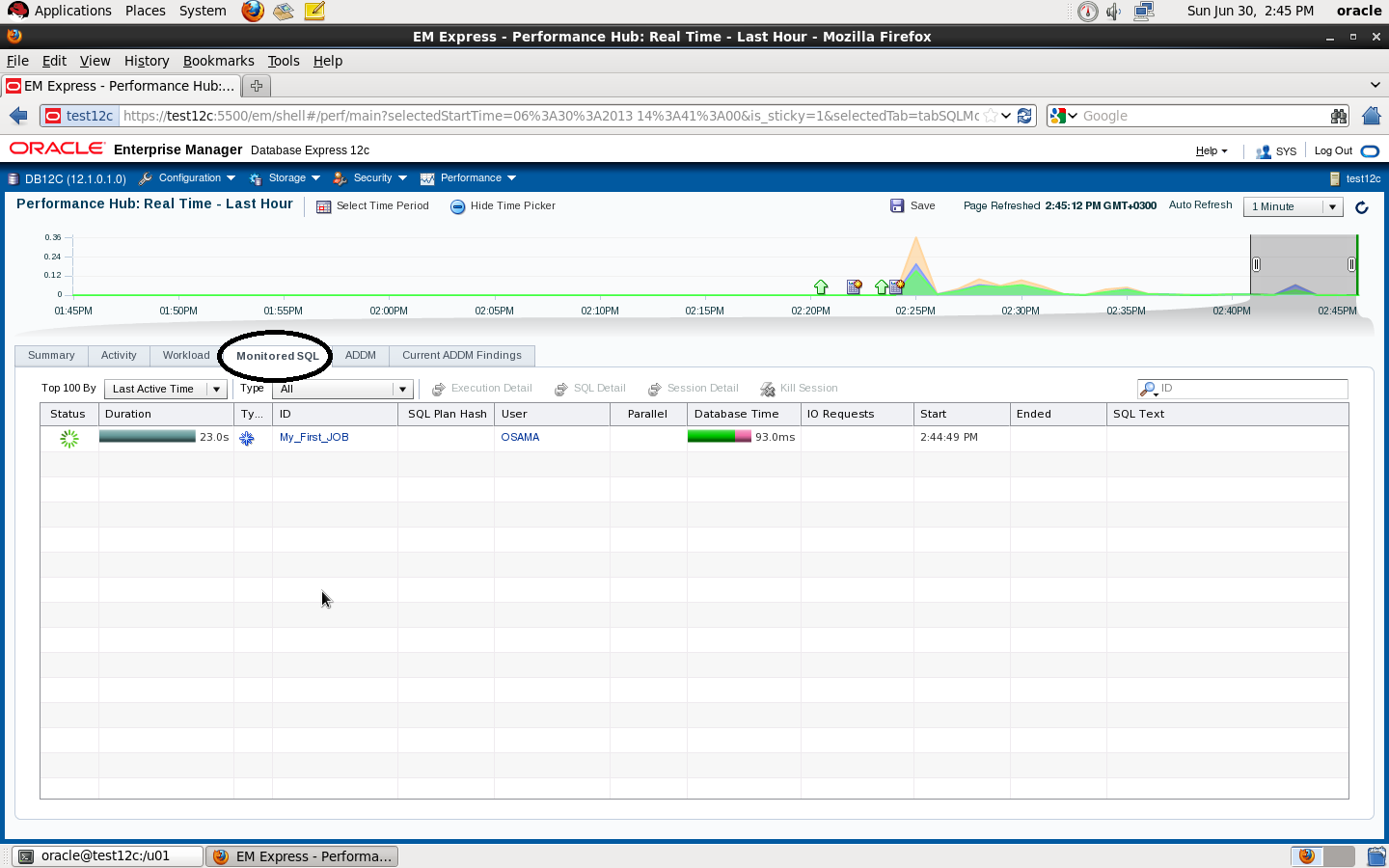
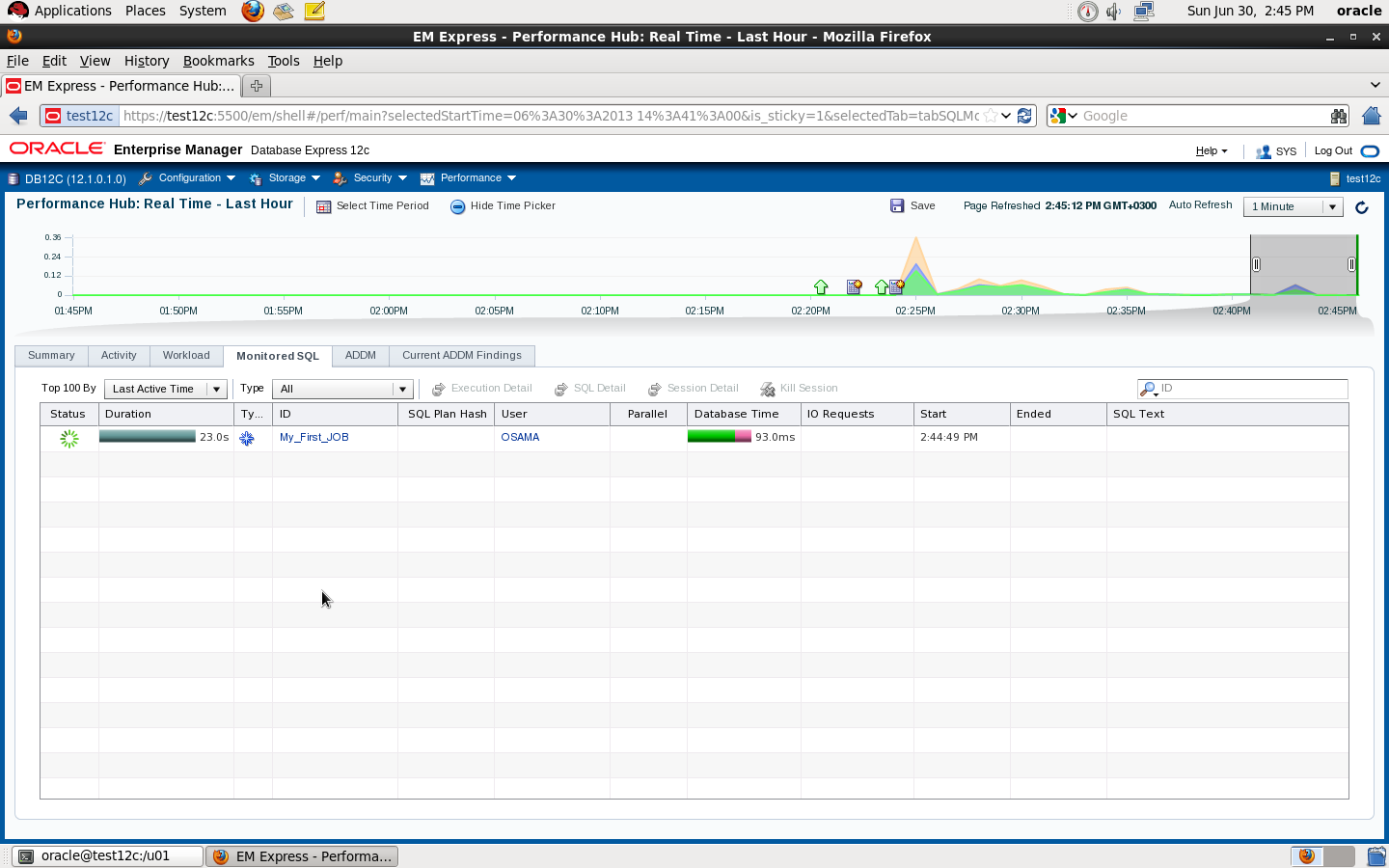
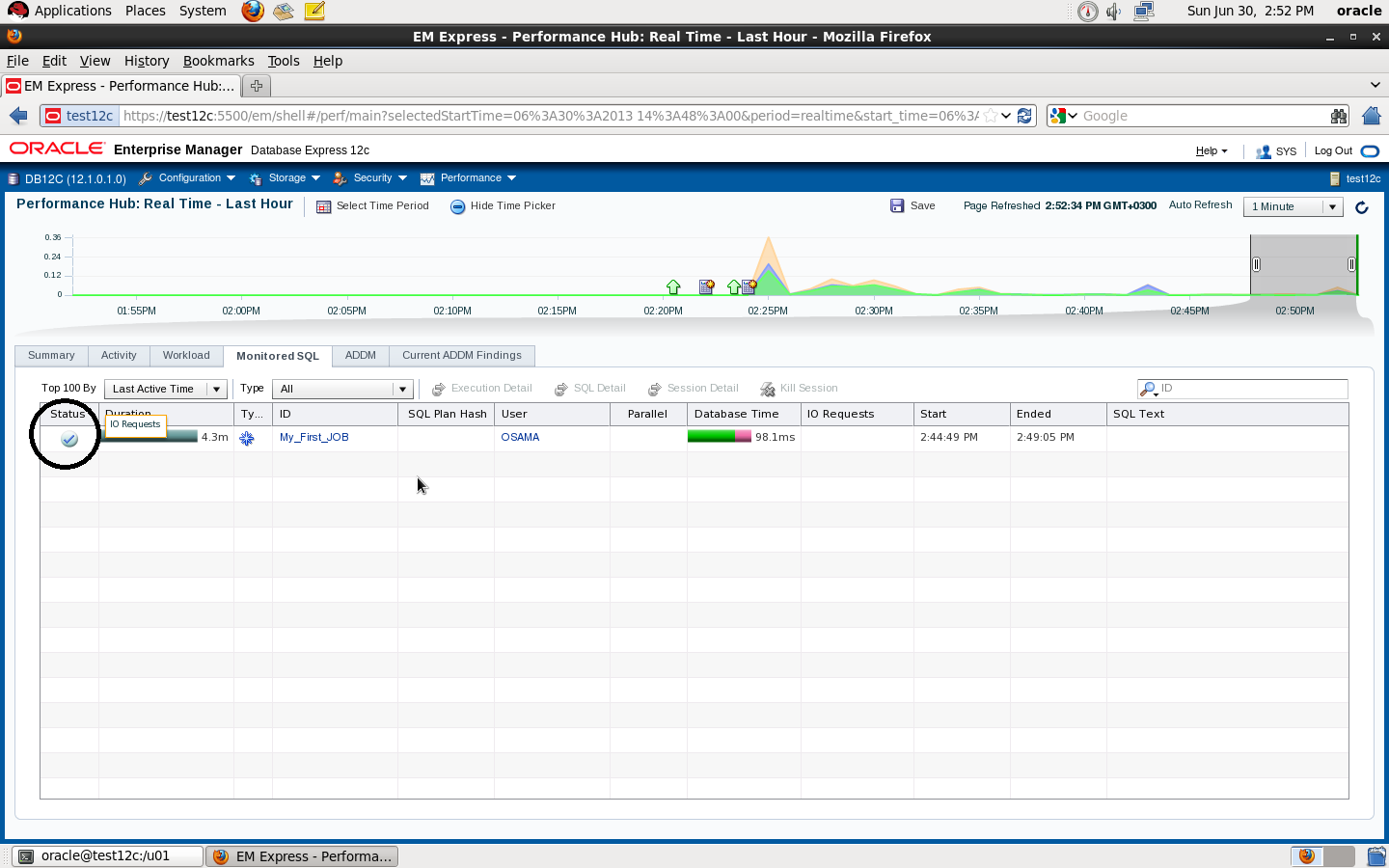
if you check the second picture you will see if you don’t stop the sql_monitor the Job will still running
SQL> EXEC DBMS_SQL_MONITOR.END_OPERATION(‘My_First_JOB’, :myjob_id) ;
PL/SQL procedure successfully completed.
sqlplus / as sysdba
SQL> show parameter dispatcher ;
NAME TYPE VALUE
———————————— ———– ——————————
dispatchers string (PROTOCOL=TCP) (SERVICE=db12cX
DB)
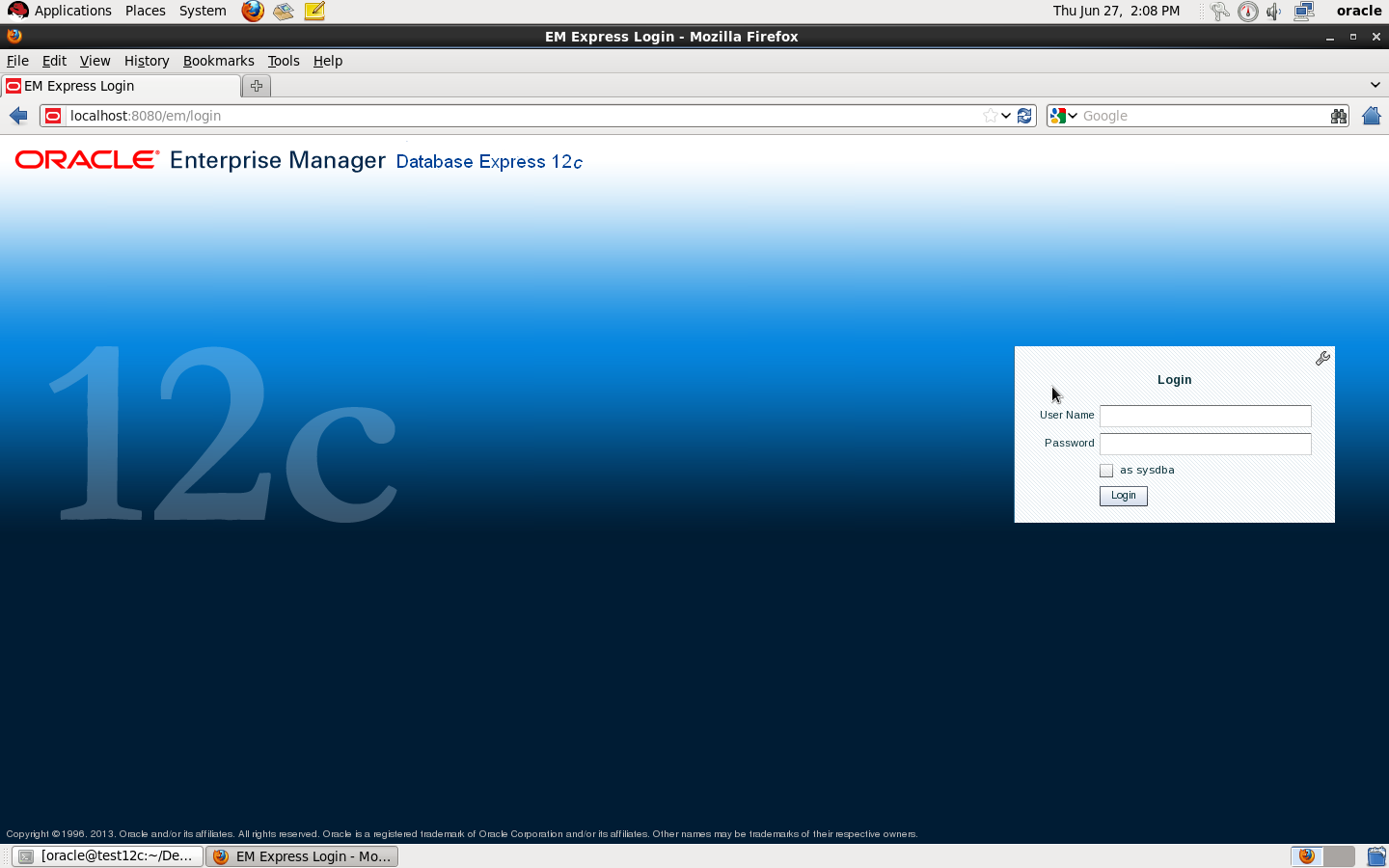
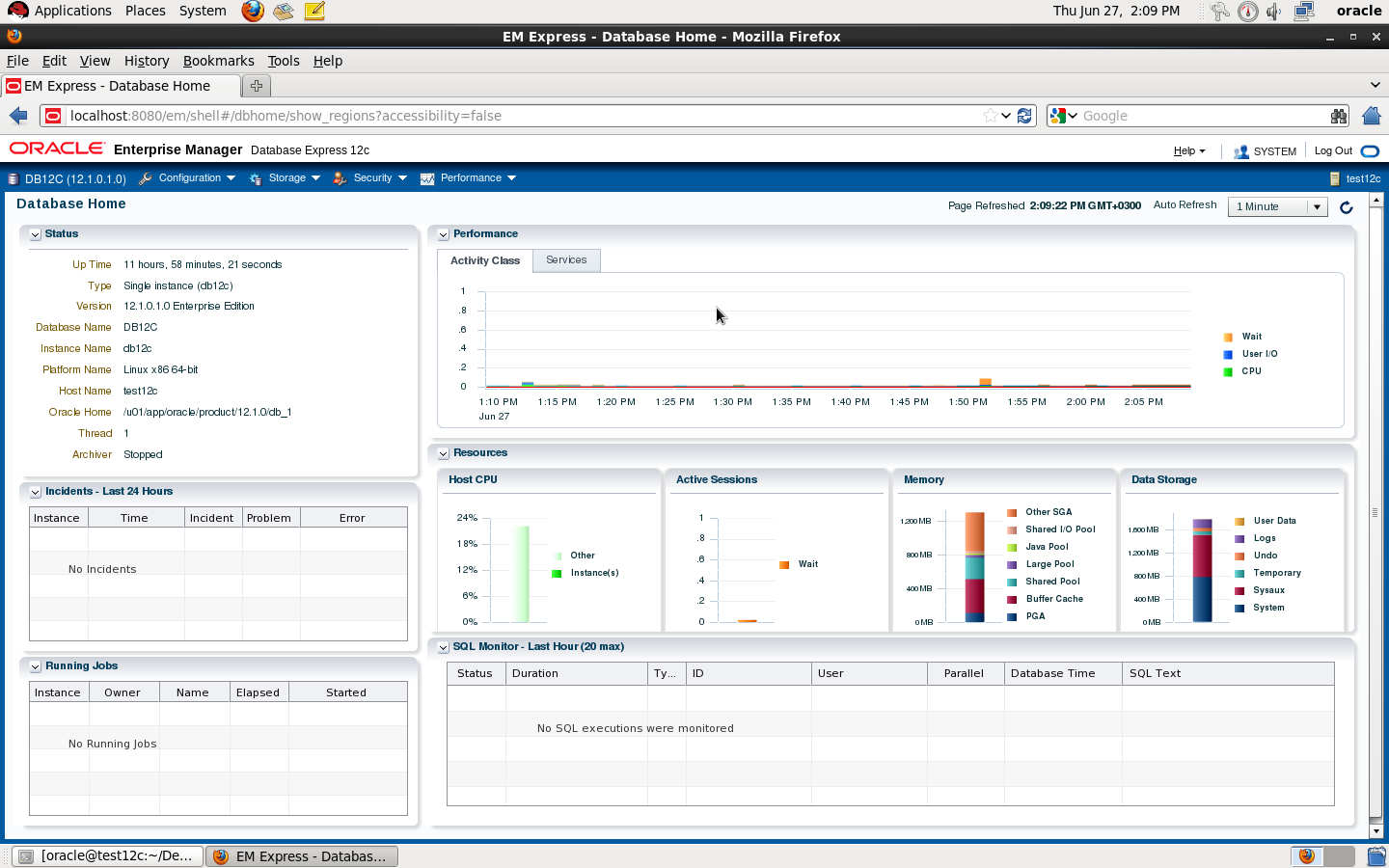
SQL> exec DBMS_XDB_CONFIG.setHTTPPort (8080);
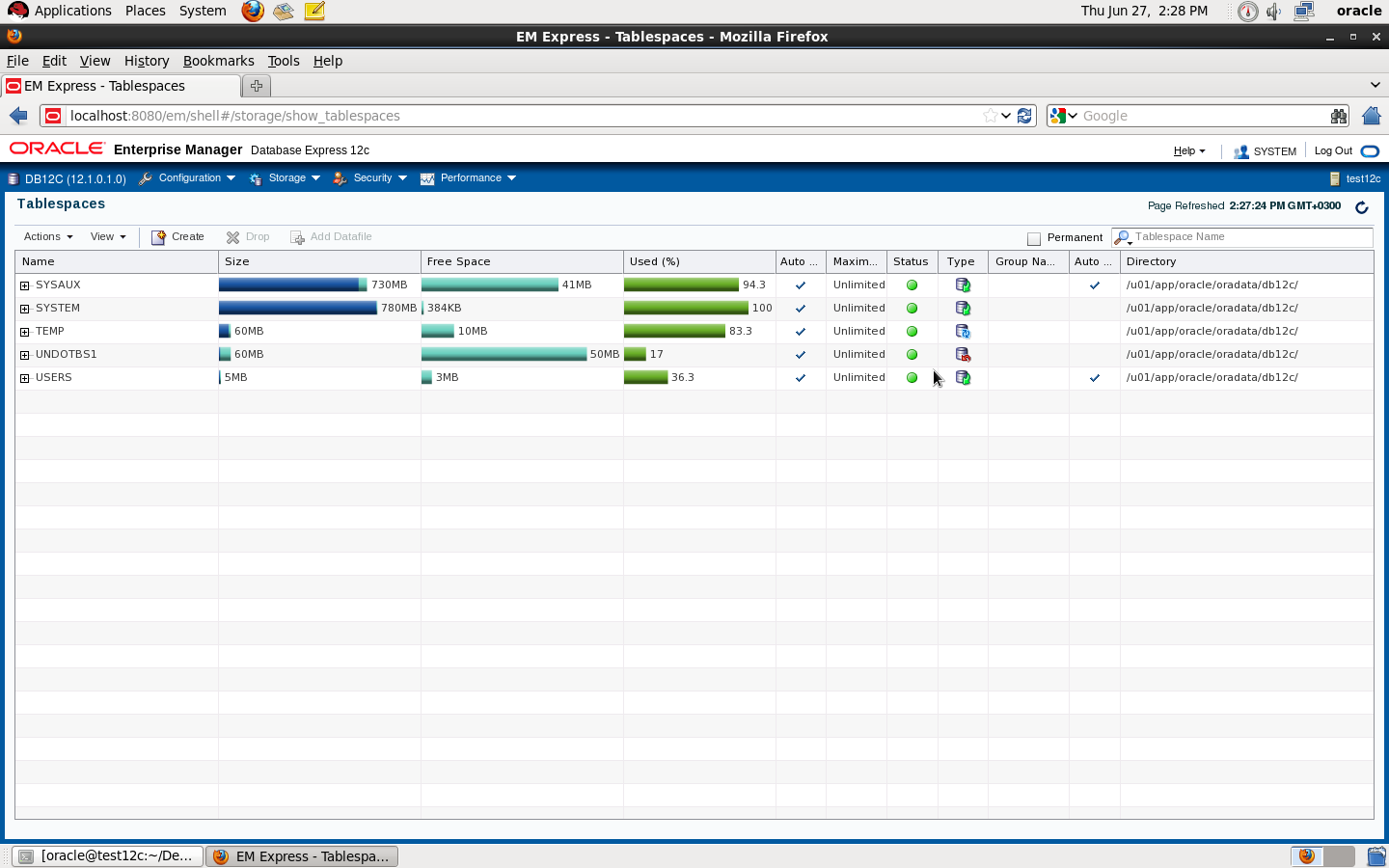
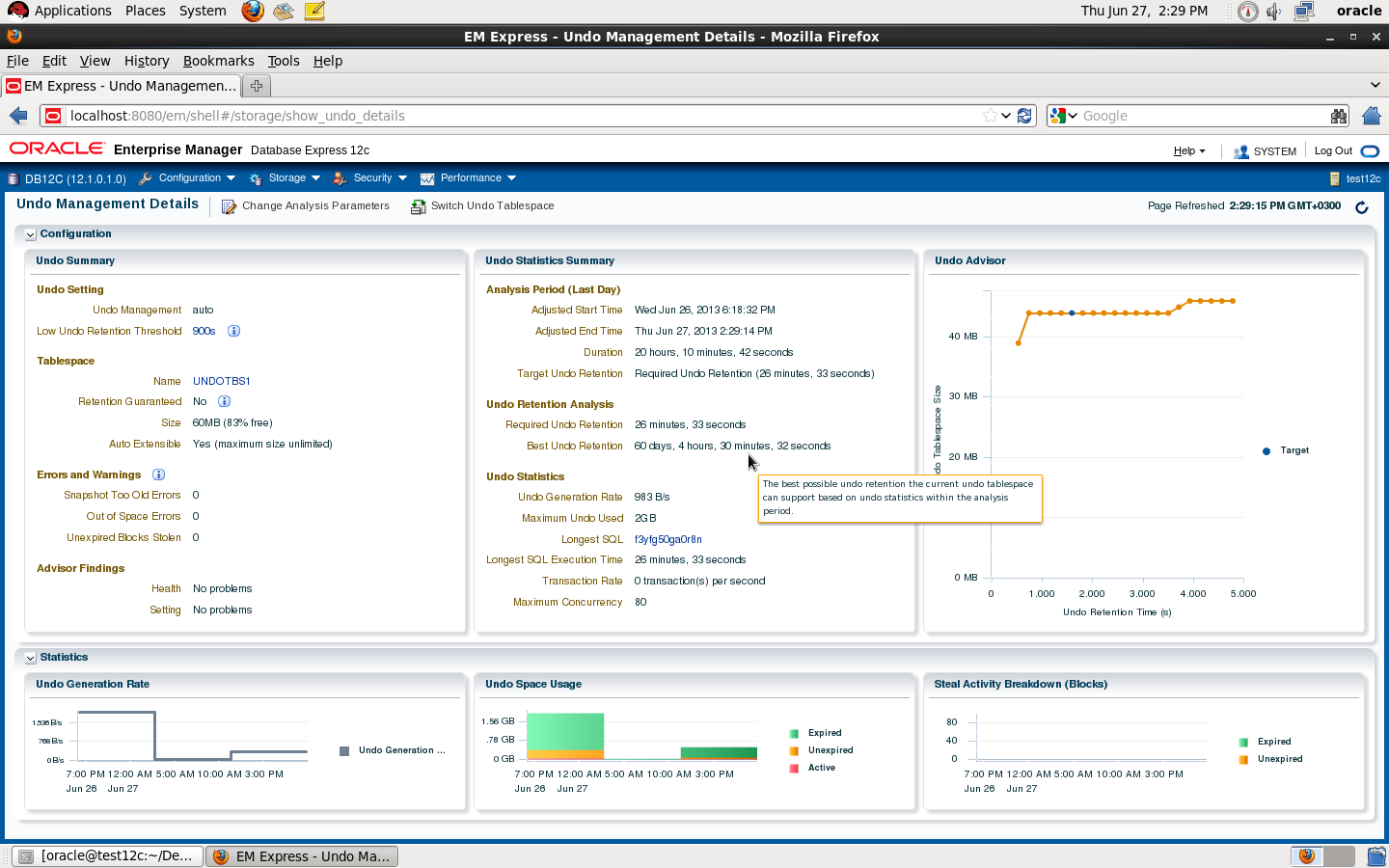
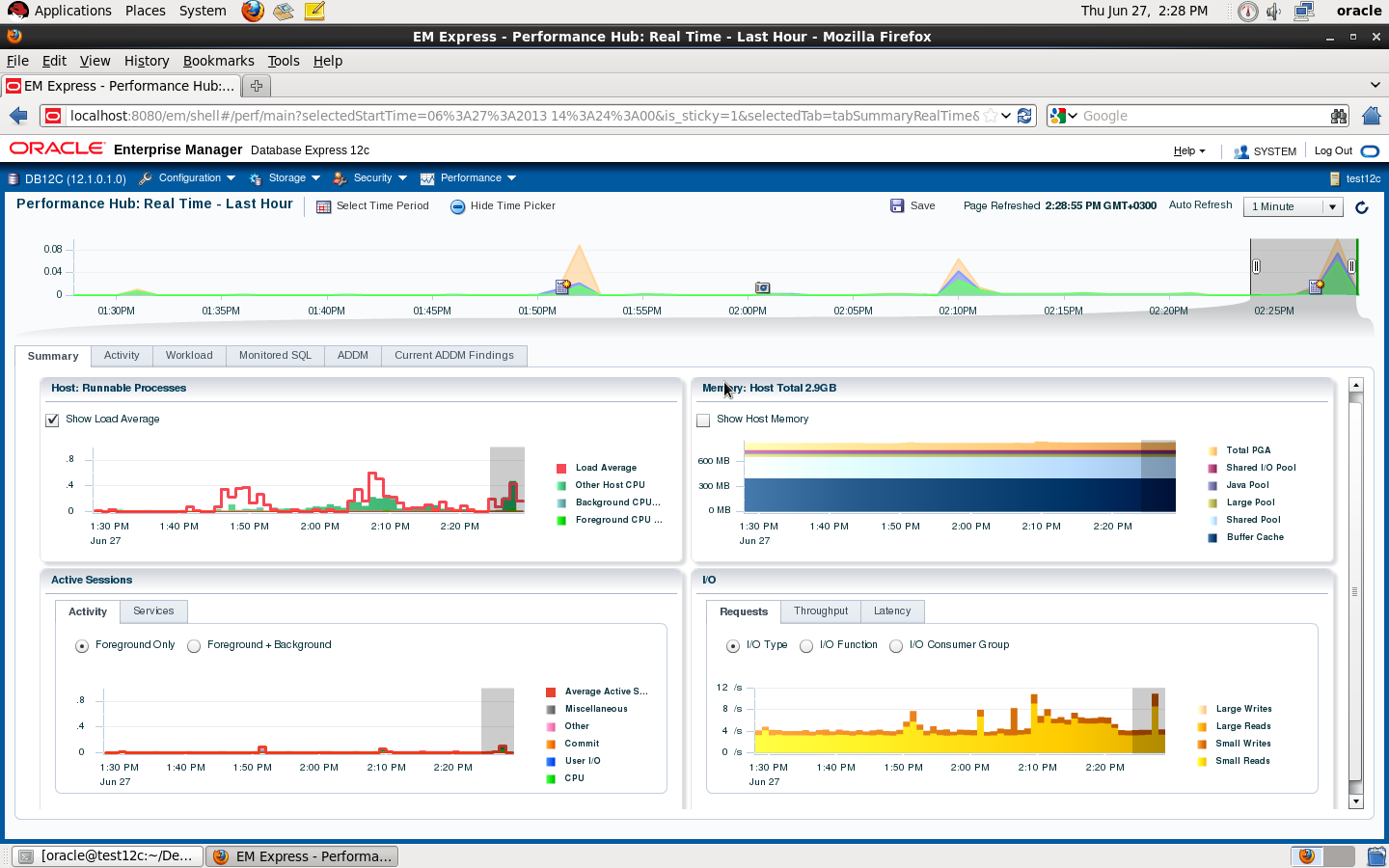
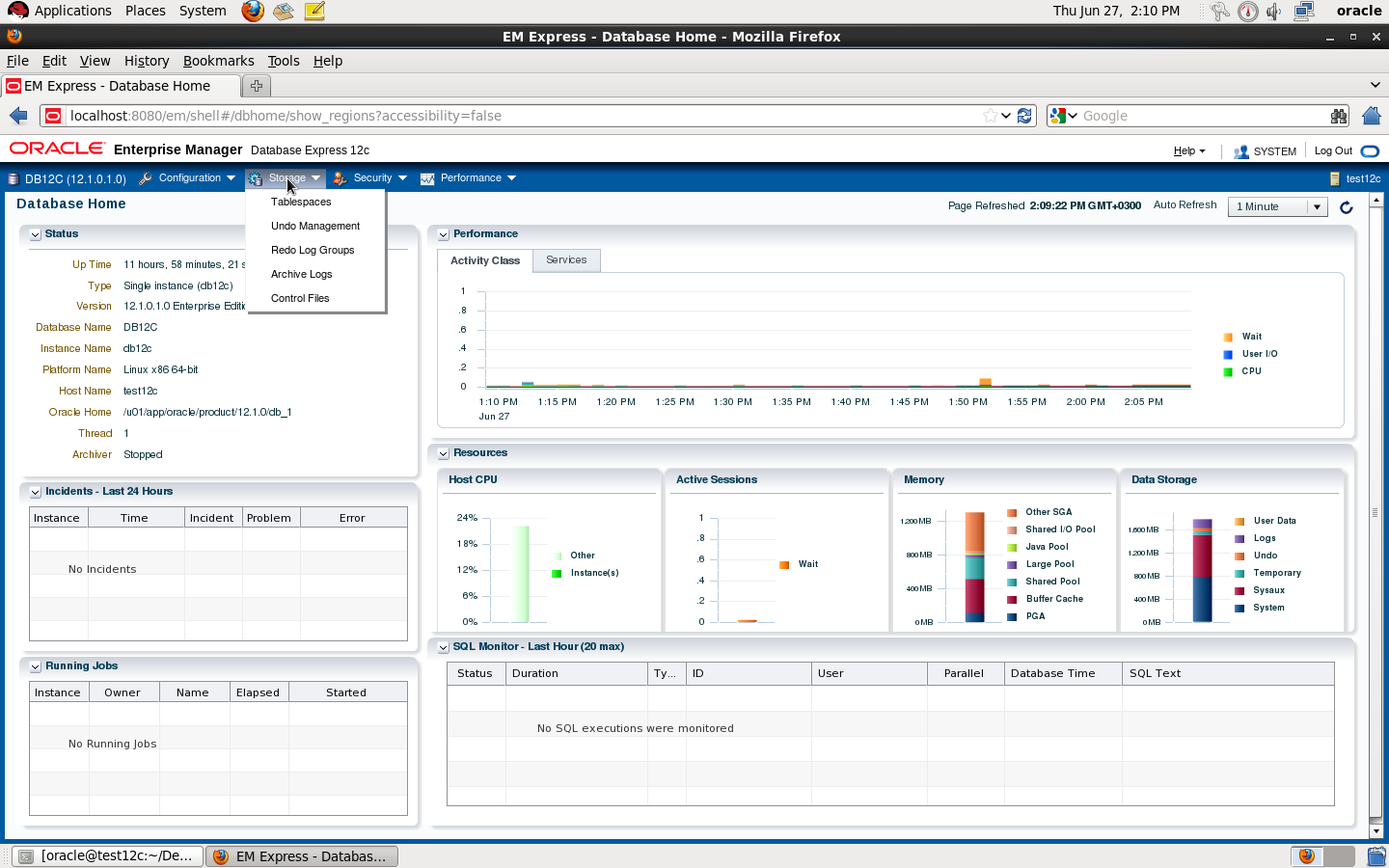
Check the below pictures that describe EM Express :
DBMS_XDB.setHTTPPort is deprecated
Thank you
Osama mustafa
SQL> create table test ( id number);
Table created.
SQL> create view test_vw as select * from test ;
View created.
SQL> create directory dump as ‘/u01/dump’;
Directory created.
SQL> grant read,write on directory dump to osama ;
Grant succeeded.
 Technology Geek