the version of the data that you are trying to import is not compatible with current dac version

This Error Appear On DAC Server when trying to Import Data  from the following :

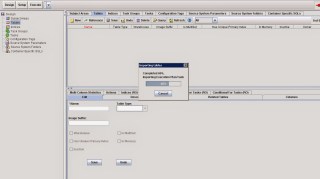
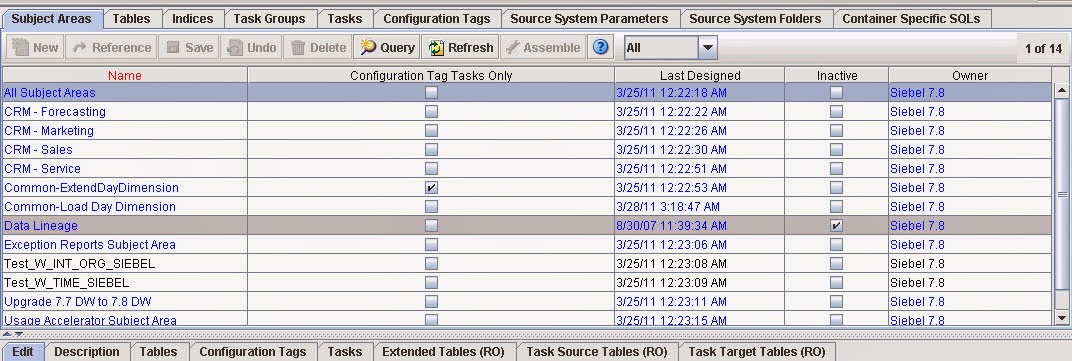
Tools –> DAC Repository Management –> import

This error appears :-

the version of the data that you are trying to import is not compatible with current dac version

After trying to many Solution with no luck , i discover new Solution for this error and it’s simple :-

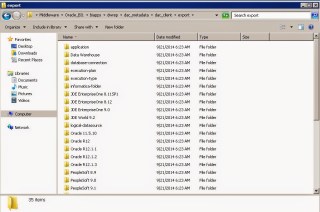
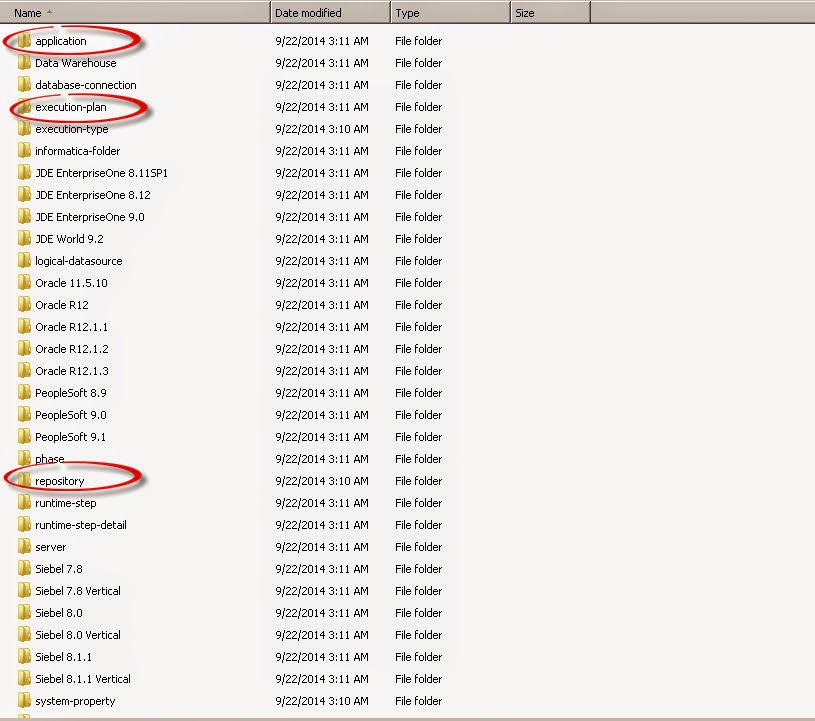
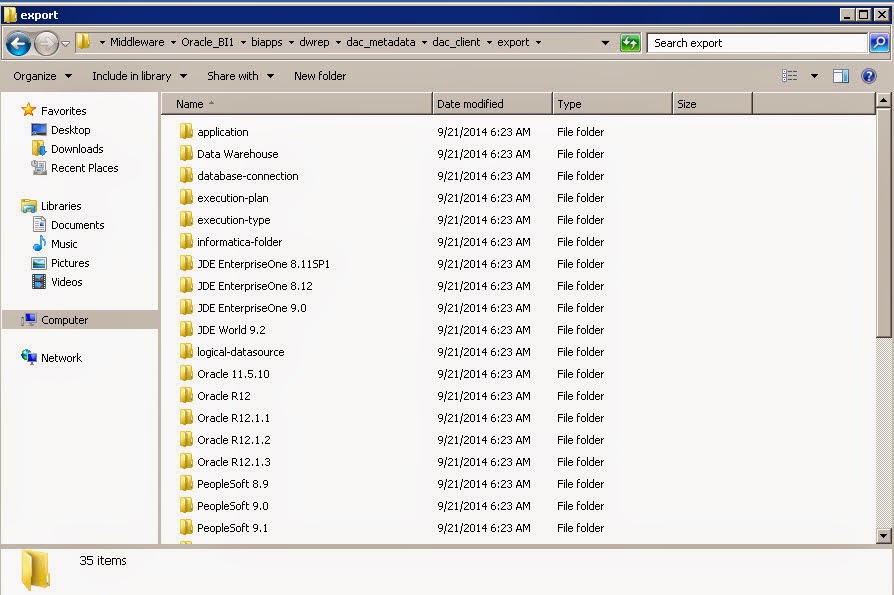
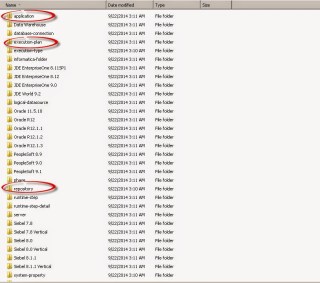
export from tools ( Empty files ) will generate 3 folder in DAC Folder Leave this folder without any copy or replace.

Now in my case i installed BIAPPS Copy the folder without Replace the old one.

after start copying the windows will ask dont replace these three folders DON’T REPLACE IT.


Start Import successfully.
Now The Import is done,
Thank you 
Osama Mustafa

java.lang.securityexception access denied. required roles admin

Weblogic Adminserver logs indicated to the below error :-

java.lang.securityexception access denied. required roles admin

To solve the above error, Follow the below steps :-

From the Navigation Tree –> Security Realms :-

New Page Will be Opened click on my Realms :-

From the configuration –> General 

Thank you 
Osama Mustafa

weblogic.socket.MaxMessageSizeExceededException

I recently encountered below error,Adminserver.log Indicate to :-

weblogic.socket.MaxMessageSizeExceededException: Incoming message of size: ‘10000080’ bytes exceeds the configured maximum of: ‘10000000’ bytes for protocol: ‘t3’.
weblogic.socket.MaxMessageSizeExceededException: Incoming message of size: ‘10000080’ bytes exceeds the configured maximum of: ‘10000000’ bytes for protocol: ‘t3’
        at weblogic.socket.BaseAbstractMuxableSocket.incrementBufferOffset(BaseAbstractMuxableSocket.java:230)
        at weblogic.rjvm.t3.MuxableSocketT3.incrementBufferOffset(MuxableSocketT3.java:351)
        at weblogic.socket.SocketMuxer.readFromSocket(SocketMuxer.java:989)
        at weblogic.socket.SocketMuxer.readReadySocketOnce(SocketMuxer.java:920)
        at weblogic.socket.SocketMuxer.readReadySocket(SocketMuxer.java:897)
        at weblogic.socket.EPollSocketMuxer.dataReceived(EPollSocketMuxer.java:215)
        at weblogic.socket.EPollSocketMuxer.processSockets(EPollSocketMuxer.java:177)
        at weblogic.socket.SocketReaderRequest.run(SocketReaderRequest.java:29)
        at weblogic.socket.SocketReaderRequest.execute(SocketReaderRequest.java:43)
        at weblogic.kernel.ExecuteThread.execute(ExecuteThread.java:145)
        at weblogic.kernel.ExecuteThread.run(ExecuteThread.java:117)

to fix this error follow the following steps :-

From Environment, Press on Adminserver  :-

Chose the tab like the below picture :-

Add the following parameter in arguments box, Save usually there is no need to restart :- 
Or if you would like change MaxMessageSize Directly from the console follow the below screen :-

Option #2 :- 
From the navigation tree :- 

Click on Module-FMWDFW

After choose the above tab, 3 options will be appear, press on each of them and Uncheck on Enable Watch  :-
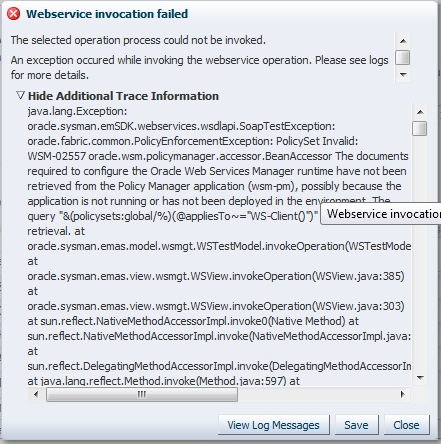
WSM-02557 When Trying to Deploy On SOA Server.

AdminServer indicates to the following error:-

AdminServer-diagnostic.log:[2014-07-16T10:40:43.681+02:00] [AdminServer] [ERROR] [WSM-02353] [oracle.wsm.resources.policymanager] [tid: [ACTIVE].ExecuteThread: ‘0’ for queue: ‘weblogic.kernel.Default (self-tuning)’] [userId: admin] [ecid: bf57ca3361a7ecd1:-39746f30:1473e26749c:-8000-000000000000026a,0] [APP: em] Unable to get the Action Executor.

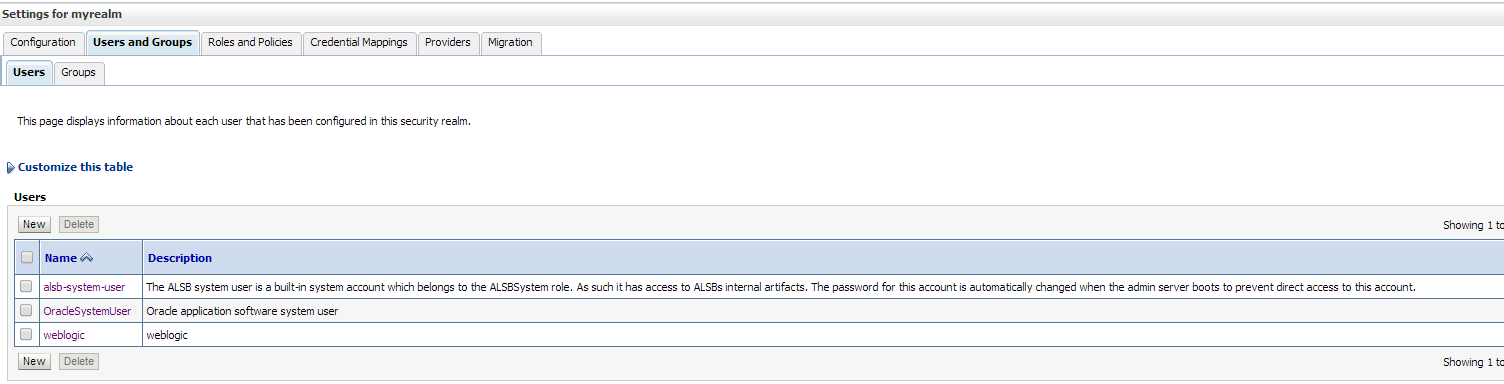
to solve this issue make sure the following Users were created in Weblogic console :-

From AdminConsole –> Security —> myrealms –> Choose Users and Group Tab.

Create the below user :-

OracleSystemUser

Create the below Group

OracleSystemGroup

The following Pictures describes users and Group ( how supposed to be ) :-

and assign this group to OracleSystemUser , Restart Console and managed Server Try again.

Thank you
Osama Mustafa

Oracle database Version 12.1.0.2

Oracle database Version 12.1.0.2 released today .. available to download.. The important new feature in this release is the Oracle Database In-Memory other new features…
Oracle Database In-Memory
Oracle Big Data SQL
Advanced Index Compression
Zone Maps
Approximate Count Distinct
Attribute Clustering
Full Database Caching
Rapid Home Provisioning

Download Here

Thank you
Osama Mustafa

[Security:090482]BAD_CERTIFICATE alert was received from Hostname

[Security:090482]BAD_CERTIFICATE alert was received from Hostname. Check the peer to determine why it rejected the certificate chain (trusted CA configuration, hostname verification). SSL debug tracing may be required to determine the exact reason the certificate was rejected.>
javax.net.ssl.SSLKeyException: [Security:090482]BAD_CERTIFICATE alert was received from Hostname. Check the peer to determine why it rejected the certificate chain (trusted CA configuration, hostname verification). SSL debug tracing may be required to determine the exact reason the certificate was rejected.
at com.certicom.tls.interfaceimpl.TLSConnectionImpl.fireException(Unknown Source)
at com.certicom.tls.interfaceimpl.TLSConnectionImpl.fireAlertReceived(Unknown Source)
at com.certicom.tls.record.alert.AlertHandler.handle(Unknown Source)
at com.certicom.tls.record.alert.AlertHandler.handleAlertMessages(Unknown Source)
at com.certicom.tls.record.MessageInterpreter.interpretContent(Unknown Source)
at com.certicom.tls.record.MessageInterpreter.decryptMessage(Unknown Source)
at com.certicom.tls.record.ReadHandler.processRecord(Unknown Source)
at com.certicom.tls.record.ReadHandler.readRecord(Unknown Source)
at com.certicom.tls.record.ReadHandler.readUntilHandshakeComplete(Unknown Source)
at com.certicom.tls.interfaceimpl.TLSConnectionImpl.completeHandshake(Unknown Source)
at com.certicom.tls.record.ReadHandler.read(Unknown Source)
at com.certicom.io.InputSSLIOStreamWrapper.read(Unknown Source)
at sun.nio.cs.StreamDecoder.readBytes(StreamDecoder.java:264)
at sun.nio.cs.StreamDecoder.implRead(StreamDecoder.java:306)
at sun.nio.cs.StreamDecoder.read(StreamDecoder.java:158)
at java.io.InputStreamReader.read(InputStreamReader.java:167)
at java.io.BufferedReader.fill(BufferedReader.java:136)
at java.io.BufferedReader.readLine(BufferedReader.java:299)
at java.io.BufferedReader.readLine(BufferedReader.java:362)
at weblogic.nodemanager.server.Handler.run(Handler.java:71)
at java.lang.Thread.run(Thread.java:662)

You need to recreate the certification again :-
Depend on your Operating system :-

$WL_HOME/server/bin/setWLSEnv.sh Or setWLSEnv.cmd

cd $WL_HOME/server/lib

 Copy DemoIdentity.jks to another directory as backup.

then inside the WLS_HOME/server/lib run:-

Generate the private key.

java utils.CertGen -keyfilepass DemoIdentityPassPhrase -certfile newcert -keyfile newkey 

Import the key generated

java utils.ImportPrivateKey -keystore DemoIdentity.jks -storepass DemoIdentityKeyStorePassPhrase -keyfile newkey.pem -keyfilepass DemoIdentityPassPhrase -certfile newcert.pem -alias demoidentity 

 Restart AdminConsole and Nodemanager and try to start managed server.

Thank you
Osama mustafa

Timesten 15022: OraclePwd connection attribute

con1: Command> call ttgridcreate (‘samplegrid’);
15022: OraclePwd connection attribute needs to be specified and has to be non-empty for using IMDB Cache features
 5109: Cache Connect general error: BDB connections not open.

As you see from the error,The OraclePWD connection attribute is not specified. which mean caching will not be enabled till you are set OraclePWD parameter , to do this reconnect with the following connection :-

connect “dsn=tt_orcldwh;uid=cacheadm;OraclePWD=cacheadm”;

Run your command again

Thank you
Osama Mustafa